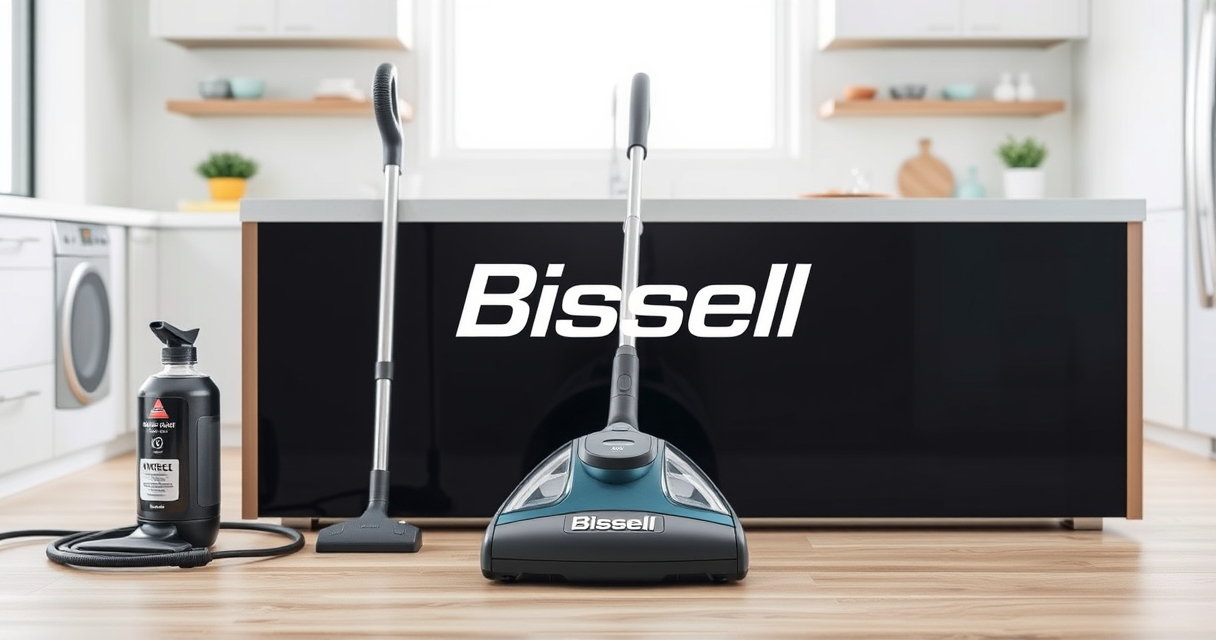
If your Bissell carpet cleaner is leaving water on your carpets instead of drying them, it can be frustrating. This common problem usually stems from issues with the suction system, clogged filters, or worn-out parts. Fortunately, with some simple troubleshooting steps, you can often fix the problem yourself and get your cleaner back to peak performance.
In this guide, we’ll walk through practical, step-by-step instructions to identify the cause of water residue and how to resolve it safely. Whether you’re using the BISSELL ProHeat 2X Revolution Pet Turbo or another model, these tips will help you ensure your machine operates efficiently, providing a professional-grade clean every time.
Key Takeaways
| Check for clogs | Clogged filters or hoses can reduce suction, causing excess water. |
| Inspect the suction path | Blockages or damage in the vacuum pathway hinder water pickup. |
| Examine the water tank | Ensure the water tank is correctly seated and not leaking. |
| Test the brushes and belts | Worn brushes or belts may affect cleaning efficiency and water removal. |
| Perform regular maintenance | Cleaning filters and replacing worn parts prevents future issues. |

BISSELL ProHeat 2X Revolution Pet Turbo Upright Carpet Cleaner, 35799
- Motor Technology: 40% more suction, quieter operation
- Max Clean Mode: Removes dirt, stains, allergens
- Express Clean Mode: Dries carpets in 30 minutes
As an affiliate, we earn on qualifying purchases.
Step 1: Turn Off and Unplug Your Machine
Before starting any troubleshooting, ensure your Bissell carpet cleaner is turned off and unplugged from the power source. This step is crucial for your safety and to prevent further damage to the machine.
Remove the power cord and allow the machine to cool down if recently used. This gives you a safe workspace to inspect and handle internal components without risk.
Step 2: Empty and Rinse the Water Tank
- Detach the clean water tank from the machine following the manufacturer’s instructions.
- Empty any remaining water and debris from the tank.
- Rinse the tank thoroughly with clean water to remove dirt or buildup that might cause clogs or leaks.
- Check for cracks or damage in the tank, as these can lead to leaks and water residue on carpets.
- Reinstall the tank securely, ensuring it clicks into place properly.
Step 3: Inspect and Clean Filters and Hoses
Filters play a vital role in maintaining suction and preventing debris from clogging the system. Remove the filters from your cleaner, and rinse them with warm water. Allow them to dry completely before reinstalling.
Check all hoses and tubes for blockages or kinks. Use a long, flexible brush or a pipe cleaner to clear any obstructions. Damaged hoses should be replaced to restore proper water flow.
Cleaning these components helps improve suction, reducing water left behind on carpets.
Step 4: Examine the Brush Roll and Belt
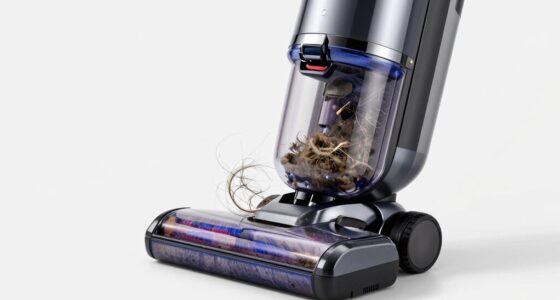
Worn or damaged brushes and belts can impede the machine’s ability to lift water and debris effectively. Remove the brush roll and inspect for hair, string, or debris tangled around the bristles.
Clean the brush roll thoroughly and replace it if the bristles are worn down or the brush is damaged. Also, check the belt for cracks or looseness, replacing it if necessary.
A clean and properly functioning brush roll helps in better dirt extraction and prevents water from pooling on your carpets.
Step 5: Test Suction and Reassemble
After cleaning and inspecting all components, reassemble your cleaner carefully. Fill the water tank and run a test cleaning on a small, inconspicuous area.
Observe the suction performance. If water is still left on the carpet, double-check for any overlooked clogs or leaks.
If the problem persists, consider replacing worn parts or contacting a professional repair service.
The Products in This Guide

BISSELL ProHeat 2X Revolution Pet Turbo Upright Carpet C
- ✔ Power: TurboStrength Motor
- ✔ Modes: MAX and Express
- ✔ Technology: HeatWave

JORAIR Brush Replacement Compatible
- ✔ Compatibility: Multiple CrossWave models
- ✔ Package Includes: Brush rolls and filters
- ✔ Size: 9.84 x 1.34 x 1.34 inches
BISSELL ProHeat 2X Revolution Pet Turbo Upright Carpet C
The BISSELL ProHeat 2X Revolution Pet Turbo is a top-rated upright carpet cleaner, known for its strong suction power and advanced Heatwave technology. While it generally performs well, issues like water residue can occur due to clogged filters or hoses. Regular maintenance is key to keeping it functioning optimally.
Pros:
- Strong 40% more suction power
- Effective pet stain removal
- Heatwave technology maintains water temperature
- Quiet operation with 50% noise reduction
Cons:
- Can leak if not properly assembled
- Filters may clog over time
- Requires regular maintenance to prevent water left behind
Best for: Pet owners and those with heavily soiled carpets
Not ideal for: Light cleaning tasks or delicate carpets
Bottom line: Regular maintenance and prompt troubleshooting can resolve water residue issues effectively.
JORAIR Brush Replacement Compatible
The JORAIR Brush Replacement Compatible set is a great upgrade for your Bissell cleaner, especially if your brushes are worn or tangled. It ensures consistent cleaning performance and helps prevent water from lingering on carpets.
Pros:
- Compatible with multiple Bissell models
- Includes filters and cleaning brush
- Affordable and easy to install
- Improves suction and dirt removal
Cons:
- Only compatible with specific models
- Requires periodic replacement
- Does not include the main machine
Best for: Maintaining optimal suction and cleaning efficiency
Not ideal for: Complete machine repairs or internal components
Bottom line: Replacing worn brushes and filters keeps your Bissell cleaner performing at its best.
Frequently Asked Questions
Why does my Bissell cleaner leave water on the carpet?
This issue often occurs due to clogged filters, hoses, or worn-out brushes that reduce suction, preventing proper water pickup.
How often should I clean the filters?
It is recommended to clean filters after every few uses, especially if you notice reduced suction or water residue. Replace them if they become damaged or excessively clogged.
Can I fix my Bissell cleaner myself?
Yes, many issues like clogs, filter cleaning, and brush replacement are manageable with basic tools and careful inspection. However, for internal repairs, professional service may be needed.
Is it safe to use my Bissell cleaner with dirty water?
No, always empty and rinse the water tank after each use to prevent buildup and ensure optimal cleaning performance.
What parts are most likely to cause water issues?
Filters, hoses, and the brush roll are the most common parts that can cause water to be left behind if they are clogged, damaged, or worn out.
Keep Your Carpet Cleaner Running Smoothly
Regular maintenance and prompt troubleshooting are the keys to preventing and fixing water residue issues in your Bissell carpet cleaner. By inspecting filters, hoses, and brushes regularly, you can extend the lifespan of your machine and ensure it continues to deliver professional-grade results. If problems persist despite your efforts, replacing worn parts or consulting a professional can make a significant difference. With these steps, you’ll keep your carpets clean and dry, saving time and effort in your cleaning routine.
Affiliate disclosure: As an Amazon Associate we earn from qualifying purchases. Prices and availability are accurate as of the time of publishing.