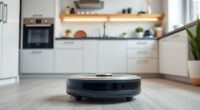
If your Roborock Q10 S5+ isn’t mopping properly, it can be frustrating, especially with its advanced sonic mopping system. Sometimes, simple adjustments or maintenance steps are needed to restore optimal performance. This guide provides clear, practical steps to troubleshoot and fix common mopping issues.

Get cleaning gear delivered free with Prime
- Fast, free delivery on millions of items
- Prime Video, Amazon Music and more included
- Member-only deals all year
Follow these instructions carefully to ensure your robot operates smoothly and continues to keep your floors spotless.
Key Takeaways
| Check water tank and mop pads | Ensure the water tank is filled and mop pads are clean and installed correctly. |
| Inspect for obstructions | Remove any debris or obstacles blocking the mopping path. |
| Update firmware and reset | Keep your robot’s software up-to-date and perform a reset if needed. |
| Verify mopping settings | Make sure the mopping mode is enabled and properly configured in the app. |
Step 1: Check the Water Tank and Mop Pads
- Remove the water tank from the robot and ensure it is filled with clean water up to the indicated level.
- Inspect the mop pads (such as the VIEWALL 6 Pack Reusable Mop Pads) for dirt or wear. Wash or replace them if necessary.
- Reinstall the water tank securely and attach the mop pads properly to avoid leaks or misalignment.
Step 2: Clear Obstructions and Clean Sensors
- Check the mopping path for any debris, tangled hair, or obstructions that could impede movement.
- Wipe the obstacle avoidance sensors with a soft cloth to remove dust or dirt that might hinder navigation.
Step 3: Update Firmware and Reset the Robot
- Open the Roborock app and verify if a firmware update is available. Install it if so.
- If the firmware is current, perform a factory reset via the app or the robot’s settings menu.
Step 4: Confirm Mopping Settings in the App
Make sure the mopping feature is enabled and set to your preferred level. Adjust the water flow and mopping intensity if options are available.
Additional Tips and Warnings
- Regularly clean the water tank and mop pads to prevent clogging and ensure consistent mopping performance.
- Avoid using harsh chemicals in the water tank, as they could damage the sonic mopping system.
- If problems persist, contact Roborock customer support for assistance.
The Products in This Guide

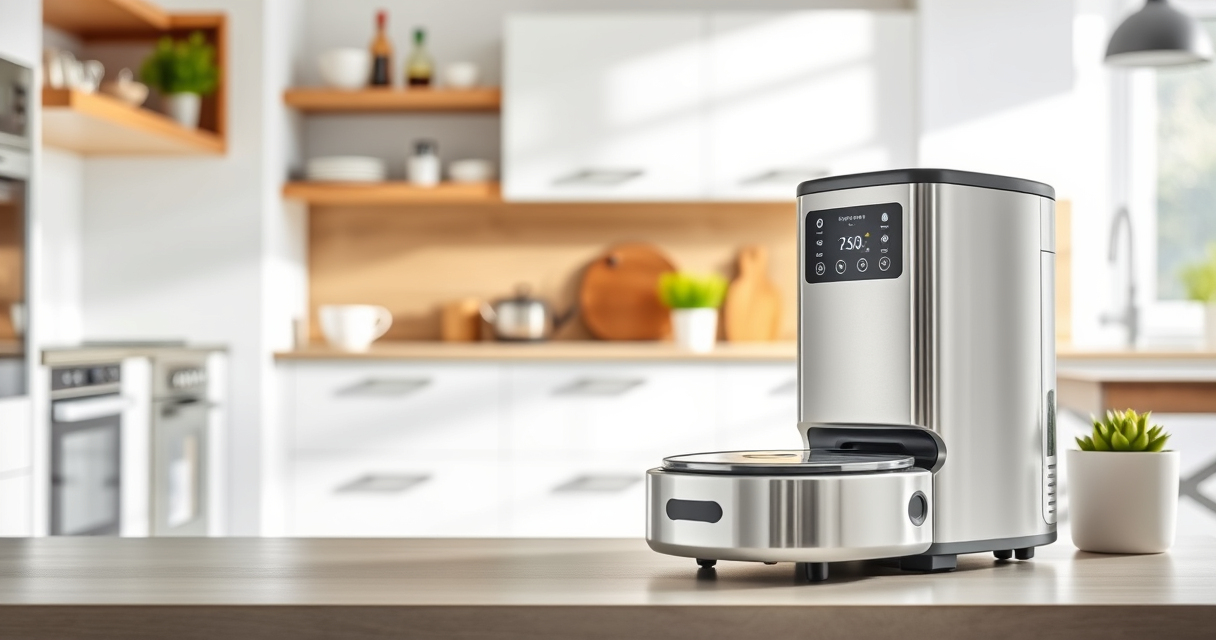
roborock Q10 S5+ Robot Vacuum and Mop
- ✔ Dust Capacity: 2.7L
- ✔ Self-Emptying: Up to 70 days
- ✔ Suction Power: 10,000 Pa

4 Pack Washable Filter
- ✔ Filter Material: HEPA
- ✔ Pack Size: 4 filters
- ✔ Compatibility: Multiple Roborock models
roborock Q10 S5+ Robot Vacuum and Mop
The Roborock Q10 S5+ Robot Vacuum and Mop offers 10,000 Pa of suction, obstacle avoidance, and Sonic Mopping technology, making it an excellent choice for thorough cleaning. Its self-emptying station provides up to 70 days of maintenance-free operation, suitable for busy households.
Pros:
- Strong 10,000 Pa suction
- Self-emptying station
- Obstacle avoidance system
- Sonic mopping technology
Cons:
- May require regular mop pad replacement
- Complex setup for new users
- Higher price point
Best for: Pet owners and busy households needing reliable cleaning
Not ideal for: Users looking for very lightweight or budget options
Bottom line: A highly capable robot vacuum that combines powerful suction and smart mopping features for comprehensive cleaning.
4 Pack Washable Filter
The 4 Pack Washable Filter set for Roborock models enhances filtration efficiency and is easy to clean and reuse, helping your robot maintain optimal performance.
Pros:
- Reusable and washable
- Compatible with multiple models
- Maintains high filtration standards
- Cost-effective in the long run
Cons:
- Requires regular cleaning
- Not OEM but performs similarly
- Replacement needed every few months
Best for: Pet owners and allergy sufferers
Not ideal for: Users seeking OEM filters only
Bottom line: A reliable washable filter set that keeps your Roborock performing at its best.
Frequently Asked Questions
Why isn’t my Roborock mopping properly?
Common reasons include a clogged water tank, dirty mop pads, obstructions, or incorrect settings. Follow the troubleshooting steps to resolve these issues.
How often should I clean or replace the mop pads?
It’s recommended to wash the mop pads every 1-3 months, or sooner if they appear dirty or worn, to maintain effective cleaning.
Can I use any water in the tank?
Use clean, room-temperature water. Avoid harsh chemicals, as they can damage the sonic mopping system.
What should I do if the robot still won’t mop after troubleshooting?
Reset the robot, update firmware, and ensure settings are correct. If issues persist, contact Roborock support for professional assistance.
Achieve Perfect Mopping Every Time
With proper maintenance and troubleshooting, your Roborock Q10 S5+ can deliver consistent, efficient mopping performance. Regularly checking water levels, cleaning mop pads, and keeping sensors clear will help ensure your robot stays in top shape. Don’t hesitate to reach out to support if problems persist; your floors deserve the best care possible.
Affiliate disclosure: As an Amazon Associate we earn from qualifying purchases. Prices and availability are accurate as of the time of publishing.
Halloween Picks
halloween
As an affiliate, we earn on qualifying purchases.