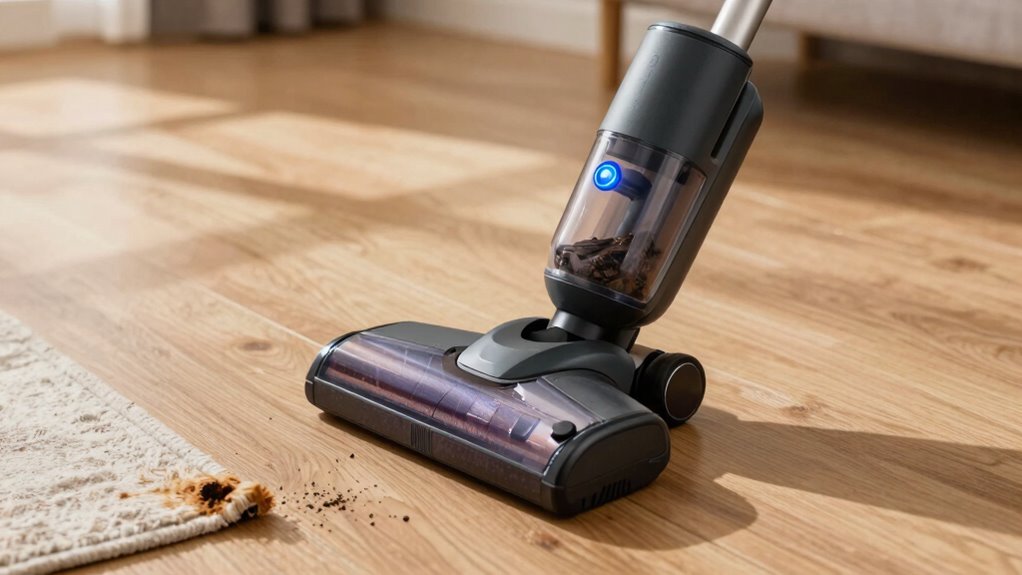
Using maximum power constantly on your cordless vacuum wears out the battery faster and causes stress on its components. It accelerates battery drain, leading to shorter runtime and earlier replacements. Overuse at high power also risks overheating and damaging the motor, reducing the device’s lifespan. Instead, adjusting the power level based on the mess can improve efficiency and protect your vacuum. Keep going, and you’ll discover ways to optimize both performance and longevity.

Get cleaning gear delivered free with Prime
- Fast, free delivery on millions of items
- Prime Video, Amazon Music and more included
- Member-only deals all year
Key Takeaways
- Constant maximum power accelerates battery drain and shortens overall device lifespan.
- High power usage causes motor overheating and increases wear on internal components.
- Running at maximum power frequently leads to louder noise and less user comfort.
- Overusing maximum power reduces cleaning efficiency, as lower settings can often handle typical messes.
- Sustained high power usage results in faster battery degradation and increased maintenance needs.

Many cordless vacuum users default to using maximum power settings constantly, but doing so can lead to quicker battery drain and potential long-term issues with the device. When you rely on the highest setting all the time, you put unnecessary stress on the battery, accelerating battery degradation. Over time, this reduces the overall lifespan of your vacuum’s battery, meaning you’ll need to replace it sooner than expected. Instead of prolonging cleaning sessions, you might find yourself charging the vacuum more frequently, which isn’t just inconvenient but can also wear out the battery faster. If you want your vacuum to last longer, it’s best to use lower or medium power settings whenever possible, reserving maximum power for tougher messes. Using maximum power constantly also impacts noise levels. Higher settings generate considerably more noise, making your cleaning sessions less comfortable, especially if you’re in a shared space or if noise bothers you or your family members. The loud operation can be disruptive, and over time, the constant exposure to high noise levels might become tiresome or even stressful. If you prefer a quieter environment, switching to a lower setting can make a noticeable difference without sacrificing too much cleaning power. You can tackle everyday dirt with a gentle setting, reserving maximum power for stubborn debris or deep cleaning tasks. Another problem with always running on maximum power is that it can cause unnecessary wear and tear on the vacuum’s motor and other components. The more you push the device to its limits, the faster it can become less efficient or start to malfunction. This increased strain may lead to motor overheating or early component failure, both of which could cost you money in repairs or replacements. By moderating your vacuum’s power, you help protect its internal parts, keeping it in good condition for longer. Additionally, many users are unaware of how battery health can be compromised by constant high-power use. Proper battery management practices, such as avoiding prolonged high-power operation, are essential to maintaining optimal performance. Furthermore, understanding battery degradation can help you make smarter choices about when to use maximum power. Ultimately, it’s about balance. Using maximum power sparingly can help preserve the battery’s health, reduce noise levels, and prevent premature wear on the device. Instead of defaulting to the highest setting every time, assess your cleaning needs and adjust accordingly. This approach not only extends your vacuum’s lifespan but also makes your cleaning sessions more pleasant and efficient. Remember, power isn’t everything—smart usage is key to maintaining your cordless vacuum’s performance over time.
cordless vacuum battery replacement
As an affiliate, we earn on qualifying purchases.
As an affiliate, we earn on qualifying purchases.
Frequently Asked Questions
How Does Maximum Power Affect Battery Lifespan in Cordless Vacuums?
Using maximum power constantly accelerates battery degradation because it puts extra stress on the battery cells. This reduces overall lifespan and means you’ll need to replace or recharge your vacuum’s battery more often. Good power management, like switching to lower settings when possible, helps preserve your battery’s health and prolongs its lifespan, ensuring your cordless vacuum stays effective for longer periods between charges.
Can Using Maximum Power Reduce the Vacuum’s Overall Cleaning Efficiency?
Using maximum power can actually reduce your vacuum’s overall cleaning efficiency. Higher power consumption might seem beneficial, but it often leads to quicker battery drain and overheating, which can impair performance over time. Instead, focusing on energy efficiency helps your vacuum work effectively without sacrificing suction power. So, running it at lower settings when possible ensures better cleaning results, longer battery life, and consistent performance.
Are There Safety Concerns With Constantly Using Maximum Power?
Sure, you can blast your cordless vacuum at max power endlessly—what could possibly go wrong? But in reality, constantly pushing the limits risks battery health deterioration and poor power management, leading to overheating or even fire hazards. Your vacuum’s safety and longevity depend on smart power use. So, unless you enjoy replacing batteries or risking safety, it’s wise to use maximum power sparingly and stay mindful of those hidden dangers.
How Does Maximum Power Impact Noise Levels During Operation?
Using maximum power increases the sound levels of your cordless vacuum, making it louder during operation. This higher noise output can contribute to noise pollution, especially if you vacuum frequently or in shared spaces. You might find it disruptive or uncomfortable, and it could disturb others nearby. To reduce noise pollution, it’s better to use lower power settings when possible, reserving maximum power for stubborn dirt or tough spots.
What Are the Best Practices for Switching Power Modes Effectively?
To switch power modes effectively, start with a battery calibration to make certain accurate power readings. When selecting a power mode, choose the appropriate setting for your cleaning task—use maximum power for tough spots and lower modes for light cleaning. Regularly calibrate your battery and monitor usage to optimize battery life. This approach helps you conserve energy and maintain consistent performance without unnecessary strain on your vacuum.
As an affiliate, we earn on qualifying purchases.
Conclusion
Pushing your cordless vacuum to maximum power all the time is like running a marathon on a sprint—exhausting and unsustainable. Over time, it drains the battery’s soul, leaving you stranded in the middle of your cleaning. Instead, think of it as a gentle dance—use power wisely, conserve energy, and extend your vacuum’s life. By doing so, you’ll keep your cleaning partner ready to tackle messes, not burn out after the first few minutes.
adjustable power cordless vacuum
As an affiliate, we earn on qualifying purchases.
As an affiliate, we earn on qualifying purchases.
As an affiliate, we earn on qualifying purchases.
Halloween Picks
halloween
As an affiliate, we earn on qualifying purchases.