If your steam mop isn’t steaming, start by checking for blockages in the water tank, vents, or nozzles and clear any debris. Make sure the water tank is filled properly and the device is plugged into a working outlet. Test the heating element with a multimeter, and reset or descale your mop if needed. If these steps don’t help, explore more troubleshooting tips to get your steam mop back in action.

Get cleaning gear delivered free with Prime
- Fast, free delivery on millions of items
- Prime Video, Amazon Music and more included
- Member-only deals all year
Key Takeaways
- Ensure the water tank is filled, securely attached, and free of blockages or mineral deposits.
- Check the power source, cord condition, and that the device is turned on with proper settings.
- Clean steam vents and nozzles regularly to prevent clogs caused by mineral buildup.
- Inspect the heating element for damage or loss of continuity, and test with a multimeter if necessary.
- Perform descaling using vinegar or descaling solutions to remove mineral deposits that hinder steam production.
steam mop water tank replacement
As an affiliate, we earn on qualifying purchases.
As an affiliate, we earn on qualifying purchases.
Why Isn’t My Steam Mop Steaming? Quick Fixes & Troubleshooting
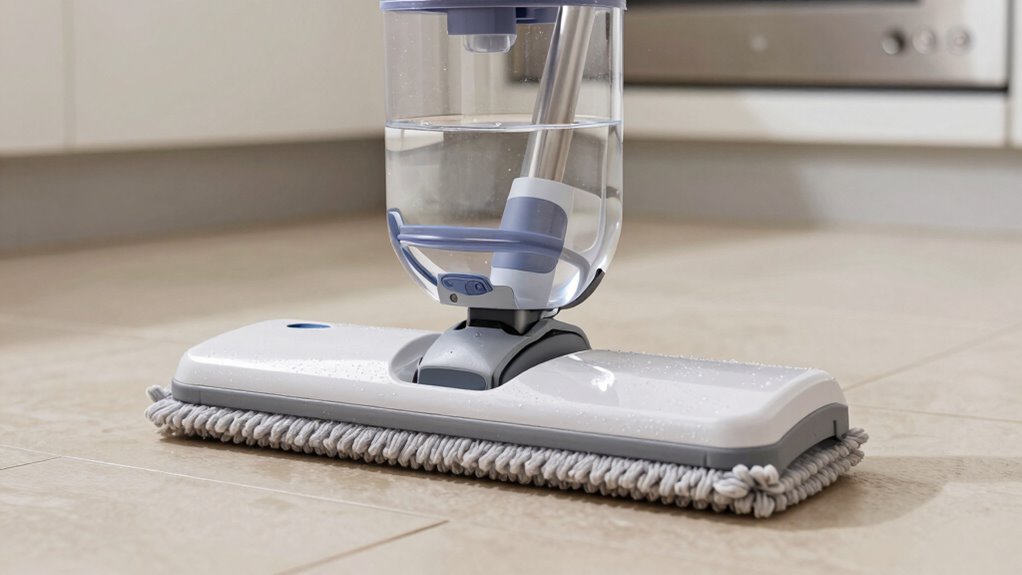
If your steam mop isn’t steaming, the issue is often simple to fix. Start with basic steam mop maintenance by checking that the water tank is filled properly and securely attached. Sometimes, incorrect assembly or low water levels can prevent steam production. Perform user troubleshooting by ensuring the power source is working and the device is turned on correctly. Also, verify that the steam control settings aren’t turned off or set too low. Regularly cleaning the steam vents and nozzles can prevent clogs that block steam flow. If these simple steps don’t resolve the problem, consider inspecting the power cord and switches for damage. Additionally, proper maintenance practices can help ensure your steam mop functions efficiently over time. Ensuring the water heating element is functioning properly can also prevent steaming issues. Performing regular maintenance on your steam mop can extend its lifespan and improve performance. Addressing these common issues can often restore your steam mop’s steaming ability without needing professional help. Regularly checking and maintaining the steam vents and nozzles ensures optimal performance and longevity of your device.
As an affiliate, we earn on qualifying purchases.
Check and Clear Blockages in Your Steam Mop Water Tank
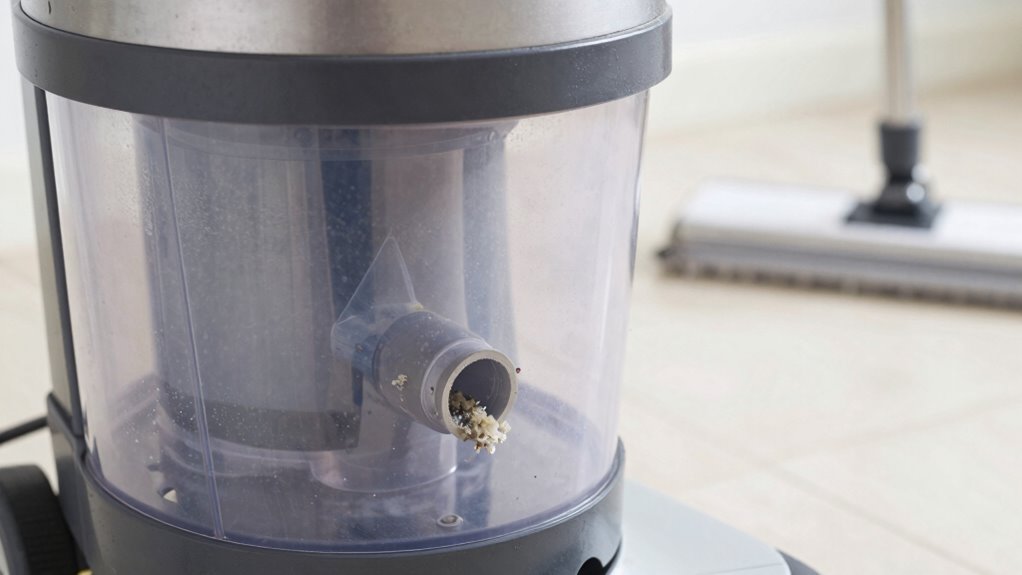
If your steam mop isn’t producing steam, start by checking the water inlet for blockages. Carefully inspect for debris or buildup that could restrict water flow. Clearing any obstructions can often restore proper steaming performance. Additionally, water flow efficiency can be affected by mineral deposits or scale buildup, so consider descaling your device if necessary. Regular maintenance, including using appropriate cleaning solutions, can help prevent such issues from recurring. Ensuring your device has smart features like automatic alerts for maintenance needs can also help keep it functioning optimally. Recognizing common causes of steaming issues can further assist in troubleshooting effectively. Moreover, inspecting the water tank for cracks or leaks can prevent pressure loss that affects steam production.
Blocked Water Inlet
A blocked water inlet can prevent your steam mop from producing steam, so it’s important to inspect this component first. When the water flow is obstructed, it can lead to insufficient steam output or no steam at all. Check for nozzle blockage or debris that may be clogging the inlet. To troubleshoot:
- Remove the water tank and examine the inlet for any visible blockages or buildup.
- Use a small brush or toothpick to clear out any debris inside the inlet opening.
- Rinse the inlet with warm water to ensure no obstructions remain.
- Verify that the water inlet is free from mineral deposits or corrosion, which can also impede water flow and impact steam production.
- Regular maintenance and descaling can help prevent mineral buildup that causes clogged water inlets. This process enhances overall steam efficiency and prolongs the lifespan of your appliance.
- Properly maintaining your steam mop by checking the water inlet regularly can help identify potential problems early and avoid steam performance issues.
Ensuring the water flow isn’t hindered allows steam to pass through properly, restoring your mop’s steaming ability. Clearing blockages here is a simple step that can solve the no steam problem quickly.
Inspect and Remove Debris
To guarantee your steam mop produces consistent steam, you should carefully inspect the water tank for debris or blockages. Dirt, mineral buildup, or leftover residue from previous mop cleaning can clog the water flow. Remove any visible debris and rinse the tank thoroughly. Regularly checking your steam mop storage and cleaning it helps prevent future blockages. Ensuring your equipment is well-maintained can also optimize its performance and durability. Incorporating proper cleaning techniques into your maintenance routine can reinforce the importance of regular care and prolong your device’s lifespan. Additionally, using distilled water can help reduce mineral deposits and keep the water flow unobstructed. Being aware of common causes of clogs can further aid in troubleshooting and maintaining your steam mop effectively.
steam mop nozzles and vents cleaning kit
As an affiliate, we earn on qualifying purchases.
As an affiliate, we earn on qualifying purchases.
Test the Heating Element to Ensure It’s Working Properly
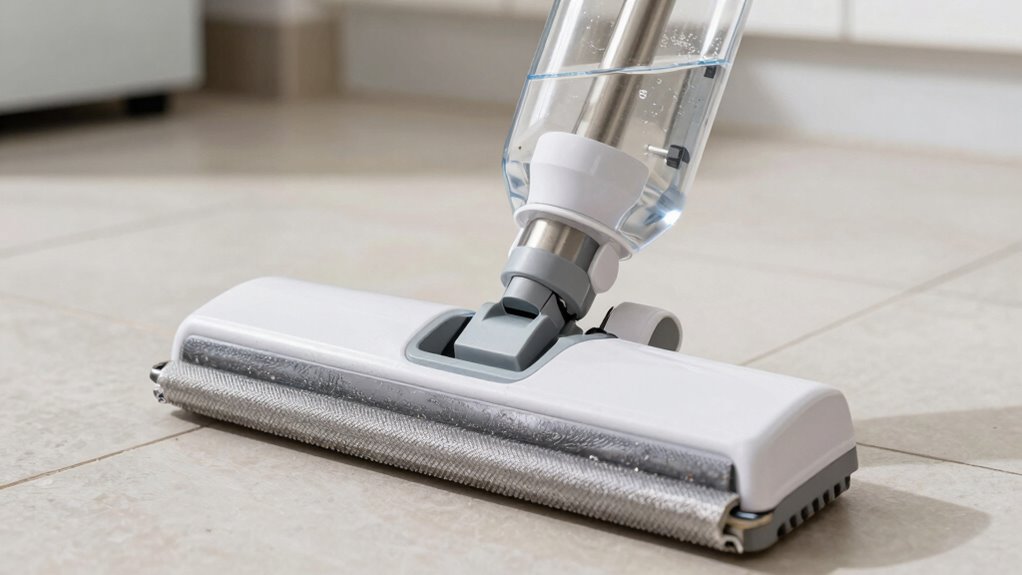
When your steam mop isn’t producing steam, the heating element might be the culprit. To confirm, you should perform heating element testing to check if it’s functioning properly. First, unplug the mop and locate the heating element. Then, use a multimeter to test for electrical continuity—if the multimeter shows no continuity, the element is faulty. Second, inspect the element for visible damage like cracks or burn marks. Third, ensure that connections are secure and free of corrosion. Additionally, consulting the user manual can provide specific guidance on testing procedures for your model. Proper diagnostic methods are essential for accurate identification of issues. Conducting these simple checks helps you determine if the heating element is the problem, ensuring your steam mop works effectively again. Regular maintenance and understanding common causes of malfunction can help prevent future issues. Being aware of electrical safety precautions during testing is also important to avoid potential hazards. Remember that proper safety procedures should always be followed when working with electrical components to prevent injury or damage.
multimeter for heating element testing
As an affiliate, we earn on qualifying purchases.
As an affiliate, we earn on qualifying purchases.
Make Sure Your Power Cord and Supply Are Working

Is your steam mop still not steaming even after checking the heating element? The next step is to verify your power cord and power supply. Make sure the power cord is securely plugged into a working outlet. Sometimes, a loose connection can prevent your steam mop from turning on or heating properly. Check the outlet by plugging in another device to confirm it’s providing power. If your mop has a power switch, ensure it’s turned on. Also, inspect the power cord for any visible damage like frays or cuts—damaged cords can cause power issues and are safety hazards. If everything looks good but your steam mop still isn’t working, try plugging it into a different outlet to rule out supply problems. Additionally, understanding the electrical safety considerations can help prevent potential hazards when troubleshooting power issues.
Reset and Descale Your Steam Mop for Better Performance
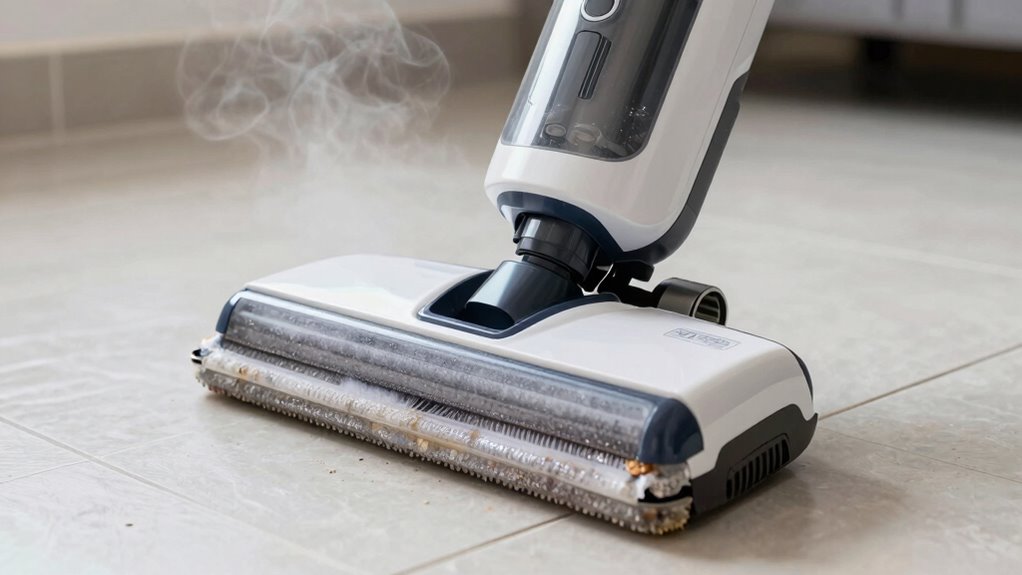
To improve your steam mop’s performance, start by resetting the device to clear any minor glitches. Next, use proper descaling techniques to remove mineral buildup that can block steam flow. These steps can restore your mop’s steaming power and guarantee it works efficiently again.
Proper Descaling Techniques
Over time, mineral deposits and scale buildup can clog your steam mop’s internal components, reducing its ability to generate steam effectively. To maintain ideal performance, proper descaling is essential. Start by using a descaling solution or a mixture of equal parts water and white vinegar. Here are some tips:
- Fill the water tank with your descaling mixture and run the steam mop until the tank is empty.
- Rinse thoroughly with clean water to remove any residue.
- Adjust your descaling frequency based on your water mineralization level—hard water requires more frequent descaling.
Regular descaling prevents mineral buildup, ensuring consistent steam output. Remember, the more mineralized your water, the more often you’ll need to descale your steam mop for peak performance.
Resetting Your Device
Resetting your steam mop can often resolve steaming issues and improve overall performance. Start by unplugging the device and allowing it to cool down. Check the battery maintenance, especially if your model is cordless—recharge or replace the batteries if needed. Proper cord storage also helps prevent damage; coil the cord neatly to avoid internal wear or short circuits. Many steam mops have reset buttons—press and hold these for a few seconds to reset the system. This can clear minor errors and reset internal components. After resetting, run a descaling process if necessary. Regular maintenance, including resetting and proper cord storage, keeps your steam mop functioning efficiently, ensuring consistent steam output and prolonging its lifespan.
When to Seek Professional Repairs or Consider Replacing Your Steam Mop

When your steam mop stops producing steam despite troubleshooting efforts, it may be time to contemplate professional repair or replacement options. If basic fixes like cleaning or descaling haven’t worked, a professional repair can diagnose deeper issues with the heating element or internal components. Consider replacing your steam mop if it’s outdated, shows signs of wear, or if repairs cost nearly the price of a new unit. Here are some signs it’s time to act:
- The device no longer heats up after multiple repairs.
- You’ve tried all troubleshooting steps with no success.
- The cost of repair exceeds or nearly matches the price of a new steam mop.
Making these decisions ensures you get a reliable, efficient cleaning tool and avoid ongoing frustration.
Frequently Asked Questions
How Often Should I Descale My Steam Mop?
You should descale your steam mop every 1-3 months, depending on water hardness. If you have hard water, you’ll need to descale more frequently to prevent mineral buildup that can block steam flow. Regular descaling guarantees your mop continues to produce consistent steam and works efficiently. To determine the right frequency, monitor your water type and usage, and descale accordingly to keep your steam mop in top condition.
Can Using Tap Water Damage My Steam Mop?
Using tap water in your steam mop is like inviting mineral buildup to a party—it can clog and damage your device. Tap water contains minerals that can accumulate inside, leading to reduced steaming power or even permanent damage over time. To protect your mop, consider using distilled or demineralized water. This simple step helps prevent mineral buildup, keeps your steam mop functioning smoothly, and extends its lifespan.
What Safety Precautions Should I Take When Repairing My Steam Mop?
When repairing your steam mop, you should prioritize electrical safety by unplugging it before starting. Always handle tools properly, using insulated gloves if necessary, to prevent shocks or injuries. Work in a dry, well-lit area to avoid accidents, and follow the manufacturer’s instructions carefully. If unsure, consider consulting a professional to guarantee safety and proper repair, reducing risks associated with improper handling or electrical hazards.
How Long Does a Typical Steam Mop Take to Heat Up?
A typical steam mop takes about 30 seconds to 2 minutes to heat up, depending on the model. During this warm-up time, you’ll notice the steam mop heating indicator light or a change in temperature. To guarantee safety, don’t touch the hot parts while it’s warming up. Allow it to fully heat and produce steam before starting your cleaning, and always follow the manufacturer’s instructions for maximum warm-up time.
Is It Normal for Steam Output to Vary During Use?
Yes, it’s normal for steam output to vary during use. You might notice fluctuations in steam flow due to factors like tank pressure, temperature changes, or the cleaning surface. Variability guarantees the mop maintains consistent cleaning without overheating. If you see persistent irregularities, check for blockages or low water levels. Otherwise, slight fluctuations are typical and don’t usually indicate a problem with your steam mop’s performance.
Conclusion
When your steam mop isn’t steaming, it’s like a car stalling on a busy road—you need to troubleshoot quickly. By checking for blockages, testing the heating element, and ensuring your power supply is solid, you can often fix the issue yourself. If problems persist, don’t hesitate to seek professional help or consider replacing it. Acting promptly keeps your cleaning routine smooth and stress-free, just like a well-oiled machine ready to tackle dirt with ease.
Columbus Day / Indigenous Peoples' Day Picks
long weekend sales
As an affiliate, we earn on qualifying purchases.