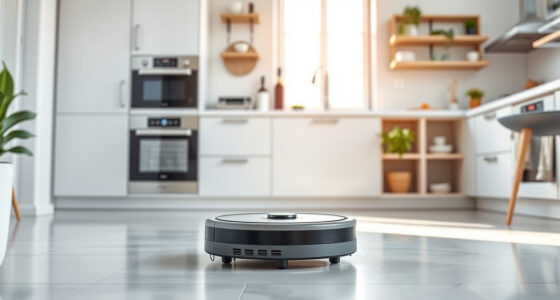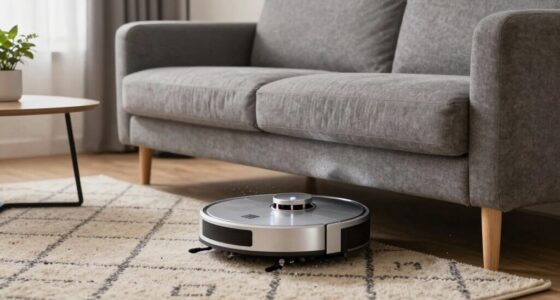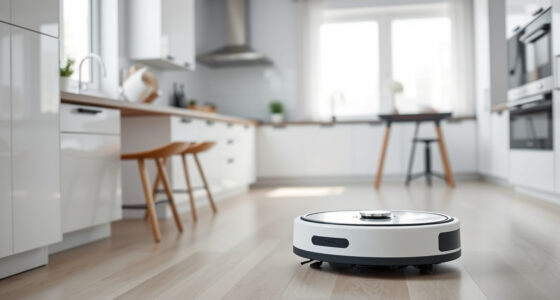
If your Roborock Q7 M5+ robot vacuum keeps getting stuck during cleaning, it can be frustrating and time-consuming. Fortunately, most issues are fixable with simple troubleshooting steps. This guide will walk you through practical solutions to get your vacuum back to working smoothly.

Get cleaning gear delivered free with Prime
- Fast, free delivery on millions of items
- Prime Video, Amazon Music and more included
- Member-only deals all year
Before you start, ensure your robot’s firmware is up to date and that your cleaning area is free of obstacles that can cause it to get stuck. Safety first—always turn off your device before performing maintenance or inspections.
Key Takeaways
| Check for Obstructions | Remove objects and clear the cleaning path. |
| Inspect and Clean Rollers | Ensure rollers are free of hair and debris. |
| Update Firmware & Reset | Keep software current and perform resets if needed. |
| Adjust Navigation Settings | Modify map or boundary settings for better navigation. |
Step 1: Clear the Path and Remove Obstacles
- Power off the vacuum before inspecting.
- Check the floor for small objects, cables, or loose rugs that may block or trap the vacuum.
- Remove any debris or clutter in the cleaning area.
- Ensure the charging dock and nearby area are free of obstructions.
Step 2: Clean the Main Brush and Anti-Tangle System
- Remove the main brush according to the user manual.
- Carefully clear hair, pet fur, or debris tangled around the brush and sidings.
- Use a cleaning tool or scissors to trim stubborn hair tangles.
- Check the dual anti-tangle system components for blockages and clean as needed.
Step 3: Update Firmware and Reset the Vacuum
- Open the Roborock app and check for firmware updates; install any available updates.
- Perform a factory reset if problems persist, following the instructions in the user manual.
- Reconfigure your cleaning map if necessary after the reset.
Step 4: Adjust Navigation Settings and Boundaries
- Use the app to review and edit virtual boundaries or no-go zones.
- Re-map the area if the robot’s navigation is inconsistent.
- Consider setting up specific zones to prevent the vacuum from entering problem areas.
Additional Tips and Warnings
- Regularly clean the dustbin, filters, and sensors to maintain optimal performance.
- Ensure the wheels and sensors are free of dust and debris.
- Do not attempt repairs beyond cleaning or software resets; contact support for hardware issues.
- Always power off the device before opening any compartments or performing maintenance.
The Products in This Guide

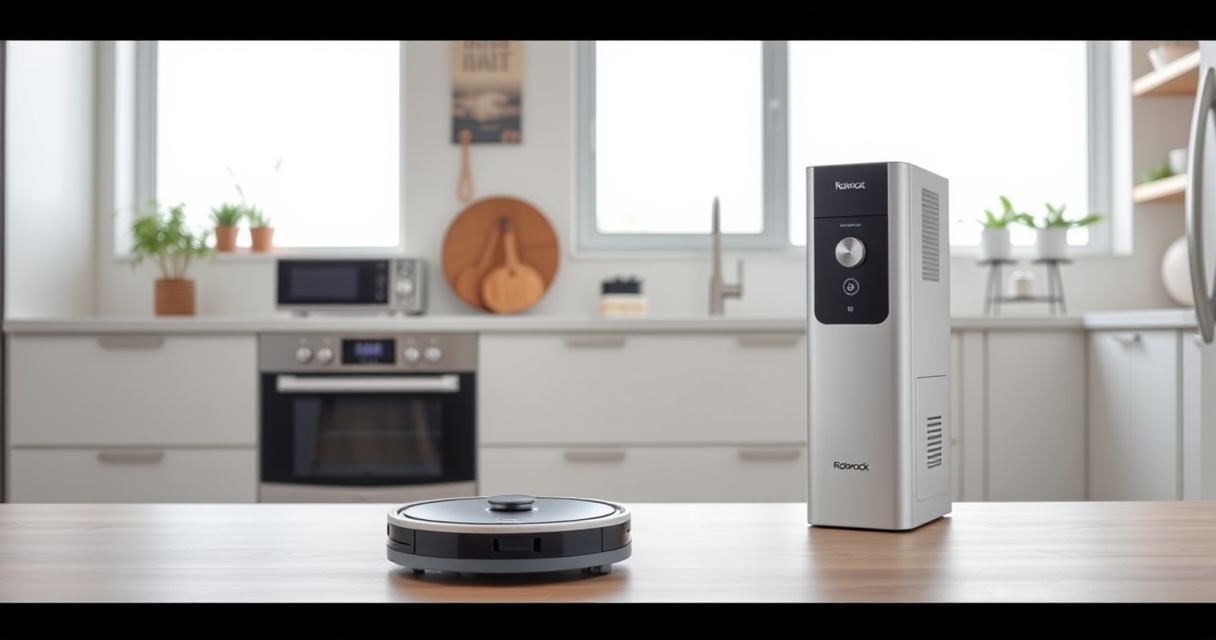
roborock Q7 M5+ Robot Vacuum and Mop
- ✔ Model: Q7 M5+
- ✔ Color: Black
- ✔ Connectivity: App & Wi-Fi

4 Pack Washable Filter
- ✔ Fitment: Multiple Roborock models
- ✔ Filter Life: Up to 3 months
- ✔ Washable: Yes
roborock Q7 M5+ Robot Vacuum and Mop
The Roborock Q7 M5+ offers powerful suction of up to 10,000Pa and a dual anti-tangle system, making it ideal for pet owners and thorough cleaning. Its PreciSense LiDAR navigation ensures efficient coverage.
Pros:
- Powerful 10,000Pa suction
- Dual anti-tangle system
- Up to 9 weeks of self-emptying
- App control and mapping
Cons:
- Higher price point
- Requires regular filter maintenance
Best for: Homes with pets or high debris volume
Not ideal for: Small spaces with tight corners or cluttered areas
Bottom line: A high-performance robot vacuum suited for pet owners and deep cleaning needs.
4 Pack Washable Filter
This 4-pack of washable HEPA filters ensures your Roborock maintains optimal suction and air quality, easy to install and clean for long-term use.
Pros:
- Compatible with multiple models
- Washable and reusable
- Maintains high filtration
- Easy to install
Cons:
- Requires regular cleaning
- Not OEM
Best for: Long-term filter maintenance
Not ideal for: For users seeking OEM parts only
Bottom line: Keeps your vacuum running at peak performance with clean, reusable filters.
Frequently Asked Questions
Why does my Roborock keep getting stuck on the same spot?
It may be due to obstacles, tangled brushes, or outdated navigation maps. Follow the steps to clear obstacles, clean the brushes, and update the map.
How often should I clean the rollers and sensors?
For optimal performance, clean rollers weekly and sensors bi-weekly or as needed, especially if you notice navigation issues.
Can I reset my Roborock to fix navigation problems?
Yes, performing a factory reset can resolve software glitches. Make sure to reconfigure your map and settings afterward.
What should I do if the vacuum still gets stuck after troubleshooting?
Contact Roborock customer support for hardware inspection or professional repair services.
Keep Your Roborock Running Smoothly
Regular maintenance, obstacle removal, and software updates are key to preventing your Roborock from getting stuck. By following these steps, you can ensure a more efficient and trouble-free cleaning experience. Remember to check for firmware updates regularly and clean the brushes and sensors for best results.
Affiliate disclosure: As an Amazon Associate we earn from qualifying purchases. Prices and availability are accurate as of the time of publishing.
Fall Picks
fall essentials
As an affiliate, we earn on qualifying purchases.