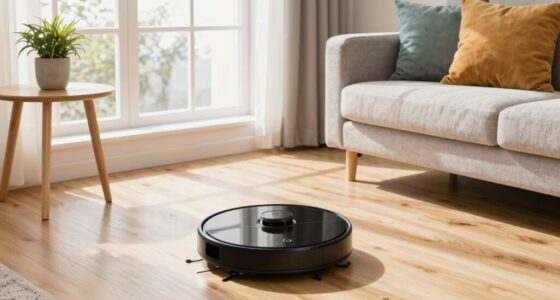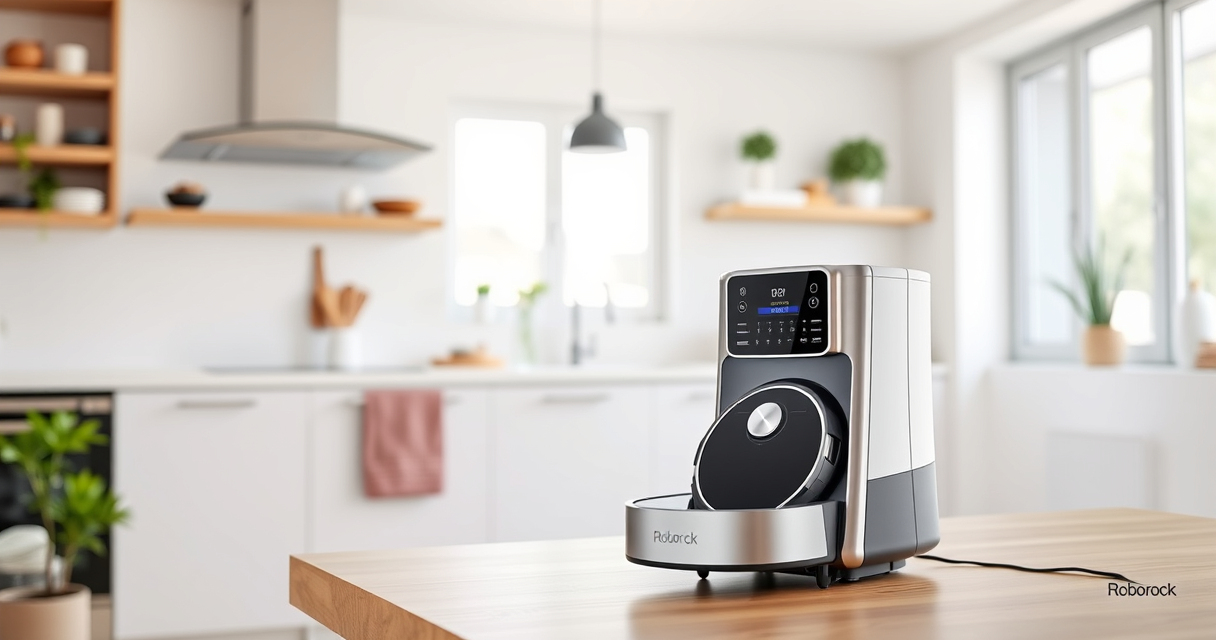
Getting your new Roborock Q7 M5+ robot vacuum ready for action is straightforward, but following the right steps ensures optimal performance and safety. This guide provides clear, practical instructions to help you set up your device with confidence, from unboxing to initial programming.

Get cleaning gear delivered free with Prime
- Fast, free delivery on millions of items
- Prime Video, Amazon Music and more included
- Member-only deals all year
Whether you plan to use it primarily for vacuuming, mopping, or both, proper setup will maximize its efficiency and lifespan. Let’s walk through each step to get your Roborock ready for cleaning your home.
Key Takeaways
| Ease of Setup | Follow straightforward steps for quick setup. |
| Compatibility | Ensure accessories are compatible with your model. |
| Maintenance | Regularly clean filters and mop pads for best results. |
| Troubleshooting | Identify common issues and solutions early. |
Unboxing and Initial Inspection
- Carefully unbox your Roborock Q7 M5+ and all included accessories.
- Check that the device, dust bag, charging dock, and accessories are present and undamaged.
- Read the quick start guide for any specific warnings or instructions.
Charging Your Roborock
- Place the charging dock against a wall in an open area, ensuring at least 1 meter clearance on each side.
- Plug in the dock and wait for it to power on.
- Pick up your Roborock and position it on the dock, aligning the charging contacts.
- Allow it to fully charge; indicator lights will confirm when charging is complete.
Installing and Configuring the App
- Download the Roborock app from your app store.
- Create an account or log in.
- Follow the in-app instructions to connect your Roborock via Wi-Fi, ensuring your phone is connected to 2.4GHz Wi-Fi for compatibility.
- Complete the setup by naming your device and selecting preferences.
Preparing for Cleaning
- Insert the 2.7L sealed dust bag into the RockDock Plus, if not already installed, for long-lasting cleaning cycles.
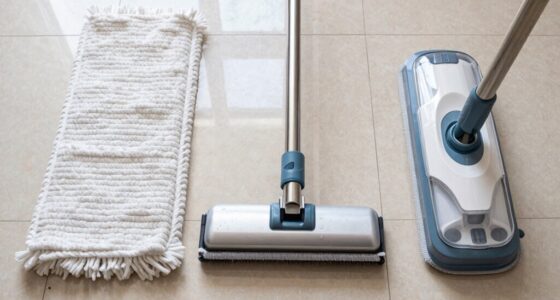
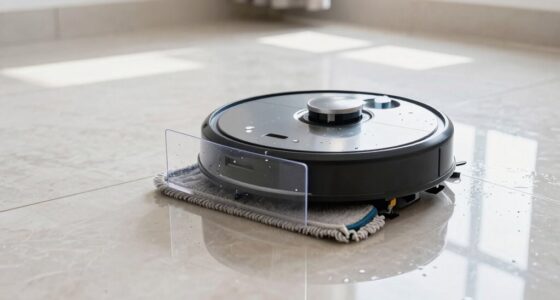
- If using mopping, attach the appropriate mop pad (washable or disposable) as per your model.
- Ensure the dustbin and filters are clean and properly installed.
- Place the robot on the floor in the cleaning area, removing any obstacles or cables.
Starting Your First Clean
- Open the app and select your device.
- Choose your cleaning mode (vacuum only, mop only, or combined).
- Press start and monitor the initial run to ensure proper operation.
- Adjust settings as needed via the app for scheduling or specific zones.
The Products in This Guide

roborock Q7 M5+ Robot Vacuum and Mop
- ✔ Model: Q7 M5+
- ✔ Color: Black
- ✔ Power: Up to 10000Pa

4 Pack Washable Filter
- ✔ Type: HEPA
- ✔ Material: Washable filter
- ✔ Pack: 4 filters
roborock Q7 M5+ Robot Vacuum and Mop
The Roborock Q7 M5+ offers up to 7-9 weeks of self-emptying, a 10000Pa suction, and a dual anti-tangle system, making it a top choice for pet owners and busy households. Its PreciSense LiDAR navigation ensures thorough coverage, and app control makes it easy to customize cleaning sessions.
Pros:
- Long self-emptying cycle
- Powerful suction for pet hair
- Efficient LiDAR navigation
- App control for customization
Cons:
- Price may be high for some budgets
- Requires Wi-Fi setup
- Mopping feature needs proper attachment
Best for: Pet owners and large homes needing regular, deep cleaning
Not ideal for: Users without Wi-Fi or those preferring manual operation
Bottom line: A highly capable robot vacuum with advanced features for long-term cleaning.
4 Pack Washable Filter
This 4-pack of washable filters ensures your Roborock maintains high suction and filtration efficiency, reducing replacement costs and supporting eco-friendly cleaning.
Pros:
- Reusable and washable
- Compatible with multiple models
- Keeps filters clean and effective
- Cost-effective in the long run
Cons:
- Must be washed regularly
- Not OEM, so check fit
Best for: Maintaining optimal filtration in your robotic vacuum
Not ideal for: Users looking for OEM parts only
Bottom line: A cost-effective, eco-friendly way to keep your filters performing like new.
Frequently Asked Questions
How do I connect my Roborock Q7 M5+ to Wi-Fi?
Download the Roborock app, create an account, and follow the in-app instructions to connect your device to your 2.4GHz Wi-Fi network. Make sure your phone is connected to the same network during setup.
How often should I clean or replace the filters?
Washable filters should be cleaned every 1-3 months depending on usage, and replaced when they show signs of wear or lose effectiveness, typically every 6-12 months.
Can I use my Roborock on multiple floors?
Yes, but you’ll need to move the device manually to each floor. Save specific maps in the app for each floor if supported, and select the appropriate map for each cleaning session.
What should I do if the robot gets stuck or doesn’t start?
Check for obstacles or tangled hair around brushes and wheels. Ensure the robot is fully charged and the app settings are correctly configured. Restart the device if necessary.
Your Roborock Setup Journey Starts Here
With these step-by-step instructions, your Roborock Q7 M5+ is ready to keep your home spotless. Proper initial setup, regular maintenance, and app customization will ensure it performs at its best for years to come. Enjoy effortless cleaning and more free time!
Affiliate disclosure: As an Amazon Associate we earn from qualifying purchases. Prices and availability are accurate as of the time of publishing.
Columbus Day / Indigenous Peoples' Day Picks
long weekend sales
As an affiliate, we earn on qualifying purchases.