If your Roborock Q10 S5+ isn’t mopping as expected, it can be frustrating. This guide walks you through the most common causes and straightforward fixes to get your robot vacuum back to its best performance.

Get cleaning gear delivered free with Prime
- Fast, free delivery on millions of items
- Prime Video, Amazon Music and more included
- Member-only deals all year
Following these steps carefully will help you identify issues with your mopping system, such as blockages, worn pads, or setup errors. Always prioritize safety and ensure your robot is powered off before performing maintenance.
Key Takeaways
| Check the Mop Pad | Ensure the mop pad is correctly installed, clean, and not worn out. |
| Inspect Water Tank & Squeegee | Verify the water tank has water and no blockages in the water flow system. |
| Assess Obstructions | Remove any obstacles or debris blocking the mopping path or sensors. |
| Update & Reset | Make sure firmware is up-to-date and perform a reset if needed. |
1. Confirm Mop Pad Installation
- Power off the robot and remove it from the charging dock.
- Check that the mop pad is securely attached to the bottom of the robot.
- Inspect the mop pad for dirt or damage; replace if worn or heavily soiled.
- Reinstall the mop pad properly, ensuring it’s flat and snug.
2. Check Water Tank & Water Flow
- Remove the water tank and refill if empty, ensuring it has enough water.
- Inspect the water outlet and squeegee for blockages or buildup.
- Clean any clogs with a soft brush or cloth.
- Reinsert the tank securely and run a test mopping cycle.
3. Clear Obstructions & Clean Sensors
- Look around the mopping area for any debris or cords that could hinder movement.
- Wipe sensors and contact points with a soft, dry cloth to ensure proper functioning.
- Remove tangled hair or debris from the side brushes and main brush.
4. Update Firmware & Reset System
- Open the Roborock app and check for firmware updates; install if available.
- Perform a factory reset of the robot following the manufacturer’s instructions.
- Restart the robot and initiate a test mopping session.
Tips & Warnings
- Use only recommended mop pads and water levels as per the manual.
- Avoid overfilling the water tank to prevent leaks or clogs.
- Regularly clean the water outlet and brushes for consistent performance.
- Always disconnect the robot from power before maintenance to avoid electrical hazards.
The Products in This Guide

roborock Q10 S5+ Robot Vacuum and Mop
- ✔ Model: Q10 S5+
- ✔ Battery: Long-lasting
- ✔ Water System: Sonic Mopping

4 Pack Washable Filter
- ✔ Pack: 4 filters
- ✔ Compatibility: Multiple models
- ✔ Material: HEPA
roborock Q10 S5+ Robot Vacuum and Mop
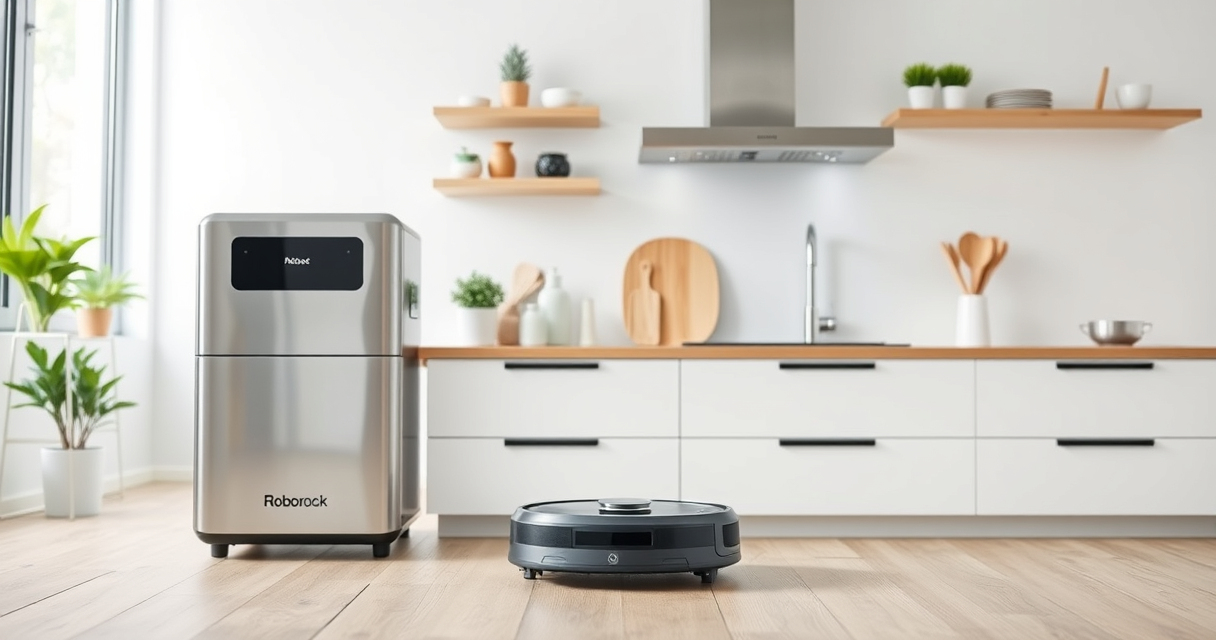
The Roborock Q10 S5+ offers powerful suction and advanced mopping features, making it a top-tier robot vacuum. Its self-emptying station and obstacle avoidance enhance convenience and reliability.
Pros:
- Powerful 10,000 Pa suction
- Self-emptying station for 70 days of maintenance-free cleaning
- Advanced obstacle avoidance
- Dual anti-tangle design
Cons:
- Higher price point
- Requires compatible accessories for optimal performance
Best for: Pet owners and busy households needing thorough cleaning
Not ideal for: Users seeking a budget-friendly option or basic vacuuming
Bottom line: A high-performance robot vacuum with advanced mopping and self-emptying features.
4 Pack Washable Filter
This 4-pack of washable filters ensures your Roborock stays in top shape by maintaining optimal airflow and filtration. Easy to install and reuse.
Pros:
- Cost-effective replacement
- Compatible with multiple Roborock models
- Washable and reusable
- True HEPA filtration
Cons:
- Not OEM, but performance is comparable
- Requires regular cleaning for best results
Best for: Extended maintenance and filter replacements
Not ideal for: Users looking for OEM-certified filters only
Bottom line: A practical and cost-effective filter upgrade for your Roborock.
Frequently Asked Questions
Why isn’t my Roborock Q10 S5+ mopping properly?
Common reasons include a dirty or improperly installed mop pad, clogged water outlet, obstructions in the path, or outdated firmware. Follow the troubleshooting steps outlined above to resolve these issues.
How often should I replace the mop pads?
It’s recommended to replace or wash the microfiber mop pads every 1 to 3 months, based on usage and dirt levels, for optimal cleaning performance.
Can I use any mop pad with my Roborock Q10 S5+?
Use only compatible pads like the VIEWALL 6 Pack Reusable Mop Pads or official replacements designed for your model to ensure proper fit and function.
What should I do if my robot still doesn’t mop after troubleshooting?
Try resetting the device, updating firmware, or contacting customer support if the issue persists. Ensure all components are clean, correctly installed, and free from obstructions.
Get Your Roborock Mopping Again with These Simple Fixes
Most mopping issues with the Roborock Q10 S5+ can be quickly resolved by checking the mop pad, water system, and sensors. Regular maintenance and updates help keep your robot performing at its best. Follow these steps to enjoy spotless floors with minimal hassle.
Affiliate disclosure: As an Amazon Associate we earn from qualifying purchases. Prices and availability are accurate as of the time of publishing.
Fall Picks
fall essentials
As an affiliate, we earn on qualifying purchases.