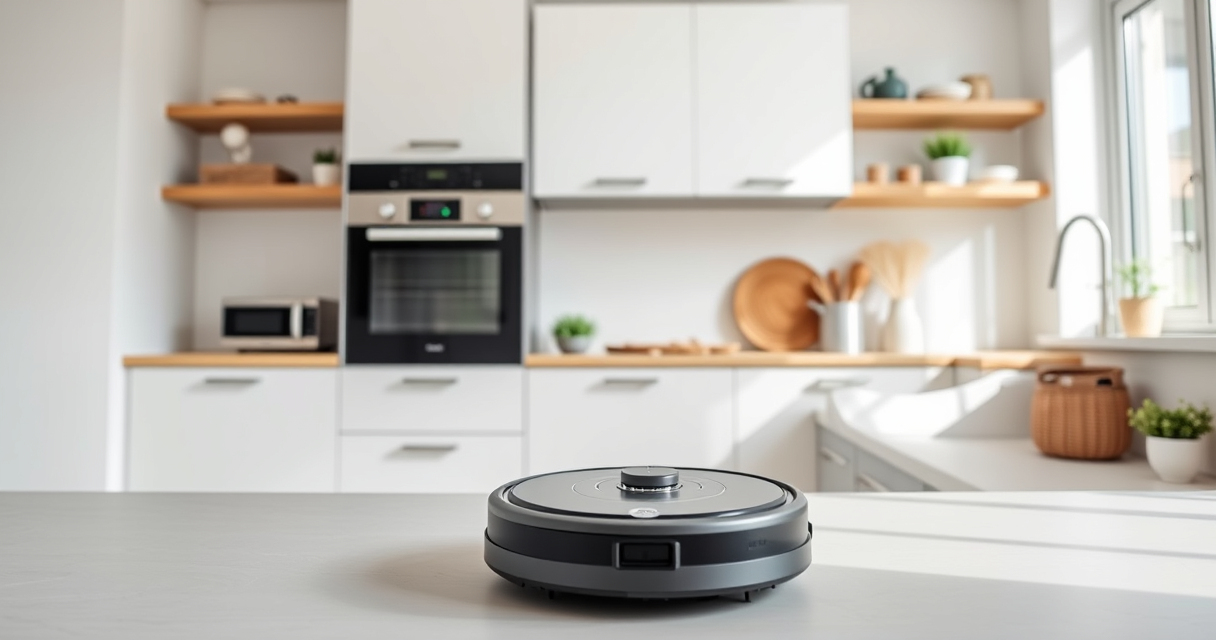
Maintaining your Roborock Q7 M5+ Robot Vacuum and Mop is essential for keeping it performing at its best. Proper upkeep not only extends the lifespan of your device but also ensures consistent cleaning results. Whether you’re dealing with tangled hair, filter replacements, or sensor issues, this comprehensive guide covers all the necessary steps to keep your robot in top shape.

Get cleaning gear delivered free with Prime
- Fast, free delivery on millions of items
- Prime Video, Amazon Music and more included
- Member-only deals all year
In this guide, you’ll find clear, easy-to-follow instructions for routine maintenance, troubleshooting common problems, and tips for optimal device longevity. Always remember to follow safety precautions when handling electronic parts and cleaning components.
Key Takeaways
| Self-Emptying System | The 2.7L sealed dust bag reduces frequent emptying. |
| Powerful Suction | Up to 10,000Pa suction lifts pet hair and debris efficiently. |
| Anti-Tangle Design | Dual anti-tangle system minimizes hair jams. |
| Routine Filter Checks | Regular filter cleaning or replacement ensures optimal airflow. |
| Mop Maintenance | Wash or replace mop pads as needed for best cleaning results. |
Cleaning the Main Brush and Anti-Tangle System
- Turn off and unplug the robot vacuum before maintenance.
- Remove the main brush by releasing the latch or unscrewing, depending on your model.
- Gently clear hair, pet hair, or debris tangled around the brush and the dual anti-tangle system.
- Use a cleaning tool or scissors to carefully cut away stubborn hair strands.
- Reinstall the main brush securely, ensuring it clicks into place.
- Inspect the anti-tangle system and clear any obstructions.
Checking and Replacing Filters
The Roborock Q7 M5+ features a washable filter that should be cleaned regularly. For optimal performance, replace filters every 1-3 months or when visibly dirty.
- Remove the dustbin from the robot.
- Take out the washable filter and rinse it under cold water, avoiding soap or detergent.
- Allow the filter to air dry completely before reinstalling.
- If the filter is too dirty or damaged, replace it with a new one, such as the 4 Pack Washable Filter compatible with your model.
Emptying and Maintaining the Self-Empty Dust Bag
The Q7 M5+ features a 2.7L sealed dust bag that can hold up to 7-9 weeks of dirt, reducing frequent emptying. When the bag is full, follow these steps:
- Open the dust compartment by pressing the release latch.
- Carefully remove the sealed dust bag, avoiding dust spillage.
- Dispose of the bag in your trash, then replace it with a new one or empty and reuse if washable.
- Securely close the compartment before restarting the vacuum.
Maintaining and Replacing Mop Pads
For mopping functions, regular cleaning and replacement of mop pads are essential. Use high-quality microfiber pads, such as the VIEWALL 6 Pack Reusable Mop Pads, for best results.
- Remove the mop pad from the robot.
- Wash the pad with mild detergent and let it air dry.
- Replace the mop pad every 1-3 months or when it appears worn or heavily soiled.
- Ensure proper attachment before resuming mopping.
Troubleshooting Common Issues
If your Roborock isn’t cleaning effectively or encounters errors, try these troubleshooting steps:
- Check for tangled hair or debris on the brushes and clean thoroughly.
- Inspect filters and replace if dirty or damaged.
- Ensure the dust bag isn’t full and replace or empty as needed.
- Verify the sensors are clean and unobstructed for accurate navigation.
- Restart the device and update firmware via the app if available.
The Products in This Guide

roborock Q7 M5+ Robot Vacuum and Mop
- ✔ Weight: 7.7 kg
- ✔ Dimensions: 350mm x 92mm
- ✔ Charging Time: about 6 hours

4 Pack Washable Filter
- ✔ Weight: Approx. 50g per filter
- ✔ Dimensions: Standard HEPA size
- ✔ Material: True HEPA
roborock Q7 M5+ Robot Vacuum and Mop
The Roborock Q7 M5+ offers impressive suction power and a convenient self-emptying dust bag, making it a top choice for pet owners and busy households. Regular maintenance ensures consistent performance and longevity.
Pros:
- High 10,000Pa suction
- Self-emptying dust bag
- Dual anti-tangle system
- App-controlled cleaning
Cons:
- Requires periodic filter replacements
- Mop pads need regular washing
- Initial setup can be complex
Best for: Pet owners and households needing long intervals between emptying
Not ideal for: Users looking for a cheaper, simpler robot without self-emptying features
Bottom line: Reliable and efficient, the Roborock Q7 M5+ is ideal for deep cleaning with minimal maintenance.
4 Pack Washable Filter
These washable filters are compatible with multiple Roborock models and are easy to install, helping maintain optimal airflow and suction power.
Pros:
- Effective filtration
- Reusable and washable
- Easy to install
- Compatible with several models
Cons:
- Not OEM, so may vary slightly in fit
- Must be washed regularly
- Replacement needed every few months
Best for: Users wanting to save on filter costs and maintain filtration quality
Not ideal for: Those seeking original OEM filters only
Bottom line: A practical and economical filter solution that keeps your Roborock performing at its best.
Frequently Asked Questions
How often should I clean the brushes on my Roborock?
It’s recommended to check and clean the brushes every 1-2 weeks, especially if you have pets or hair that can entangle easily.
Can I use any mop pads with my Roborock Q7 M5+?
Use compatible microfiber mop pads, like the VIEWALL 6 Pack Reusable Mop Pads, designed for your model for best cleaning performance.
What should I do if my robot is not docking properly?
Ensure the charging contacts are clean, clear any obstructions in the docking area, and restart the device. Check for firmware updates via the app.
How do I reset my Roborock if it gets stuck or encounters errors?
Perform a soft reset by turning off and on via the app, or a hard reset by pressing and holding certain buttons as per your model’s manual.
Is it safe to wash the filters and mop pads in a washing machine?
Yes, the filters and mop pads are designed to be washable. Use a gentle cycle and air dry completely before reusing.
Keep Your Roborock in Top Condition for Effortless Cleaning
Regular maintenance is key to ensuring your Roborock Q7 M5+ continues to deliver powerful, reliable cleaning. From cleaning brushes and filters to replacing mop pads, following these steps will extend your device’s lifespan and optimize performance. Troubleshooting common issues promptly will keep your smart home running smoothly, so you can enjoy a cleaner, more comfortable living space with minimal hassle.
Affiliate disclosure: As an Amazon Associate we earn from qualifying purchases. Prices and availability are accurate as of the time of publishing.
Halloween Picks
halloween
As an affiliate, we earn on qualifying purchases.