To create a robot cleaning schedule for your kids’ mess zones, set regular cleaning times after play or before bed to maintain consistency. Use smart features to automate routine cleanings during nap times or low-traffic hours, and guarantee safety by clearing obstacles and establishing boundaries. Regular maintenance, like emptying the dustbin and cleaning sensors, keeps the robot performing well. By integrating these tips, you’ll learn how to keep those zones tidy with minimal stress.
Key Takeaways
- Schedule cleaning times after play or meals to target high-mess zones efficiently.
- Coordinate robot operation with children’s routines to minimize disruption and ensure safety.
- Identify and designate specific zones for robot cleaning to focus efforts and prevent overlaps.
- Use smart scheduling features to automate cleaning during nap times or low-traffic periods.
- Regularly maintain and clear clutter in mess zones to optimize robot performance and coverage.
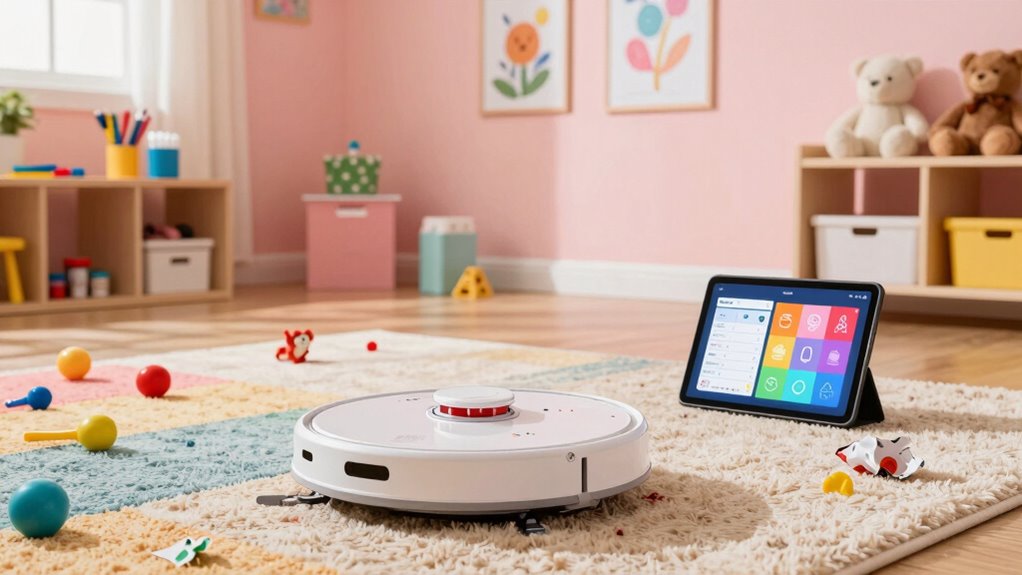
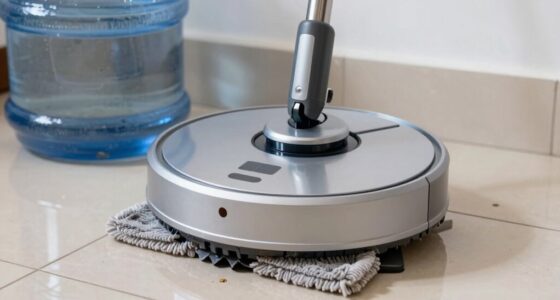
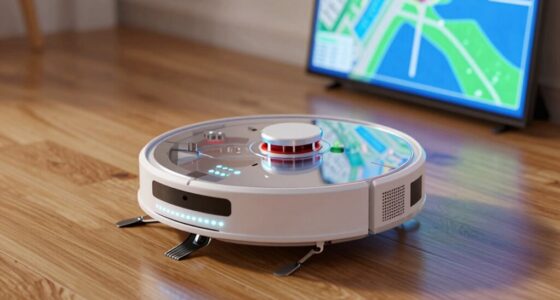
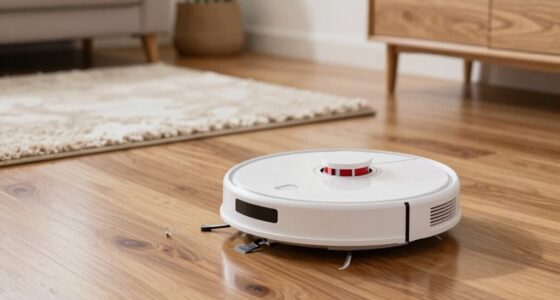
Keeping your kids’ mess zones clean can feel overwhelming, but creating a robot cleaning schedule makes it manageable. When you plan regular robot vacuum maintenance, you ensure your device runs smoothly and effectively keeps up with daily chaos. Start by setting a consistent cleaning time, such as after playtime or before bedtime, so your robot vacuum can cover the area without interruptions. Regular maintenance involves emptying the dustbin, cleaning brushes, and checking for tangled hair or debris. This not only prolongs your robot’s lifespan but also maintains its cleaning efficiency, helping you stay on top of messes without manual effort.
To keep your children safe while your robot does its job, child safety tips are essential. Make sure your kids know not to interfere with the robot vacuum while it’s operating. Keep small toys, cables, and other obstacles out of the cleaning zone to prevent jams or potential hazards. If your robot vacuum has sensors, ensure they’re clean and unobstructed so the device doesn’t bump into furniture or kids. When setting up your schedule, communicate with your children about the purpose of the robot and establish boundaries—this way, they won’t attempt to touch or move it mid-cleaning, reducing the risk of accidents.
Incorporating child safety tips also means choosing a robot vacuum with features like soft bumpers, anti-tip sensors, and a low-profile design to navigate tight spaces safely. Make sure your device has a secure charging station placed on a flat, stable surface, away from the high-traffic kids’ zones. This setup minimizes the chance of the robot knocking over objects or causing trips. When you’re adjusting your cleaning schedule, consider your children’s routines—avoid cleaning during nap times or when they’re actively playing in the mess zone, especially if the vacuum is loud. This keeps everyone safe and reduces stress for both you and your kids.
Additionally, understanding modern kitchen technology can help you better integrate smart cleaning solutions into your home, making cleanup even more efficient.
Frequently Asked Questions
How Often Should I Update the Cleaning Schedule?
You should update your cleaning schedule based on your kids’ mess frequency. If messes happen daily, review and adjust the schedule weekly. For less frequent messes, monthly updates may suffice. Keep an eye on how well the current cleaning frequency works and make schedule adjustments as needed to keep mess zones tidy. Regular updates guarantee your robot cleaning stays effective and aligned with your family’s changing needs.
Can Robots Handle Delicate or Fragile Items?
Robots can’t handle fragile items or delicate surfaces without risking disaster! They’re designed for routine cleaning, not delicate handling, so if you’ve got fragile items, keep them safe away from robotic vacuums. These machines may gently clean floors, but when it comes to delicate surfaces or fragile objects, you’ll want to do the careful, manual touch. Rely on your hands to protect those precious, delicate items from any accidental damage.
What Safety Precautions Are Needed During Robot Cleaning?
During robot cleaning, you should supervise children closely to prevent accidents, and set up safety barriers around the cleaning area. Keep kids away while the robot operates to avoid interference or injury. Regularly check that the robot’s sensors and safety features are working properly. By staying vigilant and using barriers, you guarantee a safe environment, protecting both your kids and your household.
How Do I Troubleshoot Robot Malfunctions?
When troubleshooting robot malfunctions, first check for robot sensor issues, like dirt or obstructions blocking sensors, and clean them gently. If your robot isn’t charging properly, consider battery replacement tips, such as ensuring the battery is seated correctly and replacing it if it’s old. Restart the robot after cleaning or replacing parts, and consult the user manual for specific error codes. Regular maintenance helps prevent future malfunctions.
Are There Specific Robot Models Best for Kids’ Mess Zones?
You should look for robot model recommendations that focus on kid-friendly features, like gentle brushes, soft edges, and quiet operation. Models such as the iRobot Roomba i7+ or the Eufy RoboVac are great choices because they handle mess zones efficiently and are designed with safety in mind. These robots help keep your kids’ areas tidy without worrying about accidents, making cleaning easier and safer for your family.
Conclusion
By establishing a robot cleaning schedule for kids’ mess zones, you’ll save time and reduce stress. It’s easy to get started and adapt as your kids grow. Some might think it’s too much effort, but remember, consistency now means less chaos later. Embrace the system, and you’ll enjoy a cleaner space with less daily hassle. After all, a tidy home helps your family thrive—so take a small step today for a calmer tomorrow.