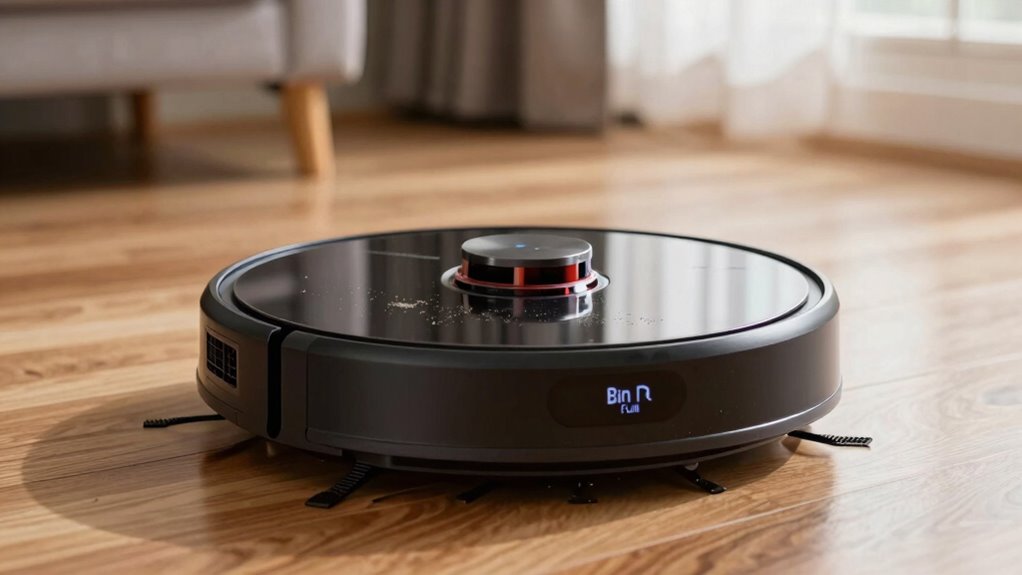

If your robot vacuum shows a ‘bin full’ error even when the bin is empty, it’s likely caused by dust or debris on the sensor. To fix this, locate the sensor—usually near the bin or chassis—and gently clean it with a soft, damp cloth or compressed air. Make sure it’s free of dust and aligned properly. If the problem persists, you might need to check for firmware updates or replace the sensor. Keep going to find out more simple solutions.
Key Takeaways
- Locate the bin full sensor on your robot vacuum, typically near the bin or chassis area.
- Gently clean the sensor with a soft, damp microfiber cloth to remove dust and debris.
- Ensure the sensor is properly aligned and free of smudges or residue for accurate readings.
- Perform calibration via the app or control panel if available after cleaning.
- If false alerts persist, consider checking for firmware updates or replacing the sensor.
Why Does My Robot Vacuum Say ‘Bin Full’ When the Bin Is Empty?

Have you ever wondered why your robot vacuum displays a ‘Bin Full’ message even when the bin looks empty? Often, dust accumulation on the sensor is the culprit. Over time, dust and debris can build up on the sensor, causing it to misread the bin’s status. This buildup interferes with the sensor’s ability to detect whether the bin is full or empty. To fix this, you need to clean the sensor carefully with a soft cloth or brush. Sometimes, the sensor needs recalibration to function properly. Proper sensor calibration ensures the device accurately detects the bin’s fill level. Regular maintenance, including cleaning and calibrating the sensor, prevents false alerts and keeps your robot vacuum working smoothly. Additionally, understanding the importance of sensor technology can help you troubleshoot and improve your device’s performance. Recognizing how dust and debris accumulation impacts sensor accuracy is key to maintaining optimal operation.
What Causes False ‘Bin Full’ Alerts in Robot Vacuums?
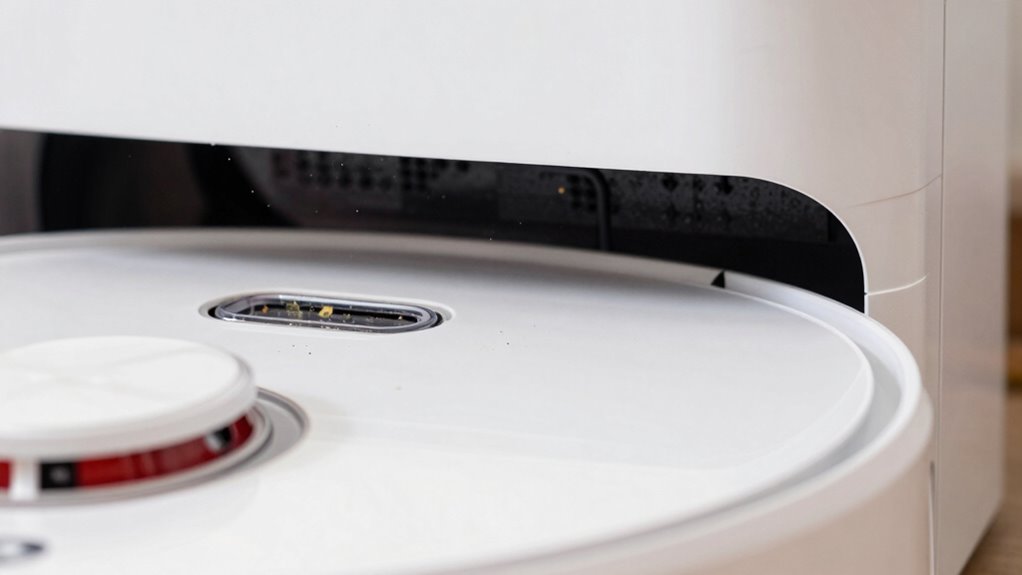
False ‘bin full’ alerts often happen when sensors get obstructed or dirty. Dust or debris buildup on the sensors can trick the vacuum into thinking the bin is full. Keeping sensors clean and clear helps prevent these misleading warnings. Regularly inspecting and maintaining your vacuum’s components can further improve sensor accuracy and device performance. Additionally, ensuring proper ventilation and airflow around the vacuum can help prevent false readings caused by environmental factors. Being aware of privacy policies related to your device can also ensure your data and usage are protected while maintaining optimal performance. Proper sensor calibration is also crucial for accurate detection and avoiding false alarms. Moreover, the presence of environmental dust can interfere with sensor readings, so minimizing dust exposure around the device can be beneficial.
Sensor Obstruction Risks
Sensor obstructions can often cause robot vacuums to mistakenly detect a full bin, leading to unnecessary alerts. When debris or objects block the sensor, it can’t accurately read the bin’s level, triggering a false full indicator. Regular sensor calibration helps guarantee the sensor’s readings stay accurate, reducing false alarms. Additionally, software updates often improve sensor algorithms, addressing bugs that might cause obstructions or misreads. If your vacuum’s sensor is obstructed by dust, pet hair, or dirt, it may signal a full bin even when it’s empty. Cleaning the sensor area and ensuring it’s free of debris is essential. Proper sensor maintenance is vital for keeping your device functioning correctly. Keeping your device updated and properly calibrated can considerably decrease the risk of false ‘bin full’ alerts caused by sensor obstructions. Proper maintenance techniques are crucial for ensuring accurate sensor readings and optimal device performance.
Dust or Debris Buildup
Dust and debris buildup inside the robot vacuum’s bin can easily trigger false ‘bin full’ alerts. When dust accumulation occurs, it can interfere with the sensor’s ability to accurately detect the bin’s fill level, leading to sensor malfunction. Over time, dust particles settle on the sensor or clog its pathways, causing it to misread the amount of debris. This misreading signals that the bin is full even when it isn’t, prompting unnecessary stops during cleaning. Regularly emptying the bin and cleaning the sensor area helps prevent dust buildup. Ensuring the sensor is free of dust and debris maintains its accuracy, reducing false alerts and keeping your vacuum functioning smoothly. Proper maintenance is key to avoiding sensor malfunction caused by dust accumulation. Additionally, vetted information about the importance of maintaining sensor cleanliness emphasizes how critical it is for optimal performance.
How to Find the Sensor That Detects the Bin Full Error?
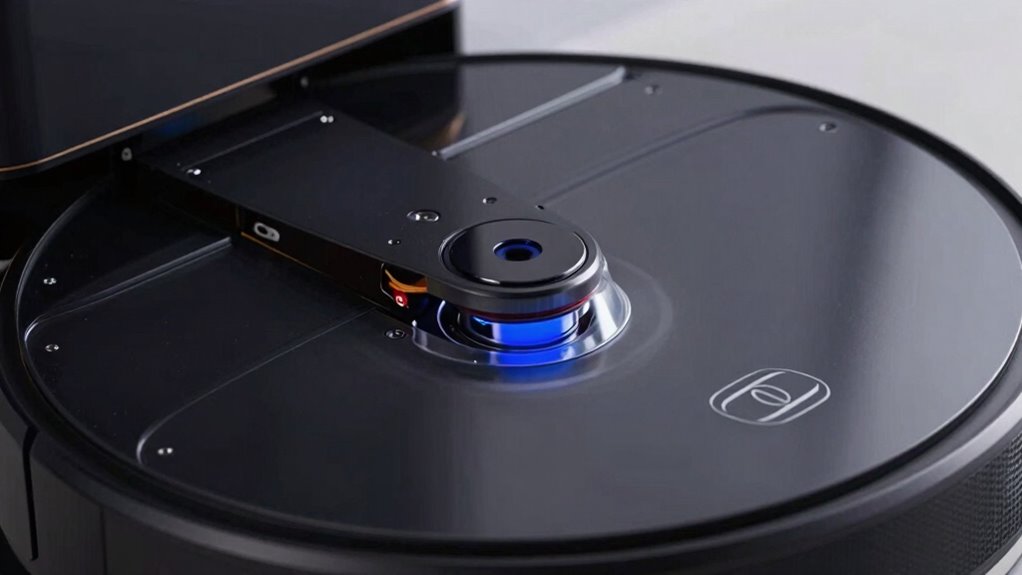
To find the sensor that detects the bin full error, start by locating the sensor spot on your vacuum. Make sure you can see it clearly and check if anything is blocking or dirtying it. Finally, test the sensor’s functionality to confirm it’s working properly. Proper sensor maintenance can help prevent false errors and ensure your vacuum operates smoothly. Regularly inspecting and cleaning sensors aligns with industry best practices for device longevity. Incorporating home energy strategies such as regular cleaning and sensor checks can also prolong device lifespan. Additionally, understanding sensor technology can help you troubleshoot issues more effectively. If you’re interested in enhancing your breakfast experience, consider exploring the support breakfast options available nearby.
Locate the Sensor Spot
Finding the sensor that detects when the vacuum bin is full can seem tricky, but with a focused approach, it becomes manageable. First, locate the bin area, then look for small, often transparent or darkened spots on the bin or chassis—these are typically the sensor spots. Use your device’s manual or online diagrams to identify the exact location. Once found, ensure the sensor calibration is correct; misalignment can cause false full alerts. If cleaning doesn’t resolve the issue, consider sensor replacement, as a faulty sensor won’t detect the bin’s status properly. Handle the sensor carefully, avoiding damage. Confirm its position after cleaning or replacement before testing the vacuum. Properly locating and maintaining this sensor helps prevent false errors and keeps your vacuum operating smoothly. Additionally, sensor maintenance can extend the lifespan and reliability of your device.
Check Sensor Visibility
Since the sensor responsible for detecting a full bin is often small and discreet, visibility can be challenging. To locate it, examine your vacuum closely, looking for tiny components near the dustbin or inside the bin compartment. Some sensors are mounted on the dustbin itself, while others are fixed inside the robot’s chassis. Once you find the sensor, make sure it’s clean and unobstructed. Dirty or misaligned sensors can cause false full-bin alerts. Check if your robot’s firmware needs updating, as manufacturers often release updates that improve sensor calibration and overall performance. Proper calibration can help the sensor accurately detect when the bin is full, reducing errors. If you’re unsure about the sensor’s placement or calibration, consult your user manual or manufacturer’s support resources. Additionally, understanding the sensor placement and how it functions can help you troubleshoot more effectively. Ensuring the sensor calibration is correct can also prevent unnecessary full-bin notifications and improve your vacuum’s reliability. Regularly inspecting and maintaining the sensor components can further enhance detection accuracy. Maintaining a clean sensor area and understanding the home environment can further enhance sensor accuracy and device performance.
Test Sensor Functionality
After ensuring the sensor is clean and properly aligned, it’s important to verify that it’s functioning correctly. To test the sensor, start by performing a sensor calibration if your robot offers that option—this resets the sensor’s accuracy. Next, check for any available software updates, as manufacturers often fix sensor detection issues through firmware patches. Finally, conduct a simple test: block the sensor with an object and observe if the vacuum detects the bin as full or empty. Here’s a quick guide:
- Perform sensor calibration via your robot’s app or control panel.
- Update the firmware to ensure the latest improvements are installed.
- Block and unblock the sensor to see if the vacuum responds correctly.
These steps help confirm if the sensor functions properly or needs replacement.
How to Clean the Bin Full Sensor on Your Robot Vacuum?

Have you noticed your robot vacuum still shows a full bin error even after emptying it? If so, the sensor might need cleaning. Start by gently wiping the bin full sensor with a soft, damp cloth to remove dust and debris. Avoid harsh chemicals that could damage the sensor. After cleaning, perform sensor calibration if your device allows it—follow the manufacturer’s instructions to ensure accurate readings. If cleaning doesn’t resolve the issue, consider sensor replacement techniques: sometimes the sensor is faulty and needs replacing. Check your user manual for specific guidance on sensor replacement or consult customer support. Regular cleaning and calibration can prevent false full bin errors, keeping your vacuum functioning smoothly and avoiding unnecessary resets. Proper maintenance of sensors is essential for reliable operation and long-term performance. Additionally, understanding sensor technology can help you troubleshoot issues more effectively and extend the lifespan of your device.
How to Keep Your Sensor Clean and Prevent ‘Bin Full’ Errors?
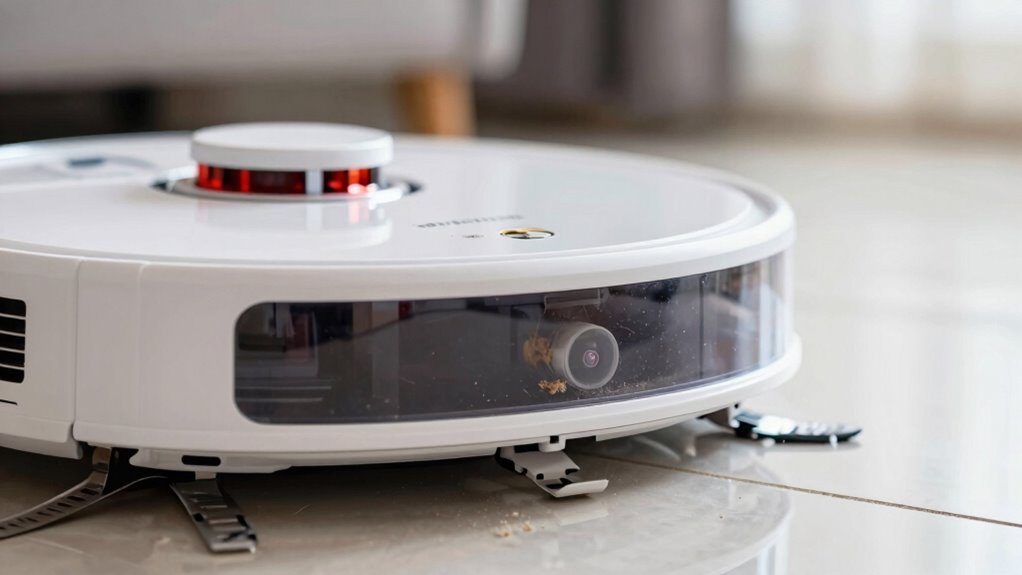
Keeping your sensor clean is essential to prevent false ‘bin full’ errors and guarantee smooth operation. Regular robot vacuum maintenance ensures sensors stay free of dust and debris that can cause sensor troubleshooting issues. To keep your sensors in top shape:
- Gently wipe the sensor with a soft, lint-free cloth or a microfiber cloth to remove dust and dirt.
- Use compressed air to blow out any particles lodged in hard-to-reach areas.
- Check for any smudges or residue and clean with a lightly damp cloth if needed.
Performing these steps frequently helps maintain accurate sensor readings, reducing false errors. Staying proactive in sensor cleaning prevents unnecessary bin full alerts and keeps your robot vacuum operating efficiently.
When Should You Replace the Sensor or Call a Technician?
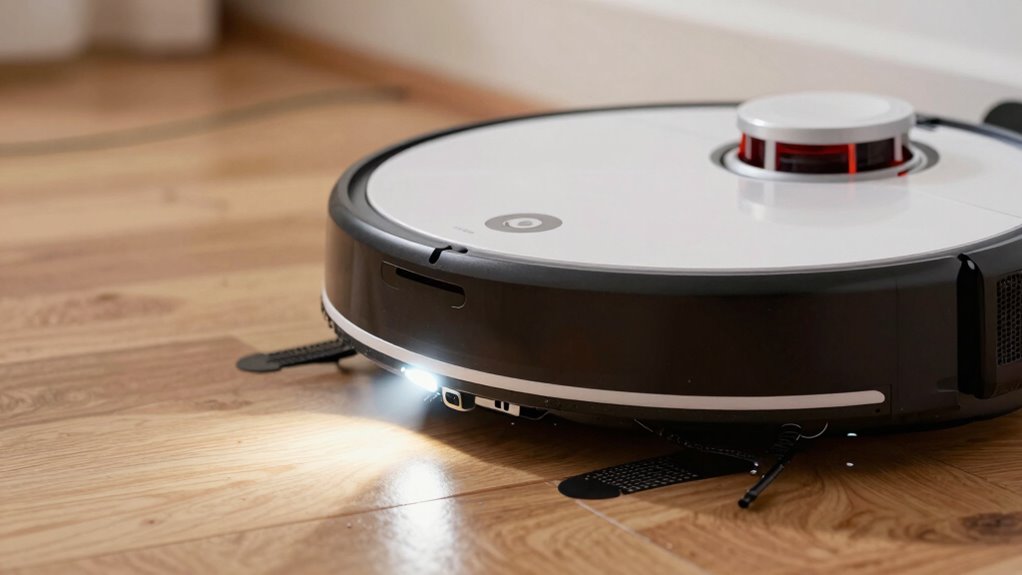
If your robot vacuum continues to display ‘bin full’ errors despite cleaning the sensors, it’s likely time to replace the sensor or call a technician. First, check if recent software updates have improved sensor calibration, as outdated firmware can cause inaccurate readings. If updates don’t resolve the issue, and cleaning doesn’t help, the sensor may be worn out or damaged. You might notice persistent error messages despite proper cleaning and calibration. In this case, replacing the sensor is the best option. If you’re unsure, consulting a technician ensures proper diagnosis and repair. Don’t ignore ongoing errors; faulty sensors can impair your vacuum’s performance and lead to further issues. Replacing a sensor or professional help can restore your robot’s reliability.
Other Common Reasons Your Robot Vacuum Shows ‘Bin Full’?
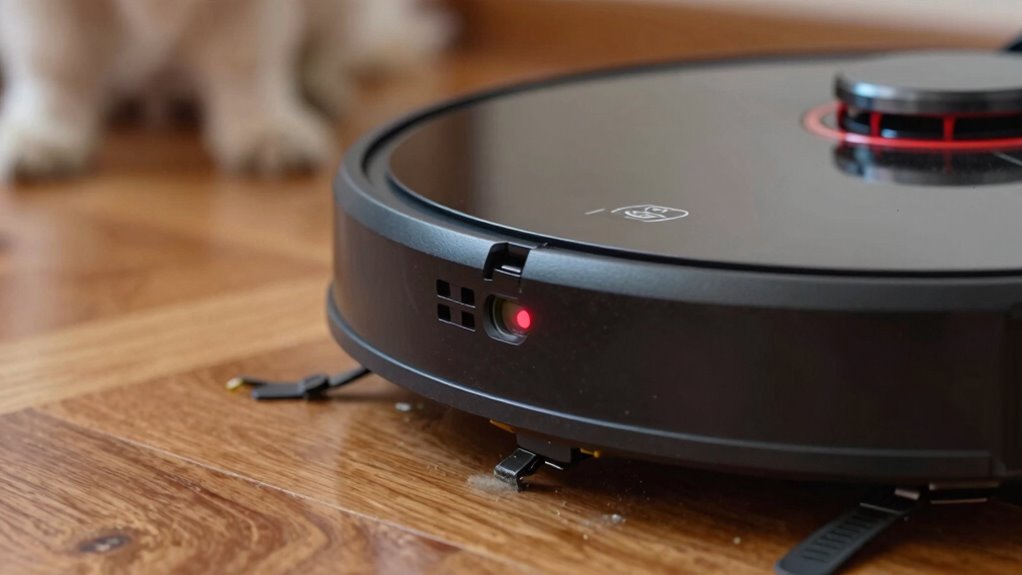
Sometimes, your robot vacuum may display a ‘bin full’ message even when the bin isn’t actually full. This can happen due to several other issues. First, dust and debris might clog the sensor area, preventing it from reading properly—regular maintenance tips like cleaning the sensor can remedy this. Second, outdated software may cause false alerts; updating the firmware can resolve such glitches. Third, the bin latch or connection might be loose or damaged, making the vacuum think the bin is full when it’s not. To avoid these issues, keep the sensor clean, perform regular maintenance tips, and ensure your software is up to date. Additionally, credit card security measures can help protect your device’s data from cyber threats. These steps help prevent false ‘bin full’ errors and keep your vacuum functioning smoothly.
How to Test if Your Sensor Is Working Properly After Cleaning?
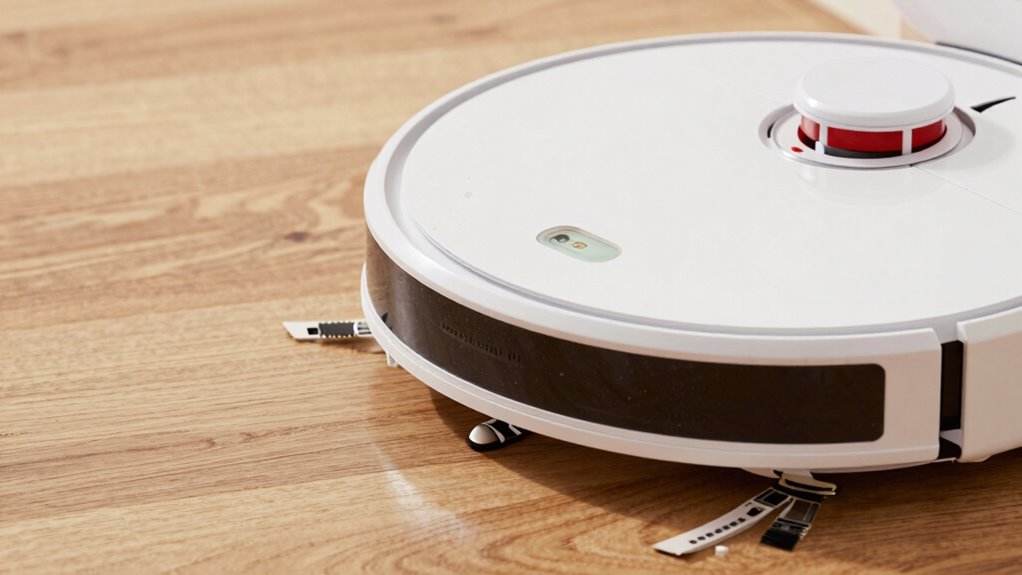
After cleaning the sensor area, it’s important to verify that it’s functioning correctly. Start by observing the sensor’s response to nearby objects or a simple test surface. If your robot has a calibration feature, run the sensor calibration process to ensure it’s aligned properly. Additionally, check if there’s a firmware update available for your vacuum; updating the firmware can improve sensor accuracy and fix bugs. Once you’ve cleaned the sensor, power on the device and monitor its behavior—if it correctly detects obstacles or avoids the clean surface, the sensor likely works well. If it still shows errors or doesn’t respond properly, consider recalibrating or reinstalling the firmware. Proper testing helps confirm that your sensor is functioning after cleaning.
Simple Habits to Keep Your Robot Vacuum Running Smoothly?
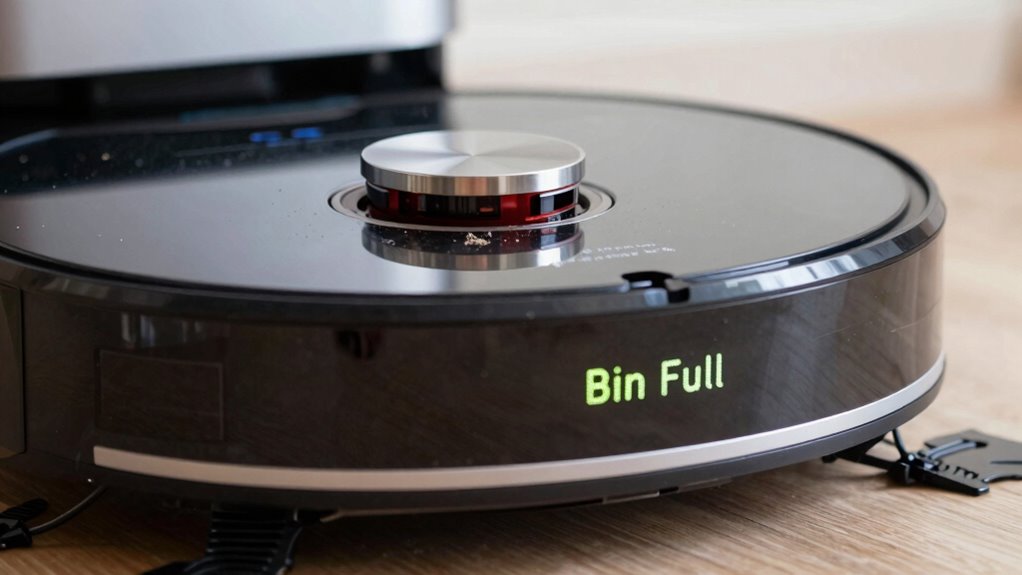
To keep your robot vacuum running smoothly, developing simple daily habits can make a big difference. First, regularly check and clean the sensors to guarantee accurate navigation. Next, perform sensor calibration as needed to maintain precision. Finally, keep your device’s firmware up to date to benefit from improvements and bug fixes.
Here are three habits to adopt:
- Clean sensors weekly to prevent dust buildup that can cause errors.
- Calibrate sensors monthly to ensure they’re functioning at their best.
- Update firmware promptly when new versions are available to enhance performance.
These habits help prevent issues like the “bin full” error, keeping your vacuum operating efficiently and extending its lifespan.
Frequently Asked Questions
Can Software Updates Fix False ‘Bin Full’ Alerts?
Yes, software updates can fix false ‘bin full’ alerts. They often include firmware troubleshooting and sensor calibration improvements that enhance sensor accuracy. When you update your robot vacuum’s software, it can resolve glitches causing false alerts, ensuring the bin sensor functions correctly. Make sure to keep your device’s firmware up-to-date, follow the manufacturer’s instructions for updates, and reset the sensor if needed to improve its performance.
Is There a Way to Disable the ‘Bin Full’ Notification Temporarily?
Yes, you can temporarily disable the ‘bin full’ notification by adjusting your robot vacuum’s notification settings. To do this, navigate to the app’s settings menu and look for notification preferences. If your device allows, you may also try recalibrating the sensor to guarantee accurate readings. Keep in mind, disabling notifications is a temporary fix, so consider cleaning or checking the sensor for peak performance.
Do Different Brands Have Different Sensor Cleaning Requirements?
Think of sensor cleaning requirements as different recipes—each brand has its own ingredients for ideal performance. Yes, brands vary in sensor calibration needs; some may require gentle wiping with a cloth, while others need specific cleaning solutions. Always check brand compatibility and instructions, because using the wrong method could damage sensors or void warranties. Tailoring your cleaning approach ensures your vacuum stays in sync, like a well-rehearsed orchestra.
How Often Should I Replace the Bin Full Sensor?
You should replace the bin full sensor based on your vacuum’s sensor maintenance and replacement intervals, typically every 1-2 years. Regularly clean the sensor to prevent buildup, but if you notice persistent errors despite cleaning, it’s time for a replacement. Check your manufacturer’s guidelines for specific intervals, as some brands may recommend more frequent sensor replacements. Proper maintenance guarantees your robot vacuum functions efficiently.
Can a Hard Reset Clear Persistent ‘Bin Full’ Errors?
Yes, a hard reset can often clear persistent ‘bin full’ errors. You should perform sensor calibration afterward to guarantee proper function. If the problem persists, consider reinstalling the firmware, which can resolve software glitches causing the error. Turning the robot off, removing the battery, and then restarting it helps reset the system. This process often clears the error and restores normal operation.
Conclusion
So, after all that fuss about cleaning sensors and troubleshooting, it turns out your robot’s just trying to keep things tidy—by fooling you into thinking the bin’s full. Maybe it’s not laziness, just a quirky way to remind you to stay vigilant. Or perhaps, in the end, the real lesson is that even machines can have their little dramas. Keep an eye on those sensors, and you’ll avoid surprises—until your robot decides to “help” again.