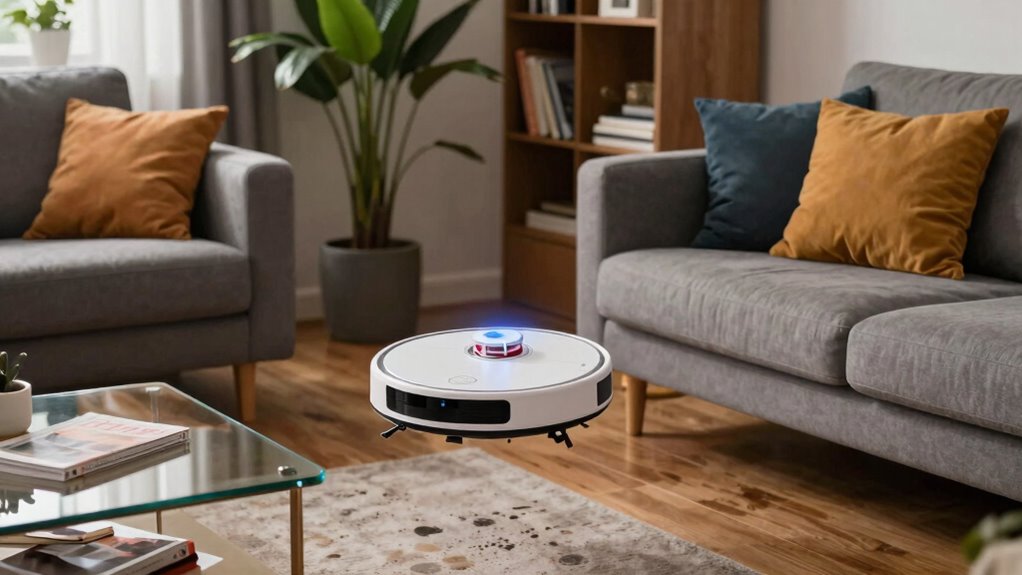

Your furniture layout plays a vital role in how well your robot vacuum maps your space. Cluttered or irregular arrangements confuse sensors and make it harder for the robot to create accurate maps. This can lead to missed spots, redundant cleaning, or even getting stuck. Simple, predictable furniture placement helps the vacuum navigate efficiently and improves overall performance. Want to discover more about how optimizing your layout can boost your vacuum’s accuracy? Keep exploring to find out more.

Get cleaning gear delivered free — and shop member deals
- Fast, free delivery on millions of items
- Access to Prime Big Deal Days deals on October 6–7
- Prime Video, Amazon Music and more included
Key Takeaways
- Cluttered or irregular furniture layouts confuse sensors, leading to inaccurate mapping and missed cleaning spots.
- Proper furniture arrangement creates clear pathways, simplifying navigation and reducing mapping errors.
- Obstructions and tight spaces caused by poor layout increase rerouting, wasting battery and time.
- Well-organized furniture helps smart home systems recognize boundaries and prevent navigation errors.
- Simplifying furniture placement improves mapping accuracy and overall cleaning efficiency.
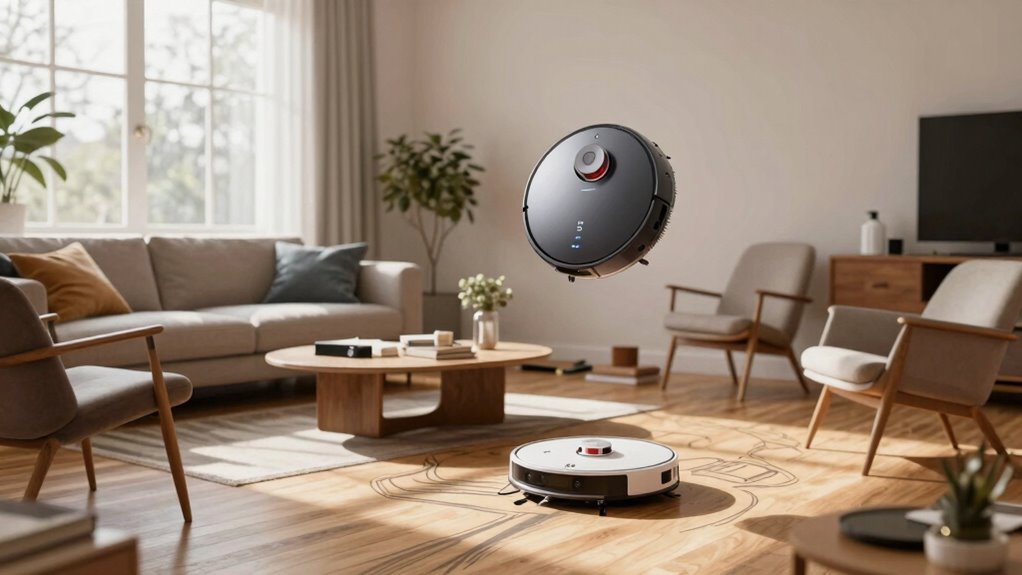
Robot vacuum mapping errors can disrupt your cleaning routine and leave areas uncleaned or repeatedly missed. These issues often stem from the way your furniture is arranged, which can confuse the robot’s sensors and mapping algorithms. When your furniture layout is cluttered or irregular, the robot struggles to create an accurate map of your space. This can lead to missed spots, redundant cleaning paths, or even the robot getting stuck. If your goal is efficient cleaning, understanding how furniture layout impacts mapping is essential. Additionally, irregular furniture arrangements can interfere with smart home integration, causing further navigation issues.
Cluttered furniture layouts can confuse robot vacuums, causing missed spots and mapping errors.
Smart home integration plays a significant role here. Many modern robot vacuums connect seamlessly with smart home systems, allowing you to control and monitor them remotely. However, if your furniture isn’t arranged thoughtfully, these features won’t work as effectively. For example, the robot might not recognize certain areas or may misinterpret obstacles, leading to errors. When your smart home setup includes virtual boundaries or no-go zones, improper furniture placement can cause the robot to ignore parts of your home or bump into objects repeatedly. To maximize smart home integration, keep the furniture layout simple and predictable, which helps the robot navigate more confidently and accurately. Proper furniture arrangement can also reduce the need for manual intervention and improve overall cleaning efficiency.
Battery life considerations also tie into furniture layout. When the robot struggles to map your space correctly, it might spend extra time rerouting or re-cleaning areas, draining the battery faster. If your furniture creates tight corners or cluttered spaces, the robot may need multiple passes to cover everything, which reduces its overall efficiency. This can be especially frustrating if your robot has limited battery capacity or isn’t designed for extended cleaning cycles. To preserve battery life, arrange furniture in ways that provide clear pathways for the robot to move freely, reducing the need for repeated passes. Regularly clearing clutter and ensuring the robot can reach all areas without excessive navigation also prevents unnecessary battery drain. Incorporating proper furniture placement into your home setup can greatly enhance the robot’s overall performance. Being aware of sensor limitations can help you avoid common pitfalls that lead to mapping errors and improve your robot’s accuracy.
In essence, the way you lay out your furniture directly influences your robot vacuum’s ability to map accurately and clean efficiently. Cluttered or complex arrangements increase the chances of mapping errors, which can compromise your cleaning routine. Simplifying furniture placement, leveraging smart home features thoughtfully, and considering your robot’s battery capacity can help you optimize its performance. When your space is well-organized, your robot can do a better job, leaving your floors cleaner with less frustration and fewer errors. By paying attention to these details, you ensure your robot vacuum operates smoothly, saving you time and effort in maintaining a tidy home. A well-thought-out furniture layout ultimately enhances your entire cleaning experience.
robot vacuum mapping error correction
As an affiliate, we earn on qualifying purchases.
As an affiliate, we earn on qualifying purchases.
Frequently Asked Questions
How Do Robot Vacuums Detect Furniture Accurately?
You can improve your robot vacuum’s furniture detection by ensuring proper sensor calibration. Well-calibrated sensors help the vacuum recognize obstacles accurately, including furniture. As it moves, the vacuum uses obstacle recognition technology to identify and avoid objects in its path. Regularly cleaning sensors and updating firmware also enhance detection accuracy, preventing errors caused by dirt or outdated software. This way, your robot navigates efficiently, avoiding furniture mishaps.
Can Multiple Furniture Pieces Cause Mapping Confusion?
Yes, multiple furniture pieces can cause mapping confusion. When your robot vacuum encounters complex furniture arrangements and varied room configurations, it may struggle to distinguish between objects or misinterpret their locations. Sharp corners, clustered furniture, or irregular layouts can confuse the sensors. To improve accuracy, make sure your furniture is well-spaced, and consider updating the map regularly. Proper room configurations help your robot navigate efficiently and reduce mapping errors.
Do Different Floor Types Affect Mapping Accuracy?
Ever wonder if your robot vacuum struggles with certain floors? Yes, different floor types markedly affect mapping accuracy. Surface texture plays a key role—hardwood floors reflect signals better, while carpets with thick fibers can absorb them, causing errors. Your vacuum’s sensors may get confused by these variations, leading to incomplete maps. To improve performance, make sure your device is calibrated for your specific floor type and keep surfaces clean.
How Often Should I Reset the Robot’s Map?
You should reset your robot’s map whenever you notice persistent mapping glitches or if your furniture layout changes markedly. Generally, doing a reset every few months helps maintain accuracy, especially if your home’s structure or furniture placement shifts. Regular resets prevent outdated data from causing navigation issues, ensuring your vacuum cleans efficiently. Adjust reset frequency based on how often your home’s layout or environment changes.
Can Clutter Impact a Robot Vacuum’s Navigation?
Clutter accumulation can seriously impact your robot vacuum’s navigation, much like trying to drive through a crowded street. High obstacle density confuses its sensors and causes mapping errors. For example, when your living room is cluttered with toys and cords, the vacuum struggles to find efficient paths. Keeping clutter minimal helps your robot navigate smoothly, improving cleaning efficiency and reducing errors caused by obstacles blocking its route.
furniture layout for robot vacuum
As an affiliate, we earn on qualifying purchases.
As an affiliate, we earn on qualifying purchases.
Conclusion
Remember, your furniture layout plays a big role in your robot vacuum’s mapping accuracy. If you think cluttered or irregular arrangements will confuse your device, imagine it as trying to navigate a maze with missing walls—frustrating and inefficient. By organizing your space thoughtfully, you help your robot create a precise map, ensuring thorough cleaning. So, take a few moments to tidy up—your vacuum will thank you with better performance and less frustration.
As an affiliate, we earn on qualifying purchases.
smart home robot vacuum accessories
As an affiliate, we earn on qualifying purchases.
As an affiliate, we earn on qualifying purchases.
Fall Picks
fall essentials
As an affiliate, we earn on qualifying purchases.