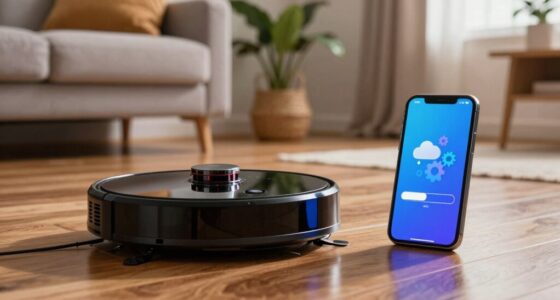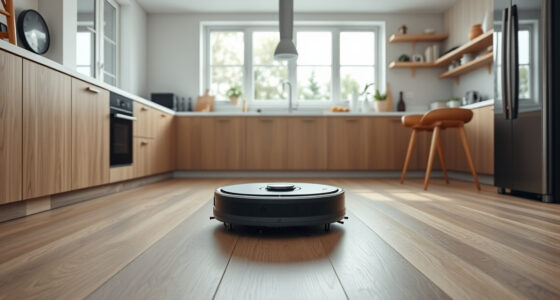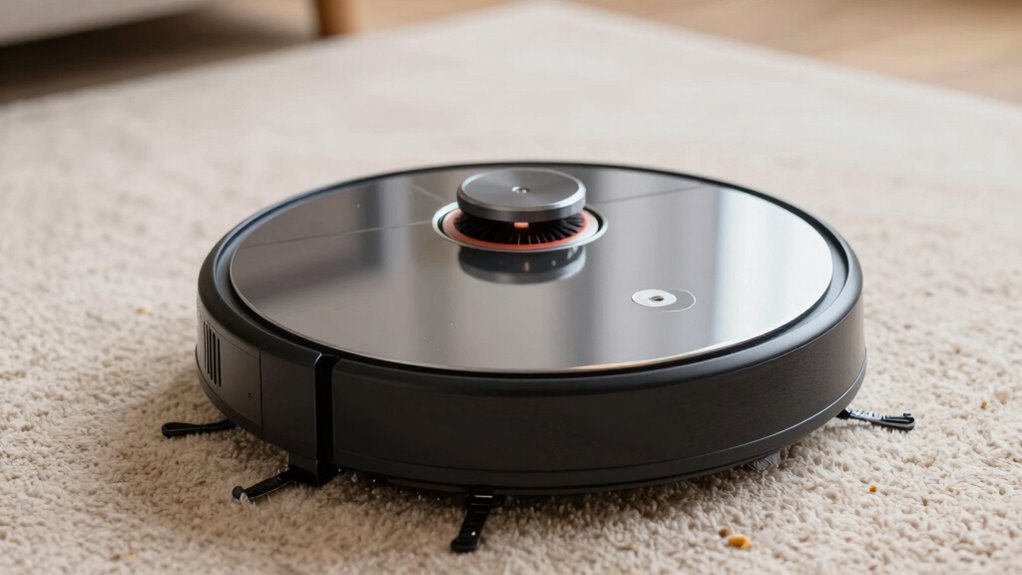
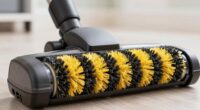
Normal robot vacuum noises include steady hums, soft beeps, and motor sounds, which vary with surface type—louder on hard floors and quieter on carpets. Unusual sounds like squealing, rattling, or grinding often indicate problems such as debris, tangled hair, or motor issues. If noise patterns change unexpectedly, it’s a warning sign that maintenance or repairs may be needed. Keep listening and checking; you’ll discover tips on keeping your vacuum running smoothly.

Get cleaning gear delivered free with Prime
- Fast, free delivery on millions of items
- Prime Video, Amazon Music and more included
- Member-only deals all year
Key Takeaways
- Normal noises include consistent hums, motor sounds, and soft beeps, which vary with surface type and obstacle presence.
- Sudden, loud, or unusual sounds like squeals, grinding, or rattling indicate potential mechanical or sensor malfunctions.
- Noise changes during surface transitions or obstacles can signal irregularities or sensor interference requiring attention.
- Persistent alerts, strange humming, or decline in cleaning performance suggest the need for maintenance or repairs.
- Regular cleaning, timely troubleshooting, and monitoring battery health help prevent noise issues and ensure quieter operation.
As an affiliate, we earn on qualifying purchases.
What Are Normal Sounds From a Robot Vacuum?
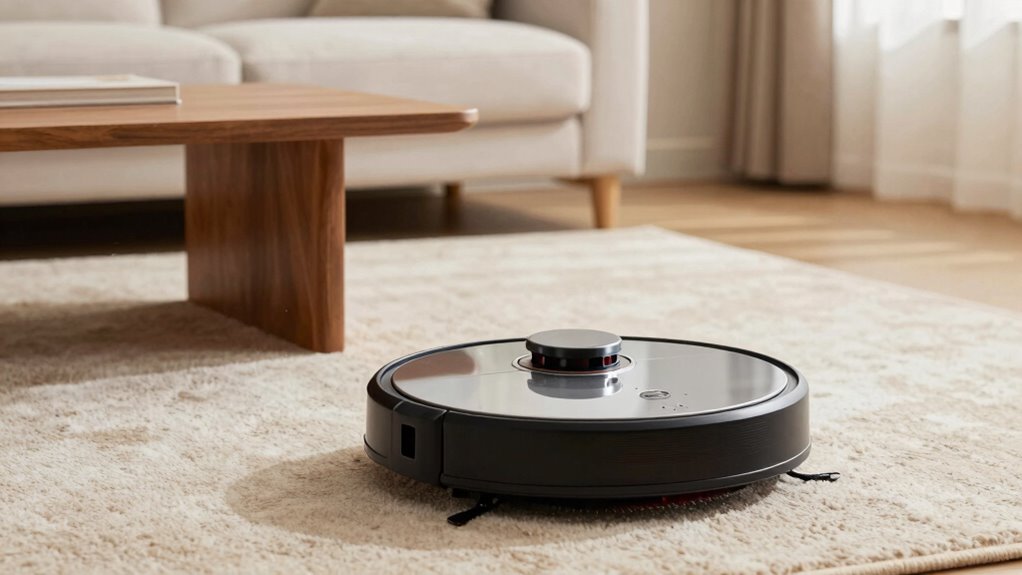
Robot vacuums typically produce a range of sounds that are considered normal during operation. You might hear a consistent hum as the device powers up and navigates your space. As it moves, the motor noise can vary slightly, but it should remain steady. During cleaning, the vacuum may beep occasionally, indicating functions like low dustbin capacity or battery status. A loud or unusual noise could signal an issue, but normal sounds include the motor’s whir and soft beeps. Keep in mind, the battery lifespan influences how long your vacuum runs, which can affect overall noise levels. If the dustbin is full, the vacuum might increase its noise as it tries to compensate for the load. Recognizing these normal sounds helps you monitor your vacuum’s health effectively. Additionally, understanding free floating components can help identify when components are loose or misaligned, potentially causing abnormal noises. Regular maintenance and inspection of robot vacuum parts can prevent many common issues that lead to abnormal sounds. Being familiar with normal operational sounds can also help you catch early signs of mechanical wear before they become serious problems. It’s also helpful to listen for any unusual vibrations that could indicate loose or damaged parts needing attention, and paying attention to sound intensity can assist in diagnosing potential issues early.
robot vacuum troubleshooting tools
As an affiliate, we earn on qualifying purchases.
As an affiliate, we earn on qualifying purchases.
How Surfaces and Obstacles Change Your Vacuum’s Noise
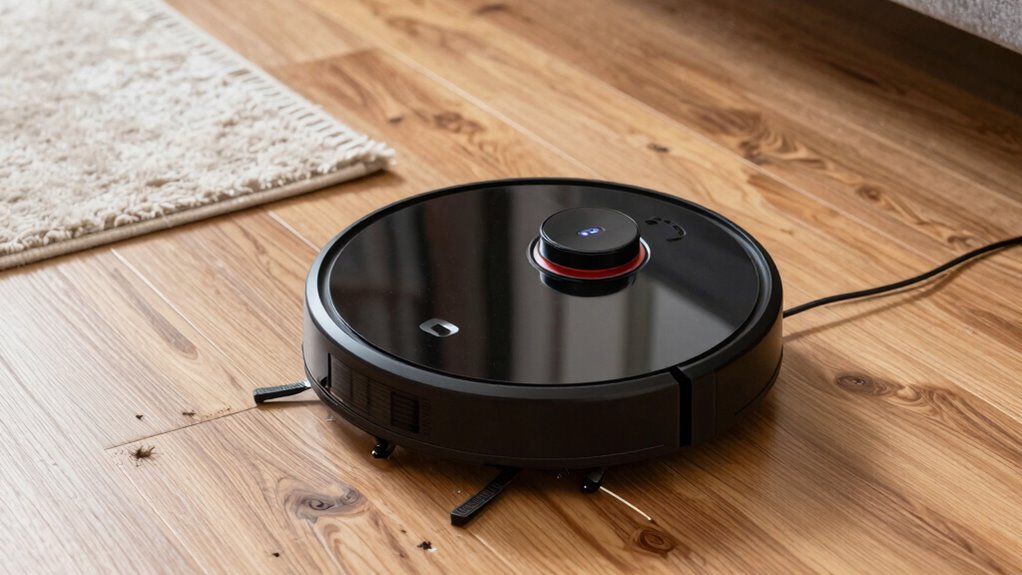
The surfaces your vacuum encounters can considerably affect its noise levels, with harder floors often producing louder sounds than carpets. Obstacles like furniture or clutter can cause irregular noises or vibrations as the vacuum navigates around them. Understanding how these elements influence sound helps you anticipate and manage your robot’s noise better. Additionally, incorporating energy-efficient cloud solutions into your vacuum’s software can help optimize its operation for quieter performance. Implementing smart navigation algorithms can further reduce unnecessary movements that contribute to noise, enhancing the overall user experience. Moreover, surface detection technology allows the vacuum to adjust its speed and suction based on the floor type, further minimizing noise during operation. Advanced sensor technology can improve obstacle detection, leading to smoother navigation and less noise caused by sudden stops or collisions.
Surface Material Impact
Different surface materials and obstacles can considerably influence the noise level of your vacuum. The floor type plays a key role—hard surfaces like tile or hardwood tend to produce louder, sharper sounds, while carpets absorb sound, making the vacuum quieter. Obstacle interference also impacts noise; thick rugs or cluttered areas can cause your vacuum to work harder, increasing noise levels. Additionally, changes between different floor types may cause sudden changes in sound. Optimal surface selection can help minimize noise during cleaning sessions. Recognizing the impact of surface absorption can assist in selecting the best flooring for quieter operation. – Hard floors generate higher-pitched noise due to less absorption. Surface materials influence how sound is transmitted and dampened. – Thick carpets dampen noise, offering quieter operation. Obstacles like area rugs can cause increased motor strain. – Changeover zones may produce abrupt sound variations. Cluttered spaces force more obstacle interference, raising noise levels. Incorporating professional services can enhance your vacuum setup for noise reduction and performance.
Obstacle Interference Effects
Obstacles like area rugs, furniture, and clutter directly affect your vacuum’s noise levels by forcing the motor to work harder. When your vacuum encounters thick rugs or tangled cords, it may trigger sensor malfunctions, causing erratic movements or increased noise. These obstructions also strain the motor, leading to higher energy consumption and potential battery issues if the vacuum struggles to complete cleaning cycles. Hard surfaces or uneven terrain can cause the sensors to misjudge obstacles, resulting in abrupt stops or louder noises. Persistent interference may indicate that sensors need cleaning or recalibration. If your vacuum frequently emits unusual sounds or quickly drains its battery, obstacle interference might be the culprit—highlighting the importance of clearing clutter and maintaining sensor accuracy for quieter, more efficient operation. Additionally, sensor calibration can significantly improve your vacuum’s ability to detect obstacles accurately and reduce unnecessary noise. Regularly checking and cleaning sensors can help prevent sensor malfunctions, ensuring smoother operation and quieter performance. Properly maintaining and positioning obstacles can also minimize sensor interference, leading to more consistent and quieter cleaning cycles.
quiet robot vacuum replacement parts
As an affiliate, we earn on qualifying purchases.
As an affiliate, we earn on qualifying purchases.
How to Recognize When Your Robot Vacuum Is Malfunctioning
If your robot vacuum starts making strange noises or the sound changes unexpectedly, it’s a sign something’s wrong. Keep an eye out for persistent error alerts or unusual noise patterns that don’t match normal operation. Recognizing these signs early can help you troubleshoot and prevent further issues. Paying attention to vacuum features like noise levels and suction power can also help determine if your device is functioning properly. For example, a sudden increase in noise may indicate a malfunctioning motor, which requires prompt attention. Additionally, understanding smart device alerts can assist in diagnosing issues more effectively. Regular maintenance and awareness of technological integration can further help keep your vacuum running smoothly.
Unusual Noise Patterns
Unusual noise patterns from your robot vacuum can be a clear sign that something’s wrong. Pay attention to changes in noise levels and sound frequency, as these can indicate mechanical issues or obstructions. If you notice a sudden increase in volume or irregular sounds, it might be time to check for problems. Look out for:
- High-pitched squeals or screeches
- Grinding or metal-on-metal noises
- Irregular, fluctuating sound levels
- Persistent rattling sounds
- Unusual humming or buzzing that differs from normal operation
These patterns suggest the vacuum’s components may be misaligned, jammed, or damaged. Recognizing these unusual noise patterns early helps prevent further damage and ensures your robot vacuum functions efficiently. Always investigate strange sounds promptly to keep your device running smoothly.
Persistent Error Alerts
Persistent error alerts are a clear sign that your robot vacuum is malfunctioning and needs attention. These alerts often indicate issues with the battery lifespan or outdated software updates. If your vacuum repeatedly displays error messages despite normal operation, it could be a sign that the battery is no longer holding a charge or needs replacement. Additionally, outdated software can cause glitches or false error alerts; ensuring your vacuum has the latest firmware can resolve these problems. Regularly checking software updates and monitoring your battery’s health can prevent these issues. Ignoring persistent alerts may lead to decreased cleaning performance or further damage. Being aware of media literacy and understanding how to interpret error signals can help you troubleshoot effectively. Recognizing these warning signs early keeps your robot vacuum functioning efficiently and prolongs its lifespan, especially when you understand the common error codes associated with different malfunctions.
As an affiliate, we earn on qualifying purchases.
Troubleshooting Strange Noises From Your Robot Vacuum
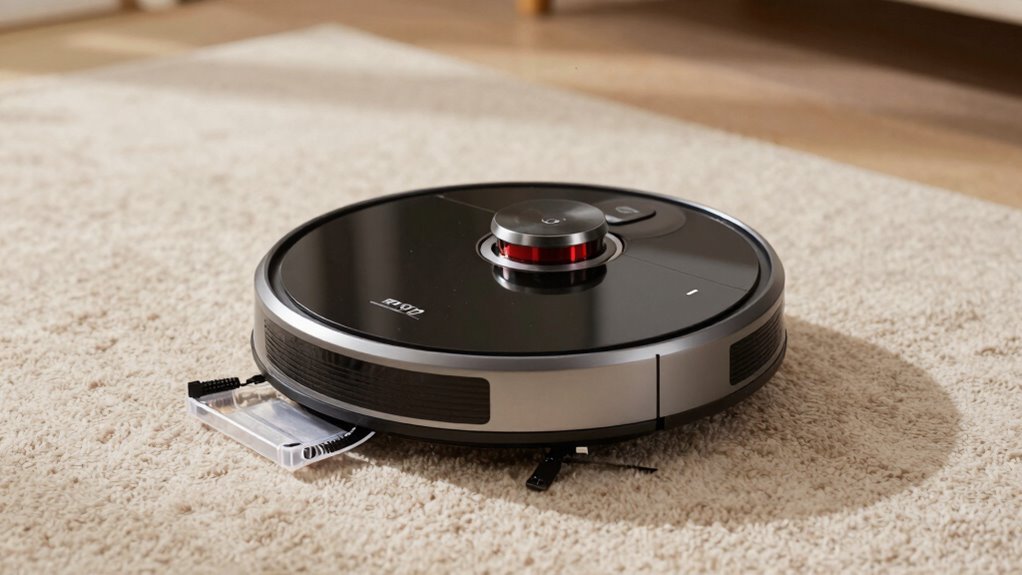
Are strange noises coming from your robot vacuum? First, check the battery health; a declining battery can cause unusual sounds during operation. Next, verify sensor calibration, as misaligned sensors may lead to grinding or beeping noises. Sometimes, debris caught in brushes or wheels creates rattling sounds—inspect and clear these areas regularly. Loose parts can also vibrate or rattle, so tighten screws and check for damage. If your vacuum makes high-pitched whines, it might indicate motor issues or obstructions. Here’s what to do:
Check your robot vacuum’s battery, sensors, and brushes to silence strange noises and boost performance.
- Inspect and clean brushes and wheels
- Check for debris lodged in sensors
- Tighten loose screws or panels
- Test battery performance and replace if needed
- Calibrate sensors following your model’s instructions
Addressing these issues should reduce strange noises and improve performance.
When Is It Time to Perform Maintenance or Repairs?
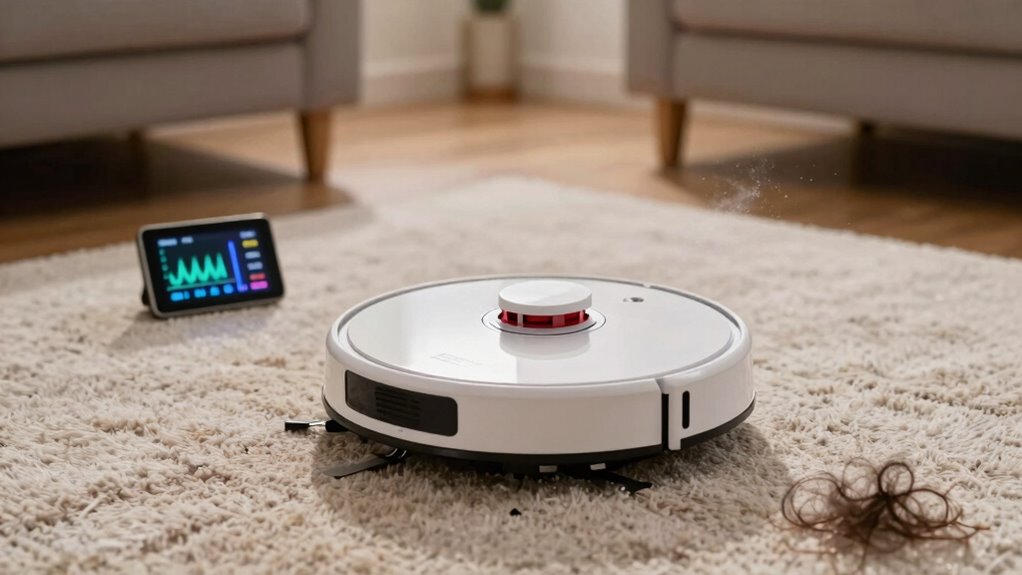
Knowing when to perform maintenance or repairs on your robot vacuum can prevent minor issues from turning into costly problems. Keep an eye on battery health; if your vacuum isn’t holding a charge or runs out of power quickly, it’s time for a battery check or replacement. Regularly updating the firmware ensures your device runs smoothly and can fix bugs that cause strange noises or performance issues. If you notice abnormal sounds, decreased suction, or the vacuum struggling to navigate, don’t wait—perform maintenance promptly. Cleaning brushes, emptying the bin, and inspecting wheels can resolve many issues early. Staying proactive with these tasks helps extend your vacuum’s lifespan and keeps noise levels normal. Addressing these signs early saves you time and money in the long run.
Tips to Reduce Noise During Vacuuming

Reducing noise during vacuuming not only makes the experience more comfortable but also helps prevent disturbances to your household. To achieve this, consider optimizing your robot vacuum’s settings and maintenance.
- Keep the dust bin clean and empty to reduce motor strain and noise.
- Ensure the battery life is sufficient; avoid running the vacuum when the battery is low, as it may operate noisily.
- Use the lowest effective suction setting to decrease motor noise without sacrificing cleaning performance.
- Schedule cleanings during times when noise is less disruptive.
- Regularly check for and remove debris or tangled hair that can cause the vacuum to work harder and produce more noise.
Implementing these tips helps maintain quieter operation and prolongs your vacuum’s lifespan.
Common Causes of Unusual Noises and How to Fix Them
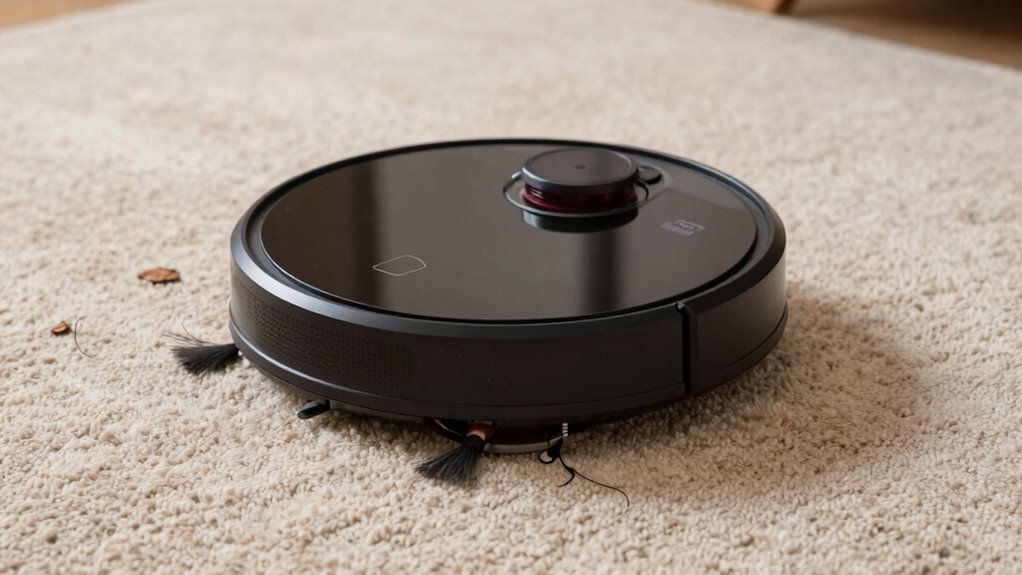
Unusual noises from your robot vacuum often stem from specific mechanical issues or blockages. If your vacuum is making grinding or rattling sounds, check the dust compartment; debris or tangled hair can obstruct the brushes or wheels. A clogged dust compartment can also cause the motor to strain, producing abnormal noise. Additionally, poor battery health may lead to inconsistent power delivery, resulting in unusual sounds during operation. If the battery isn’t holding a charge properly, the vacuum might struggle to maintain smooth movement, creating grinding or whirring noises. Regularly clean the dust compartment and inspect the brushes for obstructions. If noises persist despite these steps, consider testing or replacing the battery, as diminished battery health can markedly impact noise levels and overall performance.
When Should You Replace Your Robot Vacuum?

Typically, you’ll want to contemplate replacing your robot vacuum after about three to five years of regular use. Over time, issues like frequent battery drain can reduce cleaning efficiency, and wear on components like brushes can lead to poor performance. If you notice your vacuum struggles to hold a charge or needs frequent recharging, it might be time for a replacement. Similarly, if you see persistent brush misalignment or damage that affects cleaning, repairs may no longer be worthwhile. Consider replacing your vacuum if:
Replace your robot vacuum after 3-5 years to maintain peak cleaning performance and prevent costly repairs.
- Battery drain occurs quickly and doesn’t improve with charging
- Brushes remain misaligned despite adjustments
- Suction power diminishes considerably
- Unusual noises persist even after cleaning
- Overall cleaning performance declines substantially
Proactive replacement guarantees ideal cleaning and prevents further damage.
Frequently Asked Questions
How Loud Is a Typical Robot Vacuum Compared to Traditional Vacuums?
A typical robot vacuum is quieter than traditional vacuums, usually producing around 55-65 decibels, while standard models can reach 70-80 decibels. Your robot’s noise level stays consistent, but keep an eye on battery life and dust capacity, as overfilled dust bins or low battery can cause it to work harder and get noisier. This way, you maintain efficient cleaning without unexpected loud sounds.
Can I Adjust the Noise Level of My Robot Vacuum?
Yes, you can modify the noise level of your robot vacuum through sound customization features if your model offers them. Check your vacuum’s settings or app to find options for adjusting the volume or enabling quieter modes. By customizing sound levels, you guarantee your cleaning runs smoothly without disturbing your environment. Always refer to your user manual for specific instructions, as not all models have adjustable noise features.
Does Age Affect the Noise Level of a Robot Vacuum?
Did you know that older robot vacuums can be up to 20% noisier? Age can affect noise levels because batteries degrade and motors wear out, reducing efficiency. You might notice increased noise or reduced battery life, which impacts noise reduction. Regular maintenance and timely replacements help keep your vacuum quieter and extend its lifespan, so you get ideal performance without the extra noise.
Are Silent Robot Vacuums Less Effective at Cleaning?
Silent robot vacuums can be just as effective at cleaning, especially if they use advanced noise reduction techniques like optimized motor design and sound insulation. While quiet operation might seem like it could compromise power, many models balance noise reduction with strong suction and thorough cleaning. So, don’t worry—if you choose a well-designed quiet vacuum, you’ll get efficient cleaning without the loud noise, making your experience more comfortable.
What Safety Measures Should I Take Around Noisy Robot Vacuums?
They say “better safe than sorry,” so you should keep your cordless battery-powered robot vacuum away from children and pets, especially when it’s noisy. Never leave it running unattended in areas where pets or kids play, and make sure cords are out of reach to prevent accidents. Regularly check for any unusual noise or behavior, and always supervise its operation to guarantee everyone’s safety and peace of mind.
Conclusion
Understanding your robot vacuum’s sounds helps you spot issues early. Did you know that over 60% of users report noise-related concerns within the first year? Regular maintenance and paying attention to unusual noises can extend your vacuum’s lifespan and keep it operating smoothly. Stay proactive, listen closely, and you’ll ensure your device runs quietly and efficiently for years to come. Keep your home clean and noise-free by staying aware of what’s normal and when to act.
Fall Picks
fall essentials
As an affiliate, we earn on qualifying purchases.