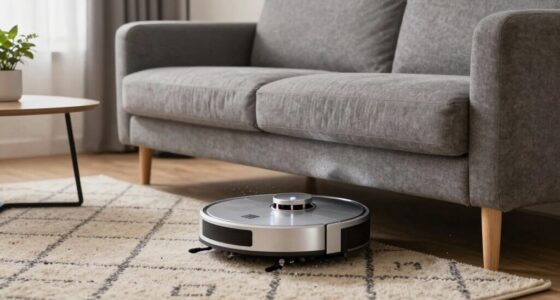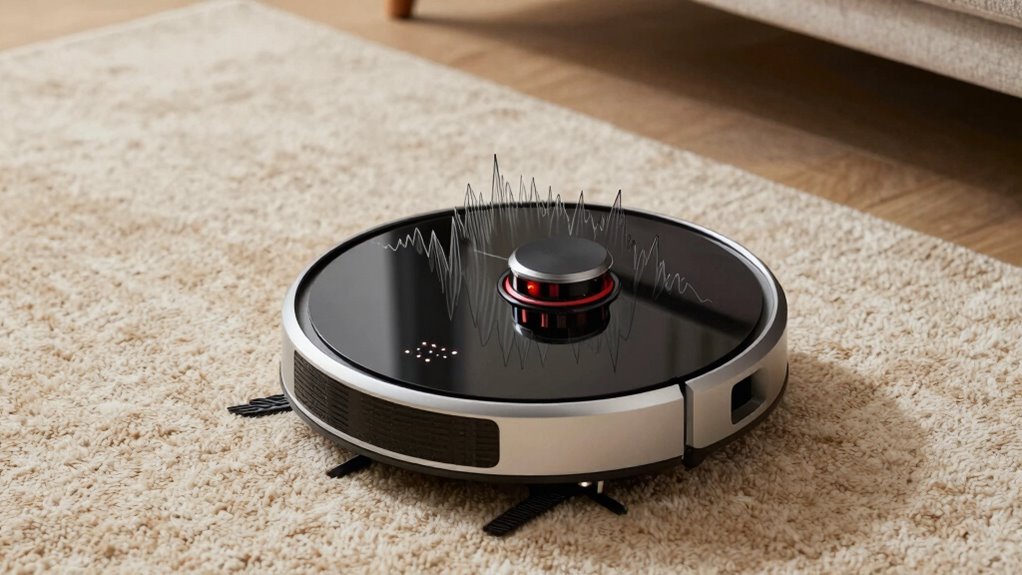

If your robot vacuum suddenly gets louder, start by checking for debris tangled in the brushes or wheels, as this can cause noise and strain the motor. Listen for squealing or grinding sounds, which often indicate belt or motor issues. Inspect the dustbin and intake area for blockages, and verify the belts and wheels are clean and moving freely. Continuing with these steps helps you identify the problem faster, and more tips follow if you want to fix it quickly.
Key Takeaways
- Check for tangled hair, debris, or dust buildup on brushes, wheels, and internal parts causing noise.
- Inspect the drive belts for wear, misalignment, or slipping, which can produce squealing sounds.
- Examine the motor and bearings for overheating, damage, or debris that may cause grinding or loud operation.
- Ensure the dustbin, filters, and intake area are clear of obstructions to prevent airflow-related noise spikes.
- Perform regular maintenance and replace worn parts to keep the vacuum operating quietly and efficiently.
Why Is My Robot Vacuum Noisy? Common Causes Explained

If your robot vacuum suddenly becomes loud, there are several common reasons behind the noise. One possibility is that the battery life is declining, causing the motor to strain and produce more noise than usual. When the battery isn’t holding a charge well, the vacuum’s motor works harder, leading to increased sound levels. Another cause to contemplate is sensor malfunctions. If sensors are dirty or faulty, the vacuum may struggle to detect obstacles properly, making it bump or rattle more as it tries to navigate. These issues are often quick fixes—replacing the battery or cleaning sensors can reduce the noise considerably. Additionally, motor performance can deteriorate over time, contributing to increased noise levels and reduced cleaning effectiveness. Ensuring that the vacuum’s energy efficiency remains optimal can also help prevent unexpected noise spikes. Regular maintenance and mindful usage can help maintain optimal operation and reduce potential noise issues over time. Being attentive to component wear can also help identify early signs of mechanical failure that might cause noise, and inspecting internal parts periodically can help prevent further damage or noise escalation.
How to Check the Brushes and Attachments for Debris
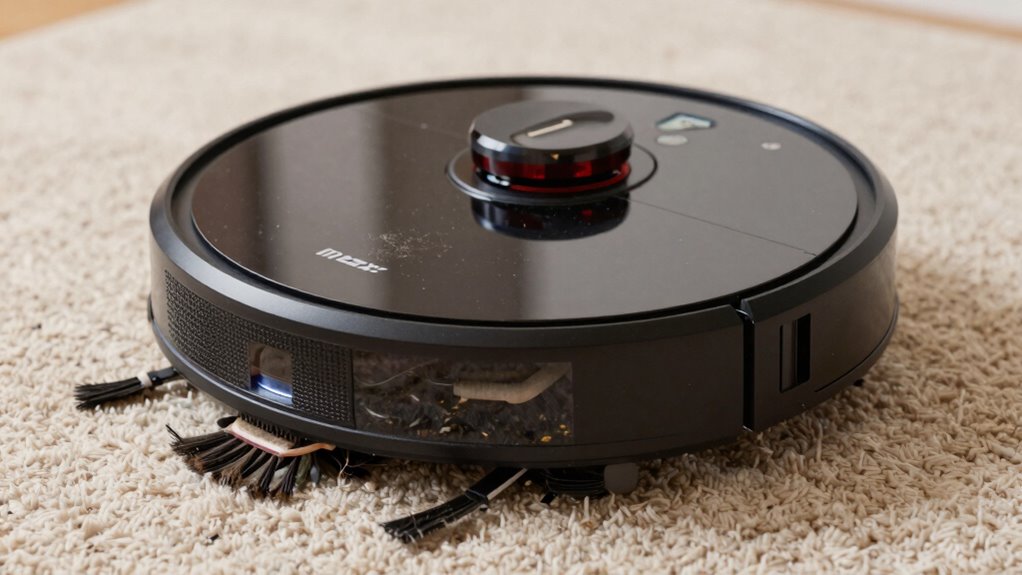
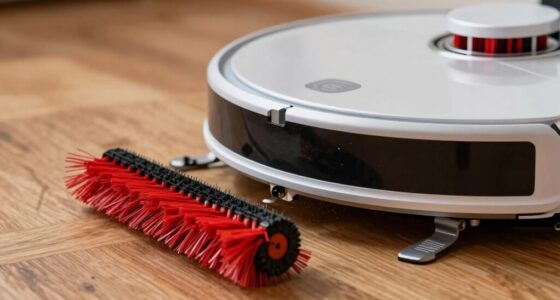
Start by inspecting the brush roll to see if it’s tangled or blocked with debris. Next, check all attachments and remove any dirt or hair that could cause noise or interfere with performance. Keeping these parts clean guarantees your vacuum runs smoothly and quietly. Additionally, ensuring the proper maintenance of your vacuum can prevent sudden loud noises and extend its lifespan. Regularly inspecting and cleaning these components aligns with sound therapy techniques, which emphasize consistent and proactive care to improve overall function. Properly maintaining the motor and belts can also help prevent unexpected loud noises and improve efficiency. Moreover, paying attention to the dustbin and filters can also help reduce noise levels and optimize suction.
Inspect Brush Roll Thoroughly
Before operating your robot vacuum, it is essential to thoroughly inspect the brush roll and attachments for debris that could hinder performance. Remove the brush roll carefully and examine it for tangled hair, string, or dirt. Debris buildup can cause the brush to spin unevenly, making loud noises during operation. Use your fingers or a brush to remove any debris, ensuring the brush roll turns smoothly. Check the bearings and axles for obstructions that could impede movement. Clear away any debris that might cause imbalance or rattling sounds. Regular debris removal from the brush roll keeps it spinning efficiently and quietly. Additionally, inspecting the motor and wheel assemblies periodically can help identify potential issues early. Ensuring proper body maintenance of your vacuum’s components can significantly reduce noise and improve overall performance. Taking these steps can considerably reduce noise and improve your vacuum’s overall performance. Proper maintenance of your vacuum’s components can significantly reduce noise and improve overall performance. Make sure everything is clean before restarting your device. For optimal results, routine inspections can prevent unexpected noise issues and prolong your vacuum’s lifespan.
Clear Attachments of Debris
To make certain your robot vacuum operates quietly and efficiently, you need to regularly check its brushes and attachments for debris. Remove any hair, dust, or tangled threads from the brushes and other attachments. Debris buildup can cause loud noises and reduce cleaning performance. While you’re at it, inspect the filter and replace it if it’s dirty or clogged, which helps improve airflow and overall efficiency. A clean filter also supports better battery performance, since the vacuum doesn’t have to work as hard. Clearing debris from attachments not only quiets the operation but also prolongs the lifespan of your device. Regular maintenance ensures your vacuum runs smoothly and quietly, avoiding unnecessary strain on its motor and components. Additionally, staying informed about common repairs can help troubleshoot other issues that may cause noise.
Listen for Squealing or Grinding: What Do These Sounds Indicate?
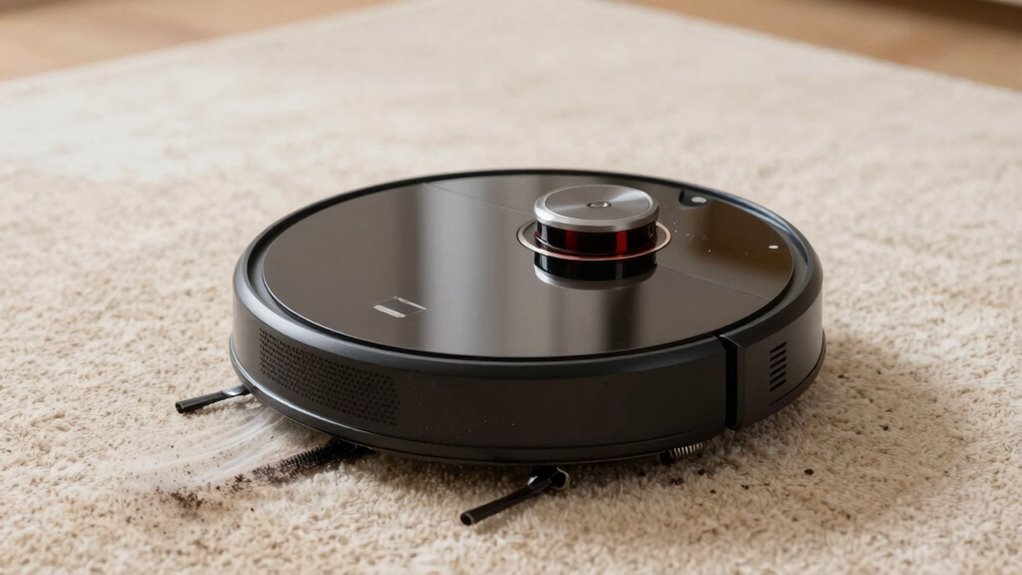
If your vacuum starts squealing, it’s likely the belt needs attention. Grinding noises usually mean the motor is having trouble. Recognizing these sounds helps you identify and fix issues before they worsen.
Squealing Sounds Signal Belt Issues
A squealing or grinding noise from your robot vacuum often signals belt issues that need immediate attention. If you hear belt squealing, it usually means the belt is slipping or worn out, causing it to slip over the pulleys. This creates a high-pitched sound as the belt struggles to grip properly. Sometimes, the noise may be accompanied by motor grinding if the belt is too loose or damaged, putting extra strain on the motor. Check the belt for signs of wear, cracking, or misalignment. Replacing a worn or broken belt will often eliminate the squealing and restore smooth operation. Regular inspection and maintenance of the belt can help identify issues early and prevent further damage. Ignoring these sounds can lead to further damage, so address belt issues promptly to keep your vacuum running quietly and efficiently. For reliable operation, inspecting and maintaining the belt according to safety and maintenance guidelines can prevent unexpected breakdowns.
Grinding Indicates Motor Problems
Ever wonder what grinding sounds from your robot vacuum really mean? These noises often point to motor problems or debris caught in the brush. When you hear grinding, it’s a sign that the motor is struggling, possibly due to brush issues or debris removal needs. Check the brush for tangled hair or dirt, and clean it thoroughly. If debris is lodged in the motor or wheels, it can cause grinding sounds and damage the motor over time. Regular brush maintenance helps prevent this. Here’s a quick overview:
| Issue | Possible Cause | Solution |
|---|---|---|
| Grinding noise | Debris in brush or wheels | Remove debris, clean brush |
| Motor strain | Lack of maintenance | Perform brush maintenance |
| Squealing or grinding | Worn motor parts | Replace motor if needed |
Properly diagnosing and addressing these issues can extend the life of your vacuum and keep it running smoothly.
Inspect the Drive Belt and Motors for Wear or Damage
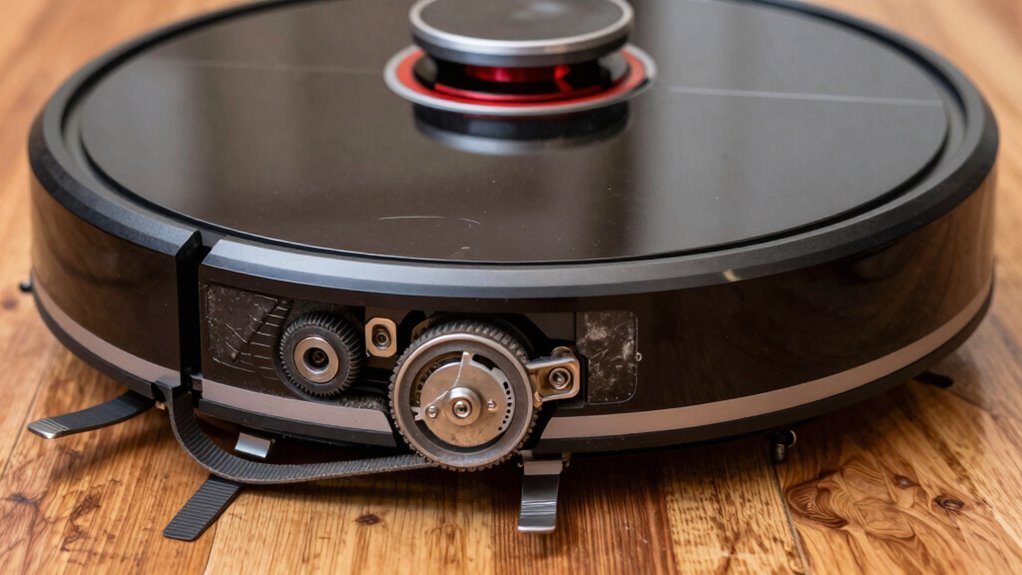
To guarantee your robot vacuum operates smoothly, it’s essential to inspect the drive belt and motors regularly for signs of wear or damage. Start with a drive belt inspection—look for cracks, tears, or slack that could cause noise or slipping. If the belt appears worn, replacing it can restore quiet operation. Next, perform a motor damage check by listening for unusual sounds or vibrations that indicate internal issues. Carefully examine the motors for visible signs of overheating, debris buildup, or corrosion. If you notice any irregularities, it’s best to replace the damaged parts promptly. Regularly inspecting these components prevents sudden loud noises and ensures your vacuum works efficiently. Keeping the drive belt and motors in good condition prolongs the device’s lifespan and maintains optimal performance. Additionally, understanding common mechanical issues can help you diagnose problems more effectively. Performing routine maintenance checks can also reduce the risk of unexpected breakdowns.
Are the Wheels and Axles Obstructed or Dirty? Here’s How to Check
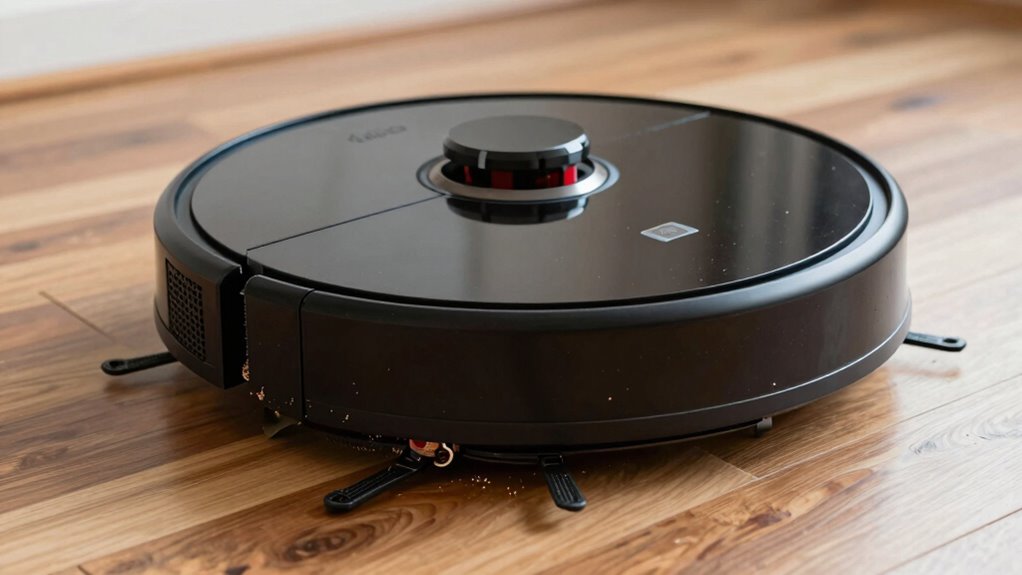
Are dirt, hair, or debris causing your robot vacuum’s wheels to stick or turn unevenly? Check the wheels and axles for debris buildup that could be impairing movement. First, remove the vacuum’s wheels carefully—most are easy to detach. Inspect the axles and surrounding areas for tangled hair, dust, or dirt. Clean any debris with a soft brush or cloth, ensuring the wheels spin freely. Regular maintenance prevents noise caused by obstructed wheels. Additionally, ensure that your vacuum’s wave and wind components are functioning properly to avoid unusual noises. It’s also helpful to refer to your device’s manufacturer instructions for specific cleaning procedures and troubleshooting tips. Being aware of common mechanical issues can help you identify and resolve problems promptly to keep your vacuum operating quietly. Regularly checking for wear and tear on moving parts can further extend the lifespan of your vacuum and maintain its quiet operation.
Is the Noise Coming From the Dustbin or Intake Area? How to Test
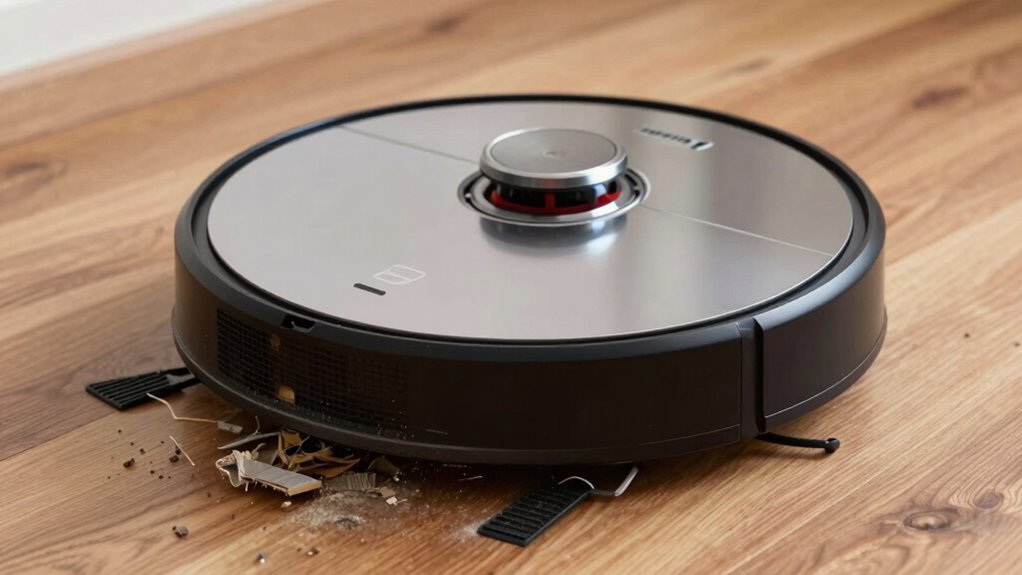
If your robot vacuum is making unusual noises, the dustbin or intake area might be the source. Start with a dustbin inspection: remove the dustbin and check for any debris or obstructions. Empty the dustbin if it’s full, as a clogged or overfilled bin can cause loud noises. Next, examine the intake area for blockages—look for tangled hair, dust, or small objects that might be stuck. Gently clear any debris you find. Turn the vacuum on briefly with the dustbin removed to listen for noise changes; if the sound diminishes, the problem likely lies in the dustbin or intake. Regular inspection and cleaning of these parts help prevent intake blockage and keep your vacuum running quietly.
When Should You Consider Professional Repairs or Replacement
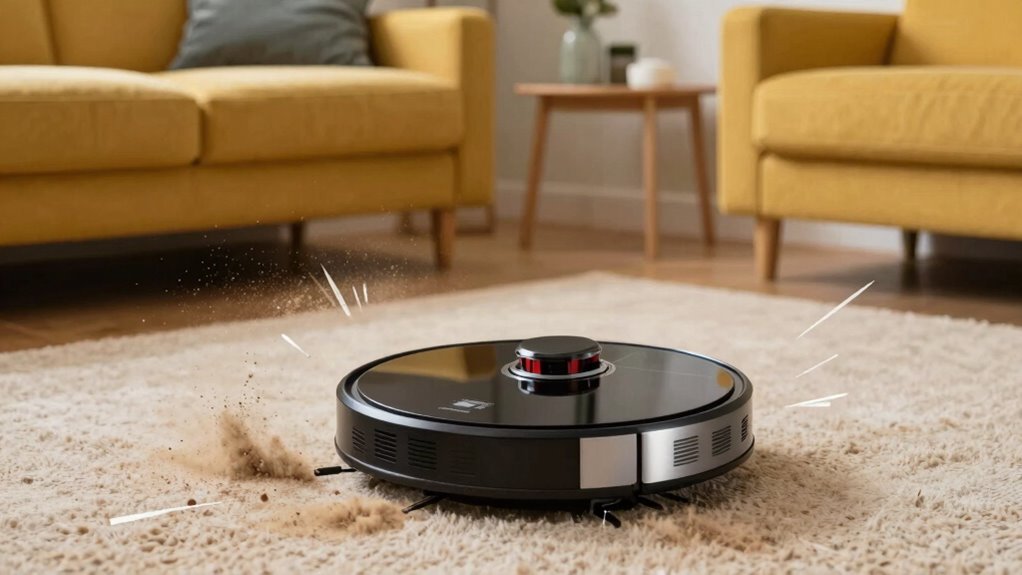
Sometimes, despite your best efforts to troubleshoot minor issues, your robot vacuum may continue to produce unusual noises or underperform. If you’re facing persistent problems, it’s time to contemplate professional repairs or replacement options. High repair costs might outweigh the benefits if the device is aging or has multiple issues. Signs include motor failure, damaged brushes, or persistent motor noise that doesn’t resolve with basic fixes. You should weigh the cost of repairs against buying a new unit, especially if replacement parts are expensive or hard to find. Additionally, frequent breakdowns could indicate it’s more economical to replace the vacuum altogether. Keep in mind, professional repairs can extend your device’s lifespan, but sometimes, replacement is the smarter, more cost-effective choice.
Tips to Prevent Loud Noises and Keep Your Robot Vacuum Running Smoothly
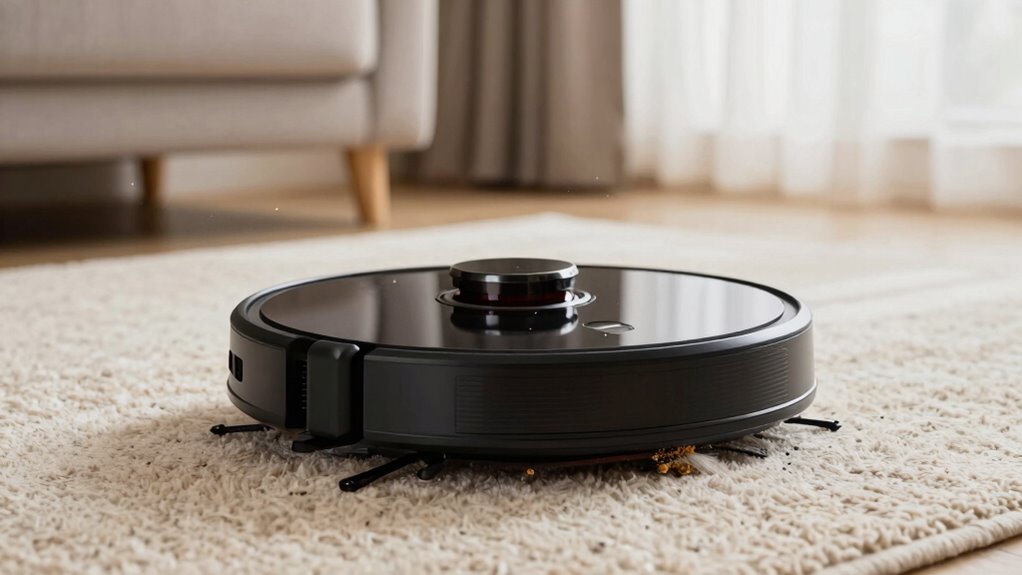
To keep your robot vacuum operating quietly and efficiently, regular maintenance can make a big difference. Start by checking the battery health; a worn-out battery may cause unusual noises or poor performance. Replace it if needed to guarantee smooth operation. Keep the vacuum’s brushes and wheels free of debris to prevent strain on motors, which can lead to loud sounds. Additionally, regularly update the software; manufacturers often release updates that improve noise levels and overall function. Make certain your vacuum’s sensors and filters are clean, as dirt buildup can cause motor strain and noise. Finally, store your vacuum in a dry, cool place to avoid battery deterioration. Following these tips helps maintain ideal battery health, ensures proper functioning, and keeps your robot vacuum running quietly.
Frequently Asked Questions
Can Software Updates Cause My Robot Vacuum to Become Louder?
Yes, software updates can cause your robot vacuum to become louder. Sometimes, software glitches or firmware bugs introduced during updates affect the motor or sensor performance, leading to increased noise. If your vacuum suddenly gets louder after a recent update, try resetting it or reinstalling the firmware. Contact customer support if the problem persists, as they can help identify if a bug needs fixing or if an update caused the issue.
Does Low Battery Affect the Noise Level of My Robot Vacuum?
A low battery can indeed affect your robot vacuum’s noise level. When the battery performance drops, the device’s power management system may cause the motor to work harder or run intermittently, increasing noise. As your vacuum struggles to maintain ideal power, it might sound louder than usual. To fix this, make sure the battery is fully charged and replace it if it no longer holds a proper charge, helping restore normal noise levels.
How Do I Identify if the Noise Is From the Motor or the Chassis?
You can identify if the noise is from the motor or chassis by listening carefully. If the sound is a high-pitched whine or grinding, it’s likely a motor issue. If it’s a rattling or thumping noise, it probably comes from the chassis or loose parts. Try stopping the vacuum briefly; if the noise stops when you pause, it’s probably a motor issue. If it continues, check for chassis or debris problems.
Can Environmental Factors Increase the Noise of My Robot Vacuum?
Environmental factors can definitely increase your robot vacuum’s noise. If your vacuum is on uneven floor placement, it might work harder and get louder. Obstacle interference, like tangled cords or clutter, can also make it struggle, causing extra noise. Make sure your cleaning path is clear and the vacuum is on a stable surface. Addressing these factors helps reduce noise and keeps your vacuum running smoothly.
Is It Normal for the Noise Level to Vary During Different Cleaning Modes?
Oh, the joy of unpredictable noise! Yes, it’s normal for your robot vacuum’s noise level to vary with different cleaning patterns. Some modes prioritize thorough cleaning, which can make it louder, while others are gentler, leading to quieter operation. So, don’t worry about noise consistency—your vacuum’s just showing off its versatility. Just enjoy the symphony of cleaning, even if it’s a little unpredictable at times.
Conclusion
If your robot vacuum suddenly gets loud, don’t ignore it. By quickly checking the brushes, wheels, and motor areas, you can often spot the problem or prevent further damage. Think of it like a car: regular maintenance keeps it running smoothly. Addressing issues early, like debris buildup or worn parts, saves you money and hassle. Keep your vacuum well-maintained, and it’ll continue to clean quietly and efficiently, just like a well-tuned engine.