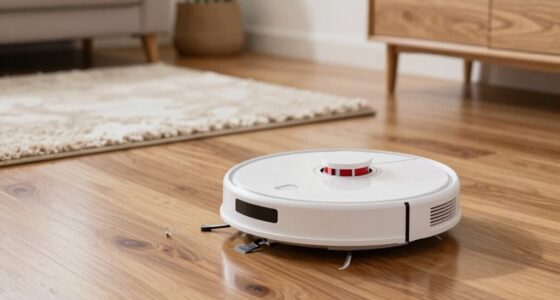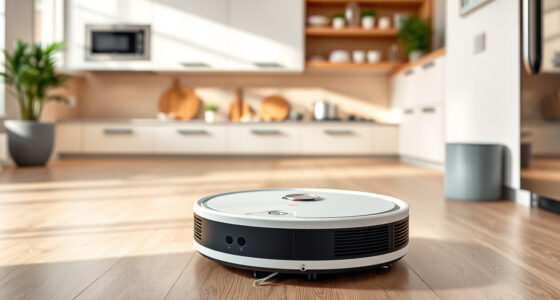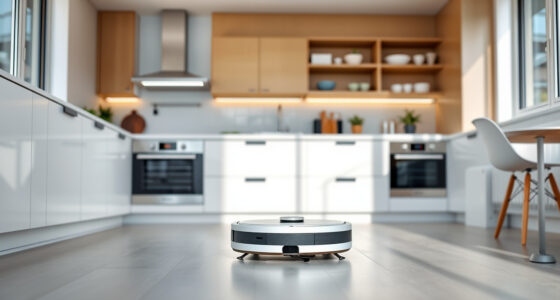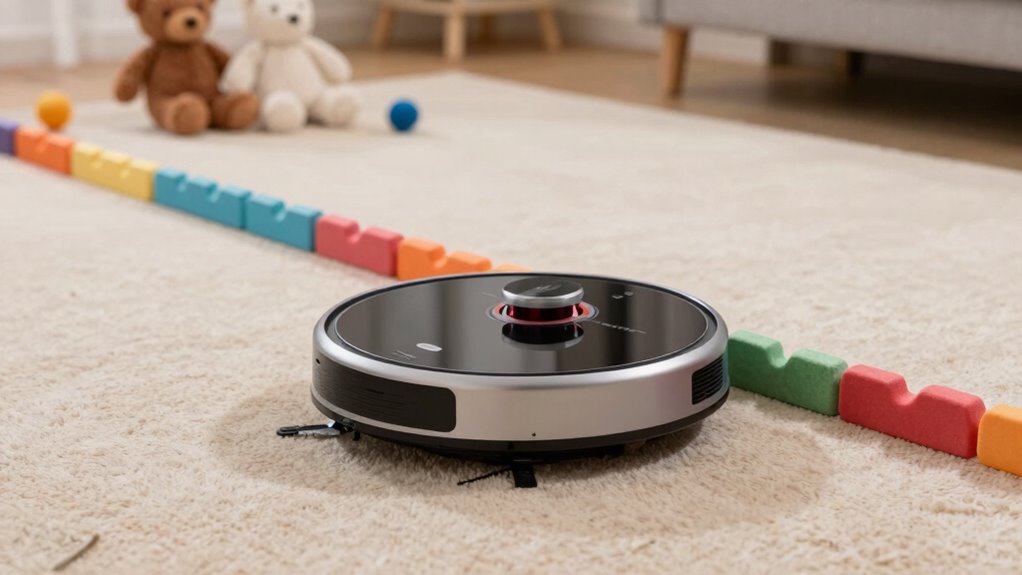
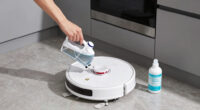
To prevent your robot from fighting your home, start by creating accurate digital no-go zones using your robot’s app. Mark areas like pet zones, delicate furniture, or restricted rooms, ensuring the robot will avoid them during cleaning. Regularly update these boundaries and recalibrate sensors to keep everything in check. Keep an eye on how your robot responds, and making adjustments when needed. If you want to learn more about the best ways to set effective no-go zones, keep exploring.

Get cleaning gear delivered free — and shop member deals
- Fast, free delivery on millions of items
- Access to Prime Big Deal Days deals on October 6–7
- Prime Video, Amazon Music and more included
Key Takeaways
- Generate an accurate digital map of your home and mark no-go zones within the robot’s app.
- Use sensors and obstacle detection features to reinforce boundary effectiveness and prevent boundary breaches.
- Regularly update the map and sensor calibrations to adapt to furniture changes or new hazards.
- Test no-go zones by manually guiding the robot to ensure it stops at designated boundaries.
- Reassess and modify no-go zones periodically to maintain proper boundary enforcement as your home environment evolves.
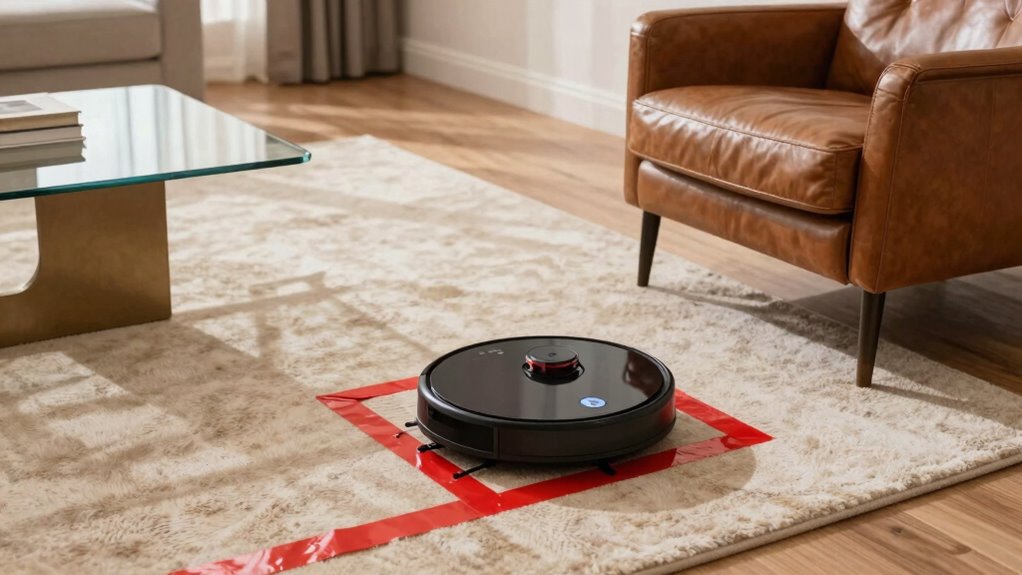
To guarantee robot safety in shared environments, setting no-go zones is essential. These zones prevent your robot from entering areas where it could cause damage or become a hazard. These boundaries are especially important in navigation mapping, which creates a detailed layout of your space, outlining walls, furniture, and other fixtures. This digital map acts as a guide, helping the robot understand where it can and cannot go. Obstacle detection, on the other hand, allows the robot to sense unexpected objects or changes in its environment in real-time. Together, these features ensure your robot navigates safely and respects the boundaries you set. When setting no-go zones, start by creating an accurate navigation map of your home or workspace. Many robots have apps that allow you to scan and customize your layout. During this process, you’ll identify areas where the robot should not enter, such as delicate furniture, pet zones, or restricted rooms. Mark these areas clearly within the app, turning them into no-go zones. This way, the robot’s navigation system will incorporate these boundaries into its digital map, guiding it to avoid those spots automatically. Obstacle detection plays a crucial role once your no-go zones are established. Modern robots use sensors like lidar, cameras, or infrared to detect obstacles in real-time. If the robot encounters an unexpected object—say, a stray toy or a pile of laundry—it can pause, reroute, or avoid the obstacle completely. Ensuring that obstacle detection is calibrated correctly enhances safety, especially near no-go zones. Regularly updating the robot’s firmware and cleaning its sensors keeps obstacle detection functioning optimally, reinforcing the no-go zones you’ve established. It’s also helpful to understand that sensor calibration can significantly improve the robot’s ability to recognize and respect boundaries. Additionally, periodic reviews of the mapped zones and sensor settings help maintain effective navigation as your environment changes. Conducting routine environment assessments can help identify new obstacles or hazards that may affect navigation. It’s also beneficial to test the boundaries after setting them, and to monitor robot behavior during operation to ensure it respects the no-go zones. If it enters restricted areas, double-check your map and sensor calibration. Sometimes, you may need to redefine zones or recalibrate obstacle detection for better accuracy. Keep in mind that furniture rearrangements or new obstacles can affect navigation, so periodically review and update your no-go zones accordingly. This ongoing maintenance ensures your robot works harmoniously within your environment, reducing the chances of it fighting your home or causing unintended mishaps.
As an affiliate, we earn on qualifying purchases.
Frequently Asked Questions
Can No-Go Zones Be Permanent or Do They Need Reprogramming?
No-go zones can be permanent if you set them correctly, but you’ll need to update them regularly for maximum mapping accuracy. Over time, zone updates may be necessary due to changes in your home’s layout or furniture placement. Most robots allow you to save permanent zones, but to maintain efficiency, you should review and reprogram these zones periodically, ensuring the robot navigates accurately without fighting your home.
How Do No-Go Zones Affect Robot Cleaning Efficiency?
No-go zones improve your robot’s cleaning efficiency by guiding it away from obstacles, enhancing obstacle avoidance, and preventing unnecessary detours. When you set these zones, your robot conserves battery life, allowing for longer cleaning sessions and better battery management. By avoiding tricky areas, it reduces the chances of getting stuck or wasting energy, ensuring a smoother, more effective clean. This targeted approach maximizes your robot’s performance while protecting your home’s delicate spaces.
Are No-Go Zones Customizable for Different Robot Models?
Did you know over 60% of robot vacuum owners customize settings for better results? No-go zones are indeed customizable for different robot models, but options vary; some models offer extensive customization options, while others have limited features. Always check your robot’s compatibility first, as model compatibility influences how you set and adjust no-go zones. This guarantees your vacuum cleans efficiently without conflicts or missed spots, tailored perfectly to your home’s needs.
What Should I Do if the Robot Ignores No-Go Zones?
If your robot ignores no-go zones, you should use the manual override to pause its operation and carefully reconfigure the zones. Check for any software updates or calibration issues that might cause the problem. Sometimes, resetting or reprogramming the zones can resolve the issue. Make sure the no-go zones are clearly defined and saved correctly, and test your settings to verify the robot respects the boundaries.
Can No-Go Zones Be Temporarily Disabled for Special Cleaning Tasks?
Yes, you can temporarily deactivate no-go zones for special cleaning tasks. Imagine needing to clean a messy playroom; you can enable cleaning exceptions by disabling no-go zones just for that session. Typically, this involves using your robot’s app to toggle the no-go zones off temporarily. This way, your robot can thoroughly clean the area without permanently changing your customized zone settings.
robot vacuum obstacle detection sensors
As an affiliate, we earn on qualifying purchases.
As an affiliate, we earn on qualifying purchases.
Conclusion
By setting no-go zones, you can effectively prevent your robot from entering sensitive or hazardous areas, ensuring safety and peace of mind. Studies show that over 60% of robot accidents occur when the device enters restricted zones, highlighting the importance of proper zone setup. Taking a few minutes to define these areas helps keep your home organized and secure, so your robot can do its job without causing chaos or damage. Protect your space and enjoy a hassle-free cleaning experience.
robot vacuum boundary marking app
As an affiliate, we earn on qualifying purchases.
As an affiliate, we earn on qualifying purchases.
robot vacuum sensor calibration tools
As an affiliate, we earn on qualifying purchases.
As an affiliate, we earn on qualifying purchases.
Fall Picks
fall essentials
As an affiliate, we earn on qualifying purchases.