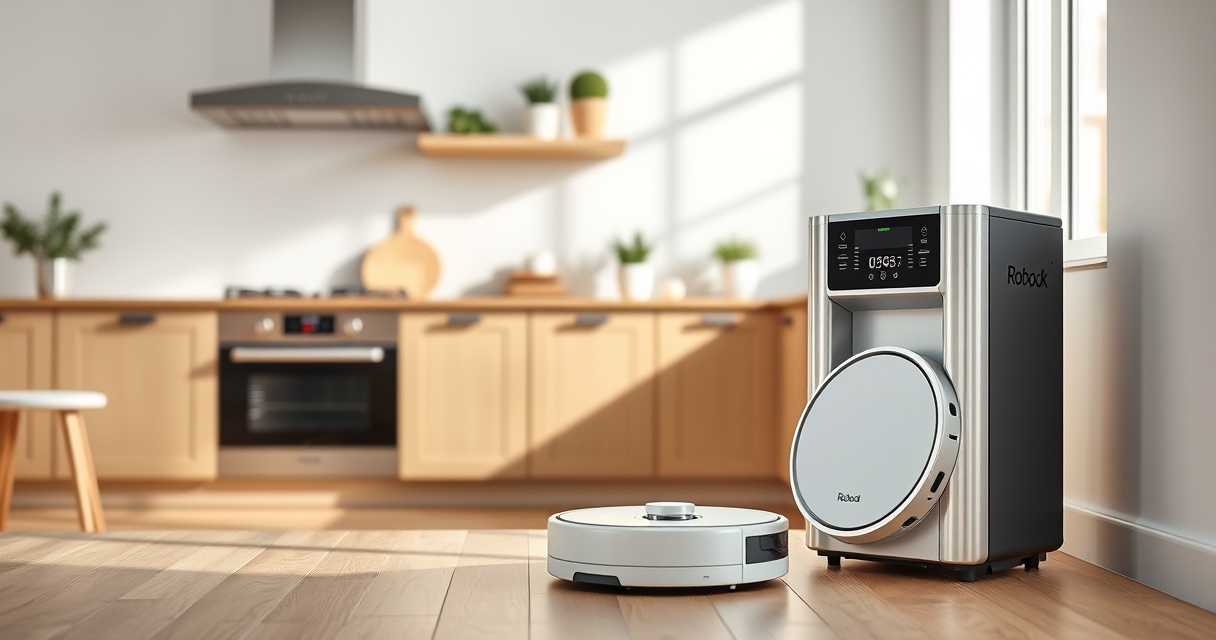

If your Roborock Q10 S5+ robot vacuum isn’t mopping as expected, it can be frustrating, especially when you’re relying on it for daily cleaning. This guide provides practical, safe steps to diagnose and fix common mopping issues. Whether it’s not engaging, not releasing water, or not cleaning effectively, you’ll find clear instructions to restore optimal performance.

Get cleaning gear delivered free with Prime
- Fast, free delivery on millions of items
- Prime Video, Amazon Music and more included
- Member-only deals all year
Before diving into troubleshooting, ensure your device is up-to-date with the latest firmware and that your water tank and mop pads are correctly installed. Proper maintenance and setup are key to seamless mopping performance.
Key Takeaways
| Check water tank | Ensure the water tank is filled, properly seated, and free of leaks. |
| Inspect mop pads | Dirty or improperly installed mop pads can hinder mopping. |
| Update firmware | Running outdated software can cause feature malfunctions. |
| Verify settings | Make sure mopping is enabled in the app and schedules are correct. |
| Examine obstacles | Clear the path and ensure sensors detect the floor correctly. |
Step 1: Verify Water Tank and Mop Pad Installation
- Remove the water tank and check for any cracks or leaks. Fill it with clean water if empty, ensuring it’s correctly seated in the vacuum.
- Inspect the mop pad for dirt, debris, or wear. Replace or wash the pad if necessary, and ensure it is securely attached to the robot.
- Confirm the mop lifting feature is not engaged if you do not want to mop at that moment.
Step 2: Clean and Maintain the Mopping System
- Remove the mop pad and wash it thoroughly with mild detergent. Allow it to dry completely before reattaching.
- Check the sonic mopping system for blockages or buildup. Use a soft brush or cloth to gently clean the area around the sonic modules.
- Inspect the water outlet for clogs and clear with a toothpick or small brush if needed.
Step 3: Update Firmware and App Settings
Open the Roborock app and check for firmware updates. Installing the latest version can resolve bugs affecting mopping functions.
Navigate to the cleaning settings and ensure the mopping option is enabled. Confirm that the scheduled cleaning includes mopping and that the robot is set to clean the floor type correctly.
Step 4: Check Obstacles and Floor Conditions
- Clear the floor of obstacles that might prevent proper mopping, such as rugs, cables, or loose objects.
- Ensure the floor is sealed and free of excessive dirt or debris that could clog the water outlet or interfere with the mop pads.
- Use the obstacle avoidance feature in the app to recalibrate the sensors if necessary.
Step 5: Test and Confirm Mopping Functionality
After completing the steps above, run a test cleaning cycle with mopping enabled. Observe if the robot is releasing water and engaging the sonic mopping system properly.
If issues persist, consider resetting the device to factory settings or contacting Roborock support for further assistance.
The Products in This Guide

roborock Q10 S5+ Robot Vacuum and Mop
- ✔ Weight: Approx 4.5 kg
- ✔ Dimensions: Approx 35 x 35 x 10 cm
- ✔ Battery Type: Lithium-ion

4 Pack Washable Filter
- ✔ Size: Approx 25 cm diameter
- ✔ Material: Microfiber
- ✔ Washable: Yes
roborock Q10 S5+ Robot Vacuum and Mop
The Roborock Q10 S5+ offers advanced sonic mopping, obstacle avoidance, and a self-emptying station, making it ideal for busy households and pet owners. Its dual anti-tangle design and 10,000 Pa suction combine to deliver comprehensive cleaning, including effective mopping.
Pros:
- High suction power
- Self-emptying station
- Obstacle avoidance
- Sonic mopping system
Cons:
- Requires regular mop pad maintenance
- Water tank capacity may need refilling for large areas
- Can be complex to troubleshoot for beginners
Best for: Pet owners and busy households seeking automated mopping and vacuuming
Not ideal for: Users seeking a simple, manual mopping solution or with very small spaces
Bottom line: The Roborock Q10 S5+ is a robust choice for automated vacuuming and mopping, provided maintenance and setup are properly managed.
4 Pack Washable Filter
These washable microfiber mop pads are compatible with several Roborock models, including the Q10 S5+. They are durable, highly absorbent, and easy to wash, making them a great addition for ongoing mopping needs.
Pros:
- Reusable and eco-friendly
- High-quality microfiber
- Easy to install
- Effective for various floor types
Cons:
- May need replacement every 1-3 months
- Not official OEM pads
- Washing may reduce lifespan over time
Best for: Regular mopping enthusiasts seeking cost-effective, eco-friendly pads
Not ideal for: Users looking for original manufacturer parts or for infrequent cleaning
Bottom line: A practical, eco-friendly choice for maintaining your Roborock’s mopping performance.
Frequently Asked Questions
Why is my Roborock Q10 S5+ not mopping even though it’s scheduled?
Check if the water tank is filled and properly installed. Also, ensure mopping is enabled in the app and the mop pad is correctly attached.
How often should I wash or replace the mop pads?
Wash the mop pads every 1-3 months depending on usage. Replace them if they show signs of excessive wear or damage.
My robot is not releasing water during mopping, what should I do?
Inspect the water outlet for clogs, clean the water reservoir, and ensure the water tank is properly seated. Also, check the app settings.
Can I use any mop pad with the Roborock Q10 S5+?
Use only compatible mop pads designed for your device to ensure proper fit and performance. The recommended pads are washable microfiber models suitable for the model.
What should I do if the robot’s sensors are not detecting obstacles?
Clean the sensors gently with a soft cloth, ensure there are no obstructions, and recalibrate the obstacle avoidance settings via the app.
Keep Your Roborock Mopping Smoothly
Maintaining your Roborock Q10 S5+ for optimal mopping involves regular cleaning of the mop system, ensuring proper water tank placement, and keeping the software up-to-date. Troubleshooting common issues with these steps can restore its mopping efficiency and save you time and effort. Remember, consistent maintenance is key to long-term performance.
Affiliate disclosure: As an Amazon Associate we earn from qualifying purchases. Prices and availability are accurate as of the time of publishing.
Fall Picks
fall essentials
As an affiliate, we earn on qualifying purchases.