
Getting started with your new Dyson V15 Detect™ Origin cordless vacuum is straightforward, but proper setup ensures you get the best performance and longevity. This guide walks you through the essential steps, safety tips, and maintenance advice to make your cleaning experience smooth and effective.

Get cleaning gear delivered free with Prime
- Fast, free delivery on millions of items
- Prime Video, Amazon Music and more included
- Member-only deals all year
Whether you’re a first-time Dyson user or upgrading from an older model, following these instructions will help you assemble, charge, and maintain your vacuum for optimal results.
Key Takeaways
| Easy Assembly | Assemble components correctly for optimal performance. |
| Proper Charging | Charge fully before first use for maximum runtime. |
| Filter Maintenance | Regularly clean and replace filters to maintain suction. |
| Attachment Use | Choose the right attachments for specific cleaning tasks. |
| Safety Tips | Handle parts carefully and follow safety precautions. |
Unboxing and Initial Inspection
- Carefully unpack all components from the box and verify that you have the main vacuum unit, cleaner heads, crevice tool, pre-filters, and other accessories.
- Inspect each part for any damage during transit. Do not use damaged parts.
- Read the user manual included for specific safety instructions and part identification.
Assembling Your Dyson V15 Detect™
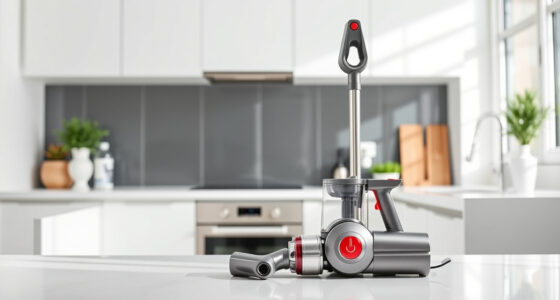
- Attach the cleaner head to the main wand by aligning the locking mechanism and pushing until it clicks securely.
- If using as a handheld, detach the wand by pressing the release button and connect the desired tool (e.g., crevice tool).
- Ensure all connections are firmly clicked into place.
Charging the Vacuum
Plug the charging station into a standard power outlet. Connect the charger to the vacuum’s charging port located on the main body. Allow the vacuum to charge fully before first use, which typically takes about 3.5 hours. The LCD screen will display charging progress and indicate when fully charged.
For safety, avoid charging in damp areas and unplug the charger when not in use.
Installing and Maintaining Filters
The Dyson V15 Detect™ uses pre-filters and other filters that should be cleaned regularly. Remove the pre-filters by twisting or pulling them out as instructed. Rinse filters under cold water and air dry completely before reinserting. Replace filters every 2-3 months for optimal suction. Consider using compatible replacements like the 3Pack Pre Filters Replacement for convenience.
Using Attachments and Cleaning Tips
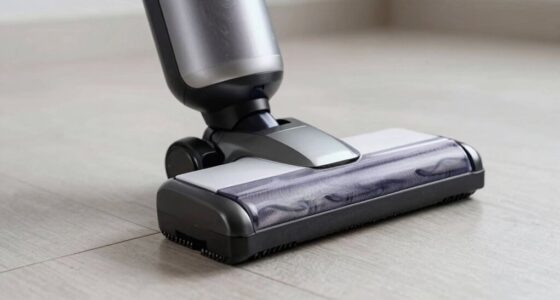
Choose attachments based on the cleaning task. The crevice tool is ideal for tight spots, while the Fluffy Optic cleaner head is great for hard floors. To switch tools, press the release button and attach the desired accessory. Use the LCD screen to monitor particle pickup, power mode, and maintenance alerts for best results.
For deep cleaning, select the appropriate power mode and allow the vacuum to adapt automatically to debris and floor type.
Safety and Troubleshooting Tips
- Always turn off and unplug the vacuum before cleaning or changing parts.
- Do not immerse the vacuum or filters in water unless specified.
- If suction decreases, check filters and empty the bin.
- For persistent issues, consult the user manual or contact Dyson support.
The Products in This Guide

Dyson V15 Detect™ Origin Cordless Vacuum
- ✔ Weight: 6.8 lbs
- ✔ Charge time: 3.5 hours
- ✔ Run time: up to 60 min

LANMU Crevice Tool Vacuum Attachments Compatible
- ✔ Length: 15 inches
- ✔ Weight: 0.5 lbs
- ✔ Material: Plastic
Dyson V15 Detect™ Origin Cordless Vacuum
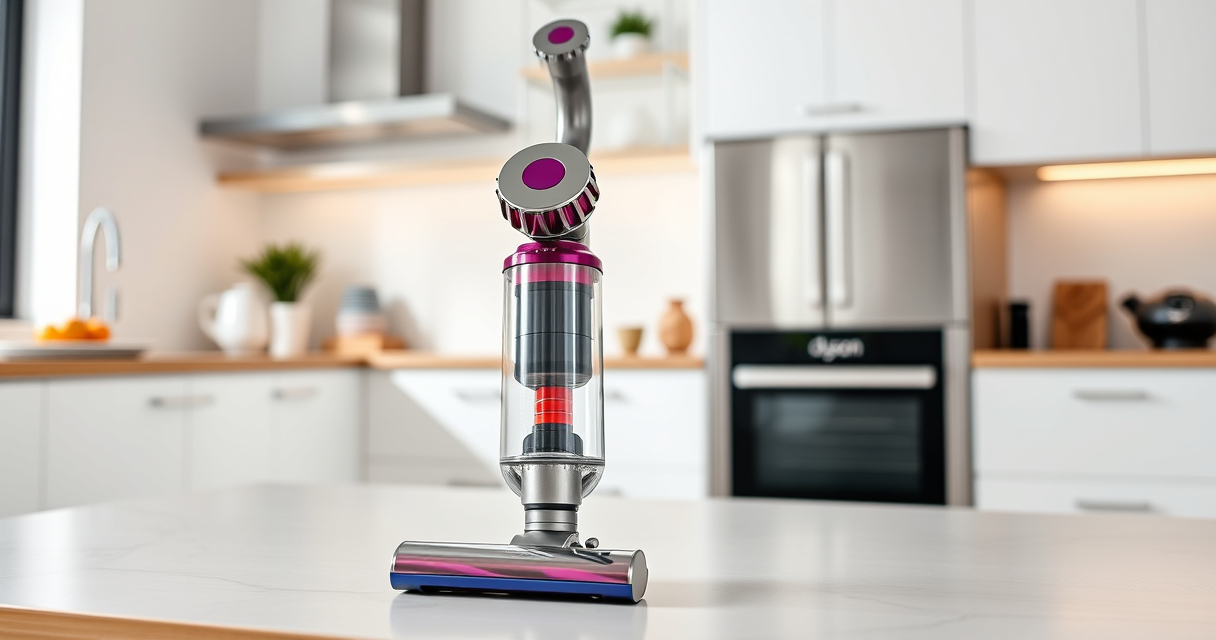
The Dyson V15 Detect™ Origin offers impressive suction, intelligent debris detection, and a range of versatile attachments. Proper setup ensures you maximize its features and lifespan.
Pros:
- Powerful suction with 100% more power
- Intelligent debris detection
- Long 60-minute runtime
- LCD display for real-time updates
Cons:
- Initial setup requires careful assembly
- Filters need regular cleaning
- Higher price point
Best for: Whole-home deep cleaning, pet hair, hard floors, and carpets
Not ideal for: Light cleaning tasks or small apartments
Bottom line: The Dyson V15 Detect™ Origin is a powerful, smart vacuum perfect for comprehensive home cleaning.
LANMU Crevice Tool Vacuum Attachments Compatible
The LANMU Crevice Tool Vacuum Attachments are compatible with Dyson models and help you reach tricky corners, baseboards, and car interiors effortlessly.
Pros:
- Narrow nozzle for tight spots
- Flexible and slim design
- Versatile for home and car
- Easy to attach and use
Cons:
- May require additional tools for larger debris
- Compatibility limited to certain Dyson models
Best for: Cleaning corners, edges, and tight spaces
Not ideal for: Heavy-duty cleaning tasks
Bottom line: A practical accessory for detailed and edge cleaning, boosting your Dyson’s versatility.
Frequently Asked Questions
How do I fully charge my Dyson V15 Detect™?
Connect the charger to the vacuum’s charging port and plug into a power outlet. The LCD will display charging progress. Allow about 3.5 hours for a full charge before first use.
How often should I clean or replace the filters?
Clean the pre-filters every 1-2 months by rinsing under water and drying thoroughly. Replace filters every 2-3 months for optimal performance.
Can I use attachments while the vacuum is charging?
No, for safety reasons, do not operate or attach accessories while charging. Wait until the vacuum is fully charged and unplugged.
What should I do if the suction decreases?
Check and clean the filters, empty the bin if full, and ensure all attachments are properly connected. Regular maintenance prevents performance issues.
Is the vacuum safe to use on all floor types?
Yes, the Dyson V15 Detect™ adapts power based on debris detection and floor type, making it safe and effective on hard floors and carpets.
Master Your Dyson V15 Detect™ for Superior Cleaning
Setting up your Dyson V15 Detect™ Origin correctly unlocks its full potential for deep, efficient cleaning. Follow the assembly, charging, and maintenance steps carefully, and utilize the right attachments for different surfaces and hard-to-reach areas. Regular upkeep and understanding your vacuum’s features will ensure it performs at its best for years to come.
Affiliate disclosure: As an Amazon Associate we earn from qualifying purchases. Prices and availability are accurate as of the time of publishing.
Columbus Day / Indigenous Peoples' Day Picks
long weekend sales
As an affiliate, we earn on qualifying purchases.