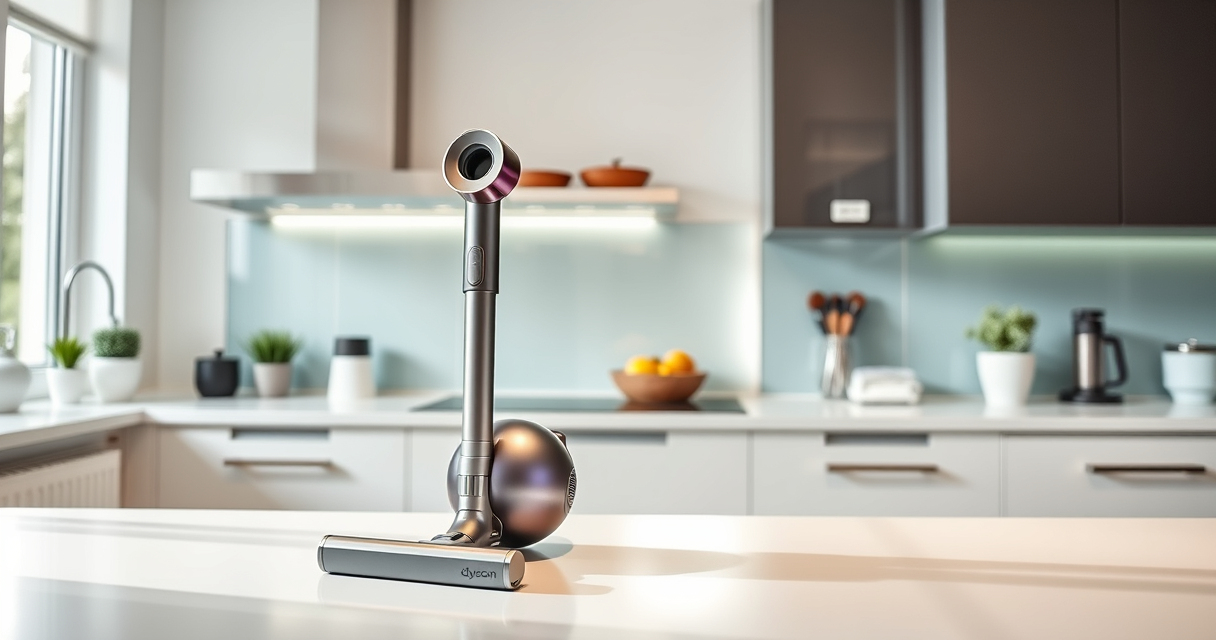

Maintaining your Dyson V15 Detect™ Origin Cordless Vacuum ensures optimal performance and longevity. Regular cleaning and timely replacements prevent common issues and keep your home spotless. This guide provides practical, safe steps for maintenance and troubleshooting.

Get cleaning gear delivered free with Prime
- Fast, free delivery on millions of items
- Prime Video, Amazon Music and more included
- Member-only deals all year
Follow these instructions carefully to keep your vacuum running smoothly and efficiently, saving you time and effort in the long run.
Key Takeaways
| Routine Filter Cleaning | Clean filters every 2-3 months to maintain suction. |
| Emptying the Bin | Empty the dustbin after each use for optimal performance. |
| Brush and Attachments Care | Check and clean brushes and attachments regularly. |
| Battery and Power Issues | Troubleshoot power and run time problems promptly. |
Cleaning and Replacing Filters
- Remove the pre-filters by opening the filter compartment on the vacuum body.
- Rinse the filters under cold water until the water runs clear.
- Shake off excess water and let them air dry completely for at least 24 hours before reinserting.
- Replace filters every 2-3 months to sustain suction power.
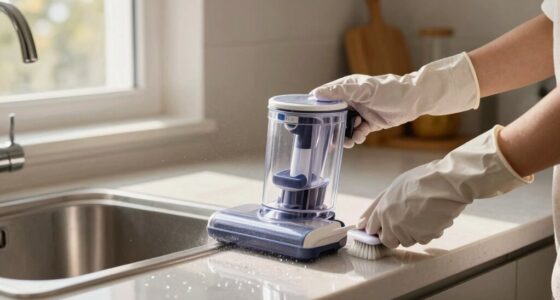
Emptying the Dustbin
- Press the dustbin release button to detach it from the vacuum.
- Hold the bin over a trash can and press the button to release the dust.
- Wipe the bin with a damp cloth occasionally to prevent buildup.
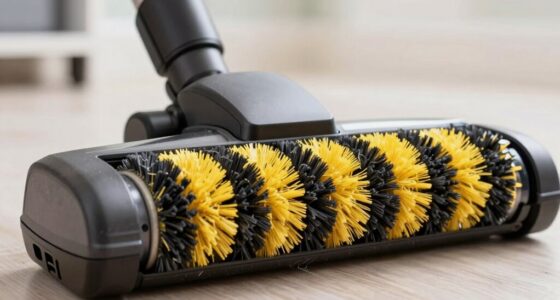
Cleaning the Brush Heads and Attachments
- Remove the brush heads from the vacuum.
- Clear tangled hair and debris from the brushes using scissors or a cleaning tool.
- Wash attachments with a damp cloth if necessary, and dry thoroughly before reattaching.
Troubleshooting Power and Battery Issues
- If the vacuum won’t turn on, ensure the battery is charged and securely connected.
- Check for any debris blocking the cleaner heads or air pathways.
- Reset the vacuum by turning it off, removing the battery if possible, waiting a few minutes, then reassembling.
Additional Tips and Safety Warnings
- Always unplug the vacuum before cleaning or replacing filters and attachments.
- Avoid using harsh chemicals on filters or plastics.
- Ensure filters are completely dry before reinsertion to prevent mold and damage.
The Products in This Guide

Dyson V15 Detect™ Origin Cordless Vacuum
- ✔ Battery Life: 60 mins
- ✔ Cleaning Modes: Adaptive, Max
- ✔ Weight: 6.8 lbs

LANMU Crevice Tool Vacuum Attachments Compatible
- ✔ Compatibility: Multiple Dyson models
- ✔ Design: Narrow, flexible
- ✔ Use Case: Corners & crevices
Dyson V15 Detect™ Origin Cordless Vacuum
<p>The Dyson V15 Detect™ Origin offers powerful suction, intelligent debris detection, and user-friendly maintenance features. Regular upkeep ensures it continues to deliver top performance across all floor types.</p>
Pros:
- Powerful suction with 100% more power
- Intelligent debris detection
- Long-lasting battery life
- LCD screen for real-time updates
Cons:
- Can be heavy for some users
- Filters require regular cleaning
- Higher price point
Best for: Whole-home deep cleaning, pet hair removal, hard floors
Not ideal for: Light, quick cleanups, or for users seeking a lightweight model
Bottom line: A powerful, intelligent cordless vacuum with easy maintenance features.
LANMU Crevice Tool Vacuum Attachments Compatible
<p>This versatile crevice tool attachment complements your Dyson vacuum, making it easier to reach into corners, between cushions, and into car interiors. Its narrow design helps you clean those hard-to-reach areas effectively.</p>
Pros:
- Narrow nozzle for tight spaces
- Flexible and easy to maneuver
- Compatible with multiple Dyson models
- Great for car and home cleaning
Cons:
- Requires attachment handling
- Cannot clean very large surfaces quickly
- May need to be cleaned regularly
Best for: Cleaning edges, corners, and tight spots
Not ideal for: Large surface areas or deep carpet cleaning
Bottom line: A handy tool for detailed cleaning in tight spots.
Frequently Asked Questions
How often should I clean or replace the filters?
Clean the filters every 2-3 months by rinsing with water and drying thoroughly. Replace them every 6-12 months or as needed based on usage.
Why is my vacuum losing suction?
Check and clean the filters, empty the dustbin, and inspect the brush heads and air pathways for blockages. Regular maintenance prevents suction loss.
Can I use my Dyson vacuum without filters?
No, filters are essential for trapping dust and debris. Operating without filters can reduce performance and damage the motor.
What should I do if the vacuum won’t turn on?
Ensure the battery is charged, the connections are secure, and no debris is blocking the cleaner heads. Resetting or recharging the vacuum often resolves power issues.
Keep Your Dyson Running at Peak Performance
Regular maintenance of your Dyson V15 Detect™ Origin ensures it continues to deliver powerful, efficient cleaning. Follow this guide for easy, safe steps to troubleshoot issues and keep your vacuum in top shape. Proper care extends its lifespan and maintains optimal cleaning results for your entire home.
Affiliate disclosure: As an Amazon Associate we earn from qualifying purchases. Prices and availability are accurate as of the time of publishing.
Halloween Picks
halloween
As an affiliate, we earn on qualifying purchases.