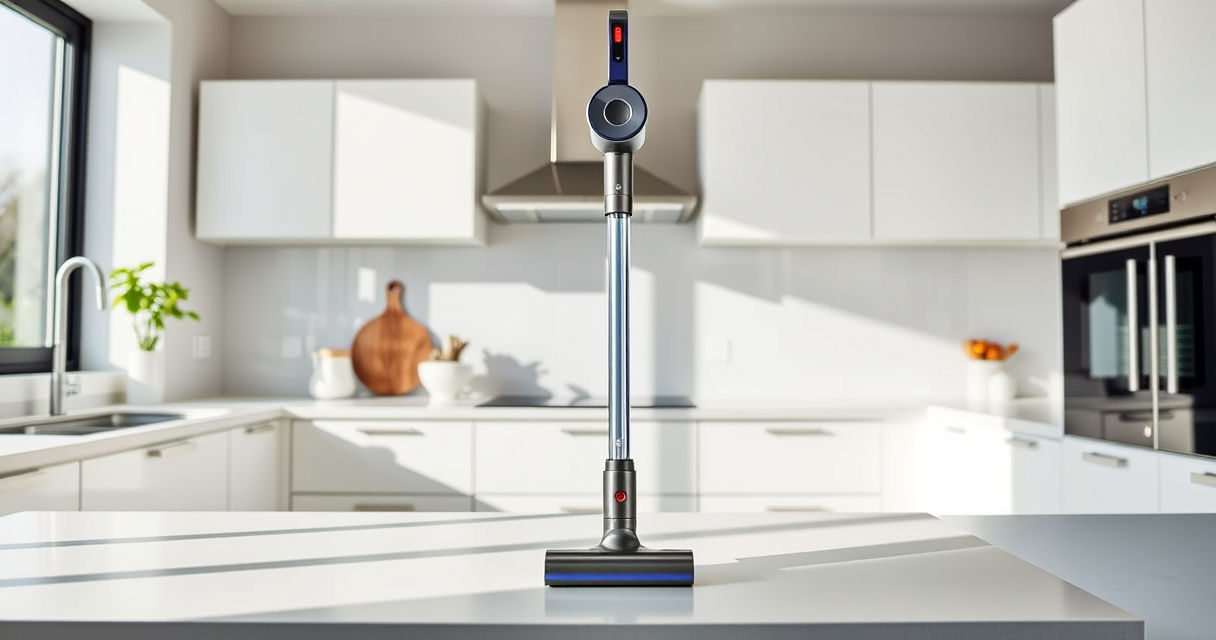
Proper cleaning of your Dyson V15 Detect Total Clean Extra ensures it performs at its best and lasts longer. Regular maintenance includes cleaning filters, brushes, and other components. Follow this guide for safe, effective cleaning.

Get cleaning gear delivered free — and shop member deals
- Fast, free delivery on millions of items
- Access to Prime Big Deal Days deals on October 6–7
- Prime Video, Amazon Music and more included
Always turn off and unplug your vacuum before starting any cleaning procedures to avoid injury or damage.
Key Takeaways
| Regular Filter Cleaning | Keeps suction high and prevents odors. |
| Check for Blockages | Ensures optimal airflow and performance. |
| Clean Attachments | Maintains cleaning efficiency in hard-to-reach areas. |
| Inspect for Damage | Prevents further issues and prolongs lifespan. |
Gather Necessary Tools
- Clean, dry cloth
- Replacement filters (if needed)
- Crevice tool (recommended)
Turn Off and Unplug
Ensure the vacuum is turned off and disconnected from power to prevent accidents during cleaning.
Clean the Main Body and LCD Screen
- Use a soft, damp cloth to wipe the exterior and LCD screen.
- Avoid using harsh chemicals or excessive moisture.
Clean or Replace Filters
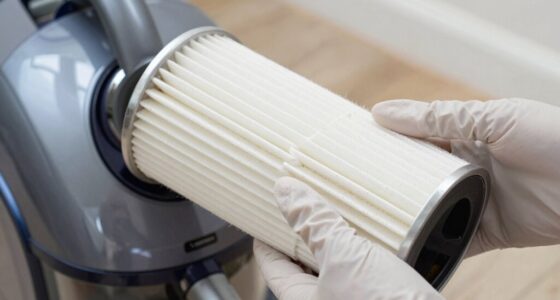
Remove the filters as per the user manual. Rinse the pre-filters with water, wring out excess moisture, and let them air dry completely before reinstalling. Replace filters if they show signs of wear or are too dirty to clean.
Clear Blockages and Check Attachments
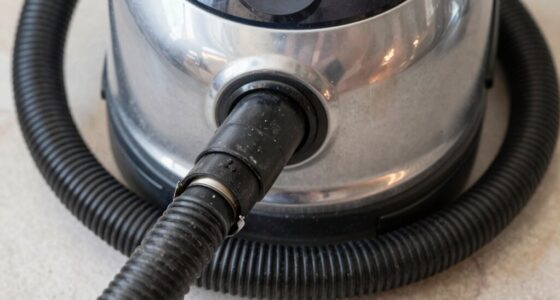
- Use the crevice tool to check for debris in the wand and brush bar.
- Remove any obstructions carefully.
Reassemble and Test
Once everything is dry and clean, reassemble your vacuum. Turn it on briefly to ensure it operates smoothly and check for any unusual noises or blockages.
The Products in This Guide
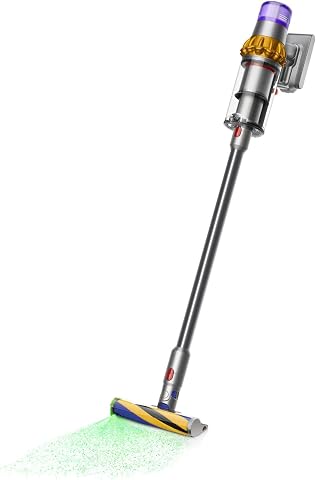
Dyson V15 Detect Total Clean Extra
- ✔ Battery Life: 60 minutes
- ✔ Power Mode: Adaptive
- ✔ Screen Type: LCD

LANMU Crevice Tool Vacuum Attachments Compatible
- ✔ Compatibility: Multiple Dyson models
- ✔ Material: Plastic
- ✔ Design: Narrow and flexible
Dyson V15 Detect Total Clean Extra
The Dyson V15 Detect Total Clean Extra offers powerful suction, intelligent debris detection, and a LCD screen for real-time updates. Regular cleaning keeps it performing at its peak.
Pros:
- Powerful suction
- Smart debris detection
- Long battery life
- LCD screen displays info
Cons:
- Requires regular filter maintenance
- Can be heavy for some users
- Higher price point
Best for: Whole-home deep cleaning and pet hair removal
Not ideal for: Light, quick cleanups or minimal maintenance users
Bottom line: A powerful, intelligent vacuum suited for thorough cleaning with proper maintenance.
LANMU Crevice Tool Vacuum Attachments Compatible
The LANMU crevice tool attachment enhances your Dyson’s reach, making it easier to clean tight corners, sofa cushions, and car interiors effectively.
Pros:
- Narrow, flexible nozzle
- Easy to attach
- Versatile for various surfaces
- Durable material
Cons:
- Only compatible with certain Dyson models
- Additional attachment needed for full cleaning
Best for: Cleaning tight spaces and corners
Not ideal for: Large debris or bulky cleaning tasks
Bottom line: A versatile tool to reach the toughest spots efficiently.
Frequently Asked Questions
How often should I clean or replace the filters?
It’s recommended to rinse the pre-filters every 1-3 months and replace them every 6-12 months depending on usage.
Can I wash the filters with soap?
No, rinse filters with water only. Avoid using soap or detergents to prevent damage.
What should I do if the vacuum isn’t picking up debris?
Check for blockages, clean or replace filters, and ensure the bin is emptied properly.
Is it safe to clean the LCD screen with a cloth?
Yes, use a soft, damp cloth and avoid harsh chemicals to prevent damage.
Keep Your Dyson V15 Detect in Peak Condition
Regular cleaning and maintenance of your Dyson V15 Detect Total Clean Extra ensure it performs optimally and lasts longer. Follow these safe, simple steps to keep your vacuum in top shape, and enjoy powerful, efficient cleaning every time.
Affiliate disclosure: As an Amazon Associate we earn from qualifying purchases. Prices and availability are accurate as of the time of publishing.
Halloween Picks
halloween
As an affiliate, we earn on qualifying purchases.