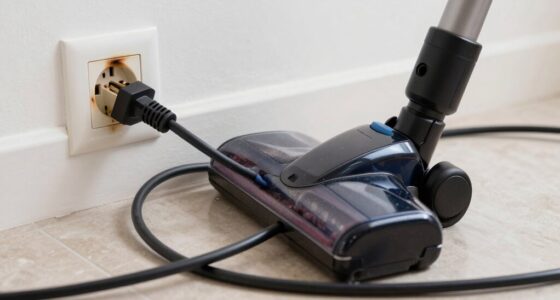

To extend your cordless vacuum’s runtime without buying new batteries, focus on proper care and maintenance. Avoid overcharging and store it in a cool, dry place to prevent degradation. Keep filters and brushes clean, and perform regular calibration to improve accuracy. Use moderate power settings and don’t let the battery fully drain often. If you’re curious about more tips to keep your battery performing at its best, you’ll find helpful insights ahead.

Get cleaning gear delivered free — and shop member deals
- Fast, free delivery on millions of items
- Access to Prime Big Deal Days deals on October 6–7
- Prime Video, Amazon Music and more included
Key Takeaways
- Keep the battery between 20-80% charge and avoid full discharges to minimize wear.
- Regularly clean filters and brushes to reduce motor strain and conserve battery power.
- Perform calibration cycles to ensure accurate runtime readings and optimal performance.
- Store the vacuum in a cool, dry place and avoid prolonged charging to prevent capacity decline.
- Use lower power settings when possible and limit unnecessary usage to maximize runtime without replacing the battery.
As an affiliate, we earn on qualifying purchases.
Why Your Cordless Vacuum Battery Loses Power and How to Fix It
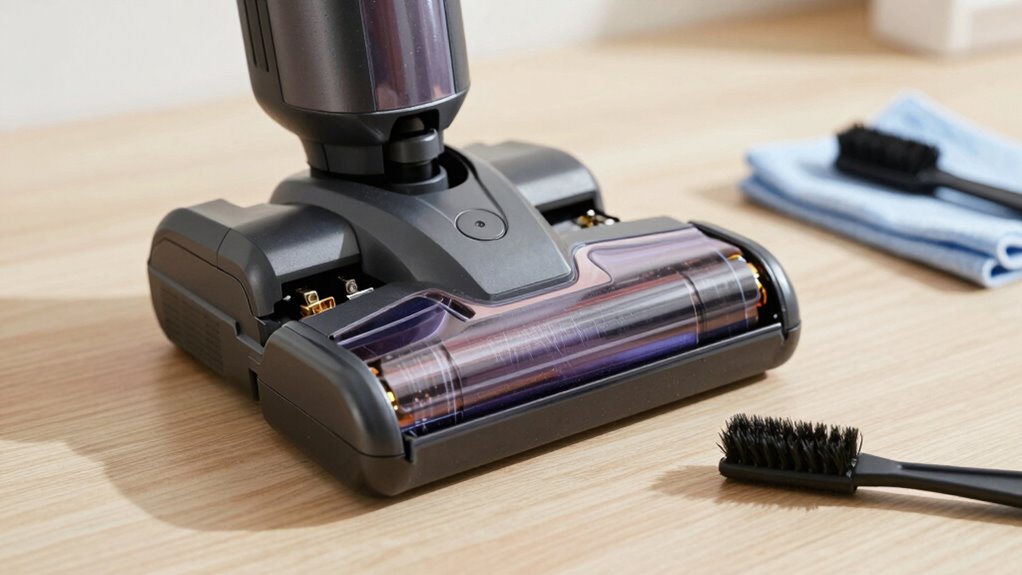
If your cordless vacuum suddenly loses power or doesn’t run as long as it used to, the battery is likely the culprit. One common issue is battery temperature; if it gets too hot or too cold, performance drops, and battery life shortens. Over time, excessive charging cycles also wear out the battery, reducing its capacity. Repeatedly charging and discharging the battery causes chemical degradation, which leads to diminished runtime. To fix this, avoid exposing the vacuum to extreme temperatures and don’t overcharge it. Using the vacuum within recommended charging cycles helps preserve battery health. Additionally, monitoring the battery’s performance metrics can help identify early signs of degradation. Proper battery maintenance practices can significantly extend the lifespan of your vacuum’s battery. Regularly checking the battery health status allows for timely replacements before complete failure. By maintaining proper temperature and limiting unnecessary charging cycles, you can extend your battery’s performance and prevent sudden power loss.
As an affiliate, we earn on qualifying purchases.
How to Properly Charge Your Vacuum Battery for Longer Life
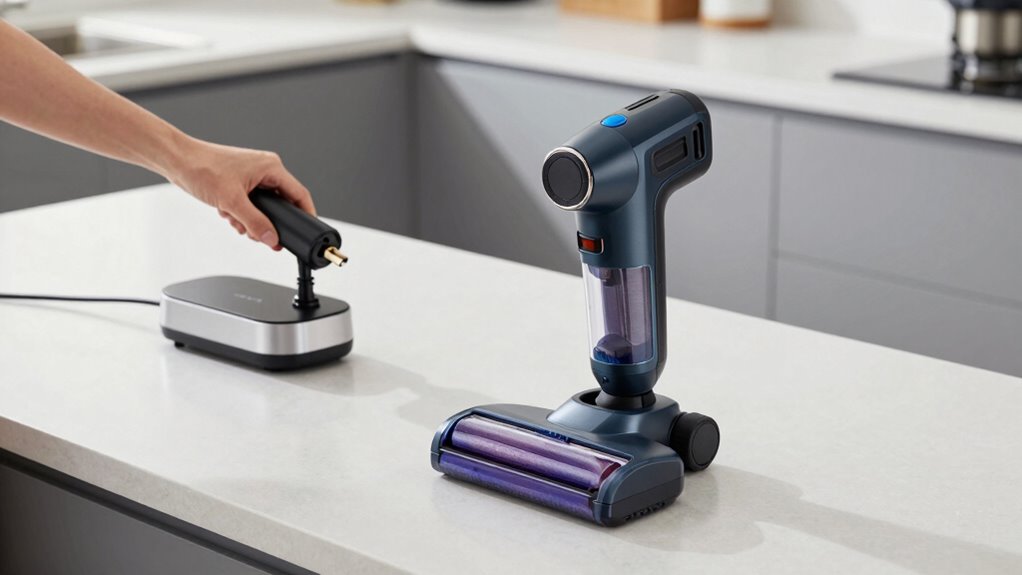
To maximize your vacuum battery’s lifespan, it’s important to adopt proper charging habits. Always use the charger recommended by the manufacturer and avoid overcharging by unplugging once the battery reaches full capacity. Keep charging sessions within recommended times; prolonged charging can damage the battery and reduce its overall lifespan. Don’t let the battery completely drain before recharging, as deep discharges can harm the cells. Instead, recharge when the battery is around 20-30% for ideal health. Store the vacuum in a cool, dry place during charging, and avoid exposing it to extreme temperatures. By following these charging habits, you help preserve your battery’s integrity, ensuring longer runtime and maximizing its overall lifespan.
As an affiliate, we earn on qualifying purchases.
Use Your Vacuum Regularly to Keep the Battery Healthy
Using your vacuum regularly is essential for maintaining the health of its battery. Consistent vacuum usage helps with proper battery maintenance by preventing it from staying fully drained or constantly at full charge, which can shorten battery life. When you use your vacuum frequently, the battery cycles through normal charging and discharging patterns, keeping it active and healthy. Skipping days or letting the battery sit unused may cause it to become less responsive over time. To maximize battery longevity, incorporate regular vacuuming into your cleaning routine. This keeps the battery engaged and reduces the risk of deterioration caused by infrequent use. Additionally, understanding how to properly charge and store your vacuum can further help in extending its battery life. Proper temperature management during storage and charging also plays a crucial role in preserving battery health. Maintaining an optimal charge level when storing your vacuum can prevent unnecessary wear on the battery. Furthermore, avoiding overcharging the battery ensures it remains in good condition for longer periods. Being aware of the battery technology used in your vacuum can help tailor your maintenance practices for better performance. Remember, consistent vacuum usage is a simple yet effective way to extend your battery’s runtime without needing a replacement.
As an affiliate, we earn on qualifying purchases.
Store Your Vacuum Correctly When Not in Use
Properly storing your vacuum when it’s not in use is essential for preserving its battery life. Correct battery storage minimizes capacity loss and extends overall runtime. Always verify your vacuum is completely charged before storing, but don’t leave it at full charge for long periods—aim for around 50% if storing for several weeks. Keep the vacuum in a cool, dry place away from direct sunlight and extreme temperatures, as heat accelerates battery degradation. Regular vacuum maintenance includes checking the battery compartment for dust and debris, which can affect performance. Avoid keeping the vacuum plugged in constantly, as overcharging harms the battery. Additionally, battery management practices are crucial to prevent capacity loss. Proper storage habits help maintain battery health, ultimately leading to better vacuum performance and longer intervals between replacements. Maintaining the battery’s capacity through proper storage is also vital for ensuring consistent runtime over the lifespan of the vacuum. Moreover, understanding battery chemistry can help you make informed decisions about charging and storage to prolong battery longevity. Being aware of the recommended charging cycles can also help you avoid unnecessary wear on the battery and extend its overall life. Employing proper storage techniques can also reduce the risk of capacity fade, ensuring your vacuum remains effective for a longer period.
Clean Battery Contacts for Better Performance
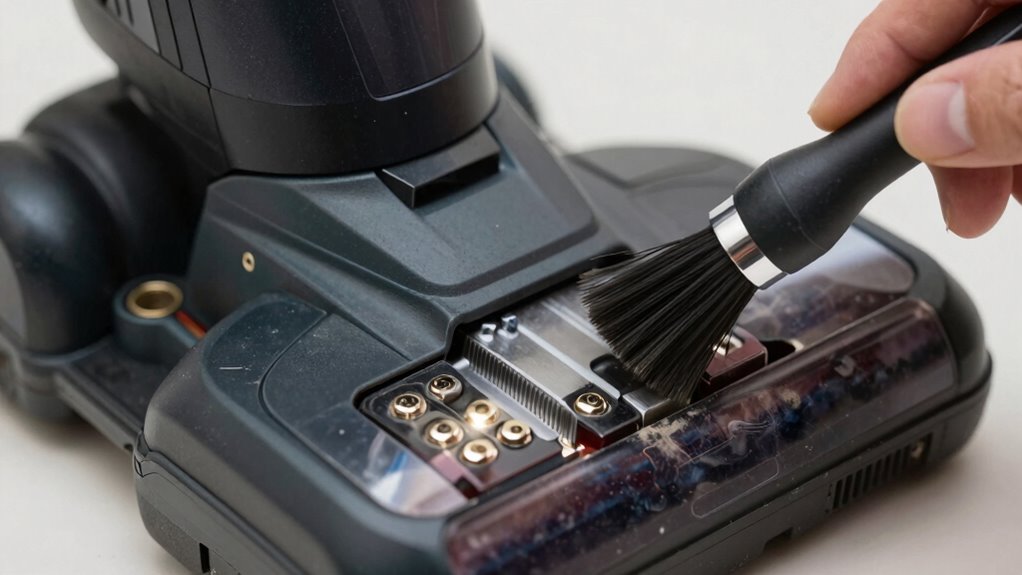
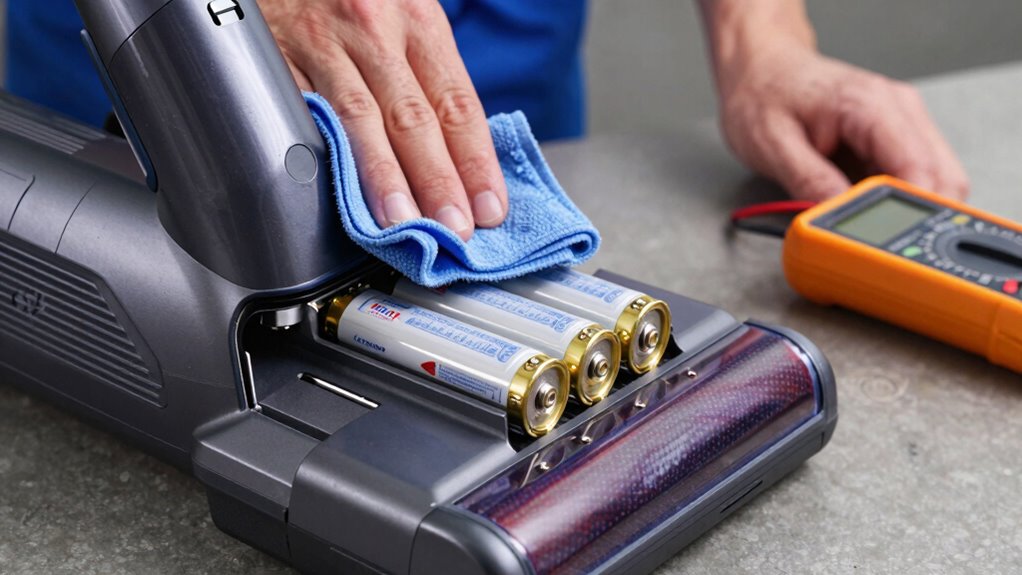
Keeping battery contacts clean is essential for maintaining peak vacuum performance. Dirty contacts can hinder power transfer, causing your vacuum to run less efficiently or lose runtime. To guarantee optimal contact, regularly inspect the battery terminals and clean them with a soft cloth or a small brush. Use a gentle, contact-cleaning solution if needed, but avoid harsh chemicals that could cause corrosion. Proper cleaning helps prevent corrosion, which can develop over time from moisture or dirt buildup. When contacts are clean and corrosion-free, your vacuum’s battery can deliver consistent power, extending its overall performance. Incorporating simple maintenance routines based on proper contact maintenance can help preserve your vacuum’s efficiency over time. Regularly performing these steps is an effective way to prevent battery issues and keep your vacuum operating at its best. Additionally, understanding battery chemistry can help you choose the right cleaning methods to prolong battery life. Being aware of common battery problems can further aid in troubleshooting and maintaining your vacuum’s longevity. Make this a routine part of your maintenance to keep your cordless vacuum running smoothly and to avoid unnecessary battery replacements.
How to Recognize When Your Battery Is Worn Out and Needs Replacing
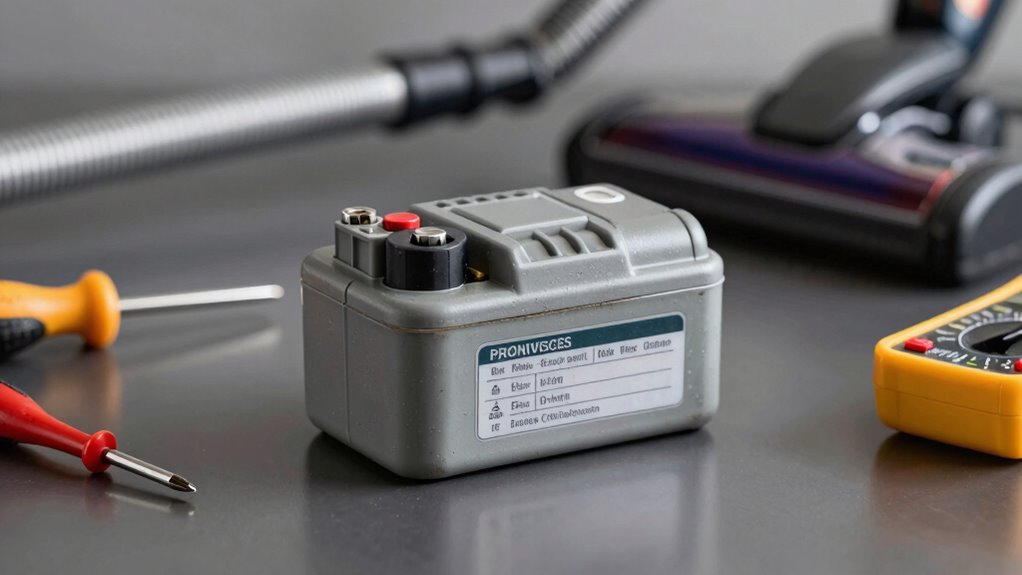
Eventually, your vacuum’s battery will show signs of wear that indicate it needs replacing. You’ll notice a decline in runtime, meaning it won’t hold a charge as long as before. This is a key wear indicator that your battery’s lifespan is nearing its end. Additionally, the vacuum may take longer to recharge or may not reach a full charge at all. If you find yourself charging the battery more frequently or experiencing inconsistent power during use, these are clear signs. Over time, the battery’s capacity diminishes, making replacement necessary to restore ideal performance. Recognizing these wear indicators early helps you decide when it’s time to replace the battery, ensuring your vacuum maintains its efficiency without unnecessary frustration. Monitoring your battery’s health can help extend its overall lifespan and performance, especially when you understand the battery’s capacity. Regularly assessing your battery’s condition is part of maintaining a creative storytelling approach to appliance care, which can lead to better outcomes. For example, understanding how Piercings-Body materials affect healing and longevity can inspire smarter choices for your investment. Being aware of your vacuum’s performance can also help prevent unexpected breakdowns and prolong the life of your device.
Signs Your Vacuum Battery Is Failing and What to Do
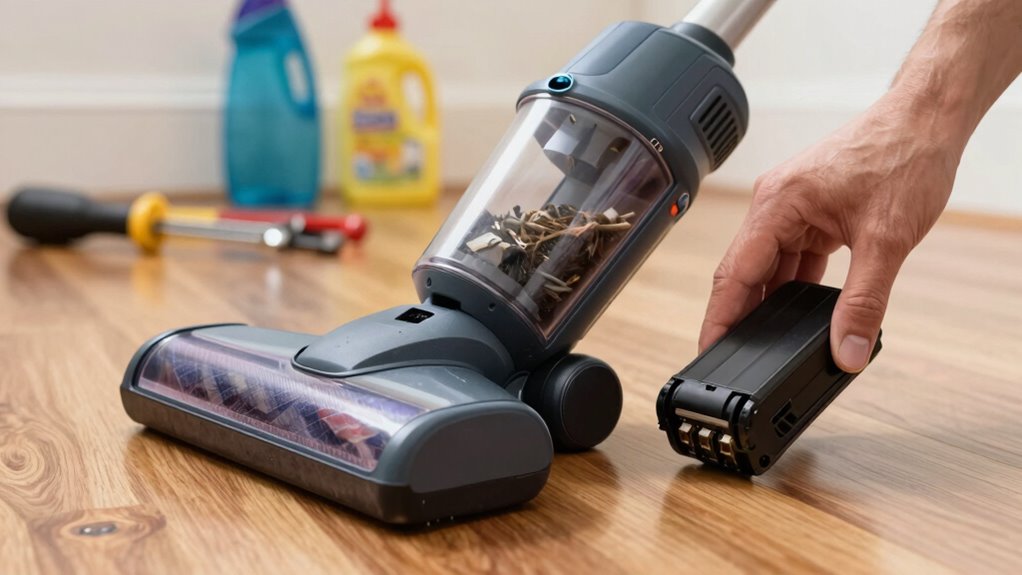
When your vacuum battery starts to fail, you’ll notice it no longer powers through cleaning sessions like it used to. Common signs include shorter runtime, longer charging times, or the battery feeling unusually warm. If your vacuum takes longer to reach full charge or quickly drains after a few minutes, it’s a sign the battery’s lifespan is waning. Poor charging habits, like leaving it plugged in constantly or letting it fully discharge frequently, can accelerate battery decline. Additionally, the vacuum may suddenly lose power mid-clean or fail to hold a charge at all. If you observe these signs, consider replacing the battery or adjusting your charging habits to prolong its life. Proper care now can help you get the most out of your current battery, and understanding the importance of maintaining optimal battery health can further extend your vacuum’s runtime.
Tips to Maximize Your Vacuum’s Runtime Without Replacing the Battery
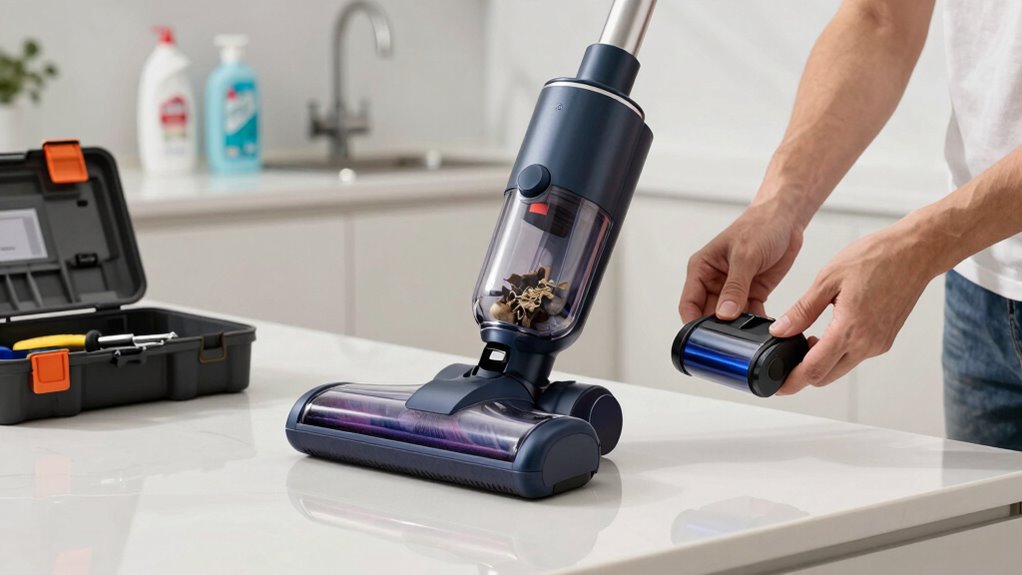
To get the most out of your vacuum’s current battery life, start by optimizing your charging habits. Proper battery calibration guarantees accurate power readings, preventing premature shutdowns. Next, focus on power optimization by adjusting settings for different cleaning tasks—use the lowest setting needed to conserve energy. Finally, regularly perform a battery calibration process: fully charge, then fully discharge the battery before recharging. This recalibration helps your vacuum’s system accurately gauge remaining runtime. Additionally, keep your vacuum well-maintained by cleaning filters and brushes, which reduces strain on the motor and conserves battery power. By following these steps, you can extend your vacuum’s runtime without needing a new battery, ensuring efficient cleaning sessions every time.
Frequently Asked Questions
Can Using Third-Party Chargers Damage My Vacuum Battery?
Using third-party chargers can damage your vacuum battery if they don’t meet proper charging safety standards. Poor-quality chargers might overcharge or undercharge, which can shorten your battery’s lifespan. To keep your battery healthy and maximize runtime, always use the charger recommended by the manufacturer. This guarantees safe charging and helps preserve your battery’s longevity, preventing unnecessary damage and costly replacements.
How Do Temperature Changes Affect Battery Performance?
Extreme temperature swings can turn your vacuum’s battery into a temperamental diva, drastically reducing its performance. When temperatures fluctuate wildly, it disrupts temperature stability and hampers thermal management, causing your battery to drain faster or even fail prematurely. Keep your vacuum in a temperature-controlled environment, avoiding scorching heat or freezing cold, to maintain ideal performance. Proper thermal management ensures your battery stays happy, healthy, and ready to clean whenever you need it.
Is There a Way to Reset a Malfunctioning Battery?
Yes, you can often reset a malfunctioning battery by performing a battery calibration. To do this, fully charge the battery, then let it discharge completely during use. Repeat this cycle a couple of times. Some devices also have specific reset procedures in their user manual, like pressing a reset button or disconnecting the battery for a few minutes. These steps help recalibrate the battery and restore proper functioning.
Can I Upgrade My Vacuum’s Battery for Longer Runtime?
Yes, you can upgrade your vacuum’s battery for longer runtime. Think of it as swapping out a small engine for a bigger one. Choose a battery with higher capacity and verify it’s compatible with your model. Keep in mind, increased capacity might affect charging cycles and overall durability. This upgrade can boost runtime, but always check manufacturer guidelines for safe, effective use.
What Are the Environmental Impacts of Disposing of Old Batteries?
When you dispose of old batteries, you risk environmental harm if not properly recycled. Batteries contain toxic waste that can contaminate soil and water, harming wildlife and human health. To minimize this impact, you should participate in battery recycling programs. Proper disposal guarantees valuable materials are recovered and reduces the release of hazardous substances, helping protect the environment and promote sustainability.
Conclusion
So, next time your cordless vacuum loses power mid-sweep, don’t rush to replace the battery—just blame your questionable charging habits and storage skills. With a little TLC, you’ll squeeze more runtime out of that old battery, proving that patience, proper care, and maybe a dash of guilt-tripping your gadget can keep your cleaning buddy alive longer. After all, who needs new batteries when a little effort can turn your vacuum into a household hero?
Fall Picks
fall essentials
As an affiliate, we earn on qualifying purchases.