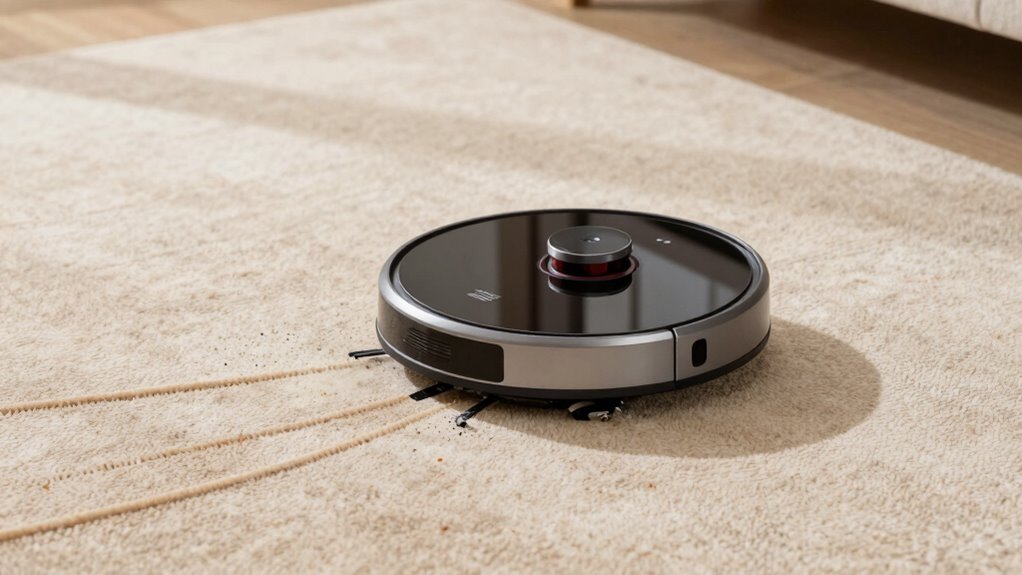

If your robot vacuum leaves debris lines, start by inspecting its sensors. Make sure they’re clean, properly aligned, and free of dust or smudges, as misaligned or dirty sensors can cause poor navigation and streaks. Next, check the brush assembly for tangled hair, debris, or wear. Clear any obstructions and ensure the brushes spin freely. Addressing these two parts often fixes streaks, and you’ll find more tips by exploring further.

Get cleaning gear delivered free — and shop member deals
- Fast, free delivery on millions of items
- Access to Prime Big Deal Days deals on October 6–7
- Prime Video, Amazon Music and more included
Key Takeaways
- Inspect and realign the sensor lenses to ensure accurate obstacle detection and mapping.
- Clean sensor lenses gently to remove dust and smudges that cause debris lines.
- Check the brush assembly for tangled hair or debris and ensure it spins freely.
- Inspect and clean brush bearings and axles to promote smooth brush rotation.
- Confirm the proper attachment and alignment of brushes and sensors after cleaning or maintenance.
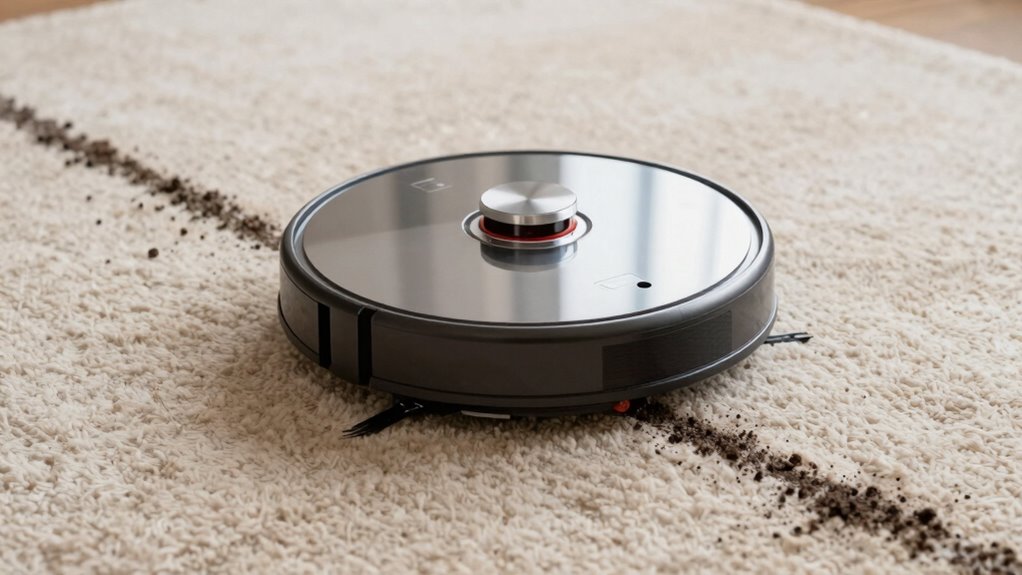
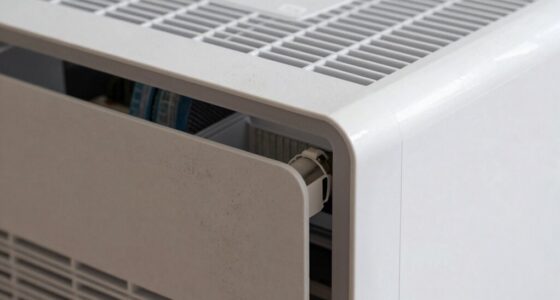
If your robot vacuum leaves noticeable debris lines or streaks on your floors, it’s a sign that something might be wrong with its parts. One common cause is misaligned sensors. Your vacuum relies on sensors to navigate and detect obstacles, dirt, and edges. When these sensors are out of alignment, the robot may struggle to clean thoroughly, leaving streaks or uncleaned patches behind. Check the sensor alignment regularly. Clean the sensor lenses gently with a soft cloth, and ensure they’re positioned correctly according to your model’s specifications. If they’re misaligned or dirty, your vacuum’s ability to map and clean efficiently diminishes, leading to debris lines. Proper sensor maintenance can restore its accuracy, making sure it covers every inch without missing spots. Additionally, consulting the manufacturer’s guidelines for sensor calibration can help ensure optimal performance.
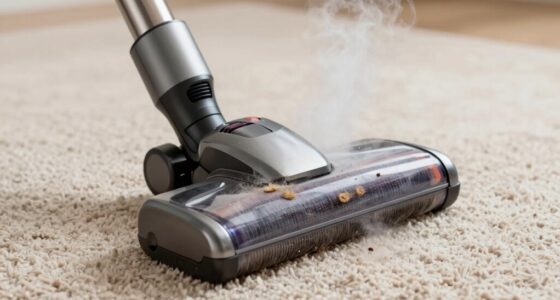
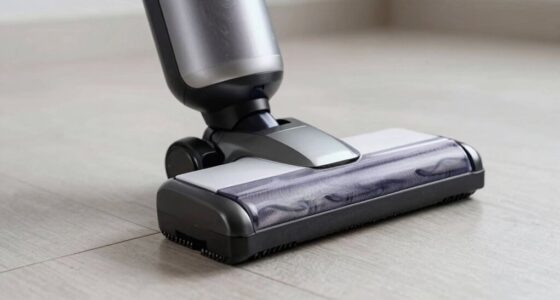
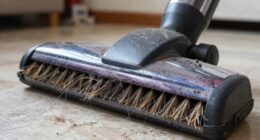
Another critical component to inspect is the brush assembly. The brushes are responsible for agitating dirt and debris, pulling it into the vacuum’s intake. If the brush assembly is clogged, damaged, or not spinning freely, your vacuum won’t clean effectively, leaving streaks or debris behind. Remove the brush assembly carefully and examine it for tangled hair, thread, or debris. Clear any obstructions, and check that the brushes are spinning smoothly. Sometimes, the brushes wear down or become misaligned, impacting their ability to pick up dirt evenly. Replacing worn brushes or realigning the brush assembly can considerably improve cleaning performance. Make sure the brushes are securely attached and rotate freely without wobbling. Regularly inspecting the brush bearings and axles can prevent uneven wear and ensure consistent cleaning results.
In addition, verify the brush bearings and axles are clean and free of debris, as buildup here can cause uneven brush rotation. Properly aligning the brush assembly not only improves cleaning but also prevents further damage to the motor or other parts. Regular maintenance of these components ensures your robot vacuum maintains its cleaning efficiency and avoids leaving streaks or debris lines. If you notice persistent streaks despite cleaning and realigning these parts, it might be time to consult the manufacturer’s guidance or consider replacing worn components.
robot vacuum sensor cleaning kit
As an affiliate, we earn on qualifying purchases.
As an affiliate, we earn on qualifying purchases.
Frequently Asked Questions
Can Debris Lines Indicate a Need for Software Updates?
Yes, debris lines can indicate a need for software updates. When your robot vacuum shows persistent debris lines, it might be due to outdated software affecting its navigation and cleaning algorithms. Updating the software can improve its mapping and obstacle recognition, reducing debris lines. Check for available updates regularly, as manufacturers often release improvements that enhance cleaning performance and address issues like debris lines, ensuring your vacuum works efficiently.
Do Debris Lines Affect the Vacuum’s Battery Life?
Debris lines can cause your robot vacuum’s battery drain to increase because the device works harder to clean those spots, reducing overall battery life. If debris accumulates, you might notice shorter cleaning sessions and more frequent recharges. To prevent this, maintain a regular cleaning frequency and check for debris buildup, ensuring your vacuum operates efficiently and conserves its battery power longer.
Are Debris Lines More Common on Certain Floor Types?
You might notice debris lines more often on hardwood floors than on carpet textures. While hardwood surfaces show streaks easily, carpets hide debris better, preventing those annoying lines. The smooth, hard surface reflects your vacuum’s path, making lines more visible. On the other hand, textured carpets absorb debris and disguise the vacuum’s trail, so you’re less likely to see lines. Keep this in mind to maintain a clean, even look in your home.
How Often Should I Clean the Robot’s Brushes to Prevent Debris Lines?
You should clean your robot’s brushes weekly to prevent debris buildup that causes debris lines. Regular brush maintenance guarantees ideal performance and even cleaning. If you notice more debris lines, increase cleaning frequency. Removing hair and dust from the brushes keeps them spinning properly and prevents debris from spreading unevenly. Staying consistent with brush maintenance is key to avoiding debris buildup and maintaining a spotless floor.
Can Debris Lines Signal a Malfunction in the Vacuum’s Sensors?
Did you know that sensor calibration issues cause about 30% of vacuum malfunctions? Debris accumulation can indeed signal a sensor problem, leading to debris lines. When sensors aren’t properly calibrated or are blocked by dirt, the vacuum misreads obstacles or floor types. Regularly cleaning sensors and ensuring proper calibration helps prevent these issues, maintaining effective navigation and avoiding debris lines caused by sensor malfunction.
robot vacuum brush assembly replacement
As an affiliate, we earn on qualifying purchases.
As an affiliate, we earn on qualifying purchases.
Conclusion
Now that you know which two parts to check, imagine the moment you open your robot vacuum’s compartment, revealing a hidden clue. Will a clogged brush or misaligned sensor be the culprit? As you reach in, a tiny obstacle might just be waiting to surprise you. Fix these parts, and suddenly, those stubborn debris lines could disappear, leaving your floors spotless. But beware—sometimes, the real mystery lies deeper than it seems.
robot vacuum sensor alignment tools
As an affiliate, we earn on qualifying purchases.
As an affiliate, we earn on qualifying purchases.
robot vacuum brush bearings and axles
As an affiliate, we earn on qualifying purchases.
As an affiliate, we earn on qualifying purchases.
Fall Picks
fall essentials
As an affiliate, we earn on qualifying purchases.