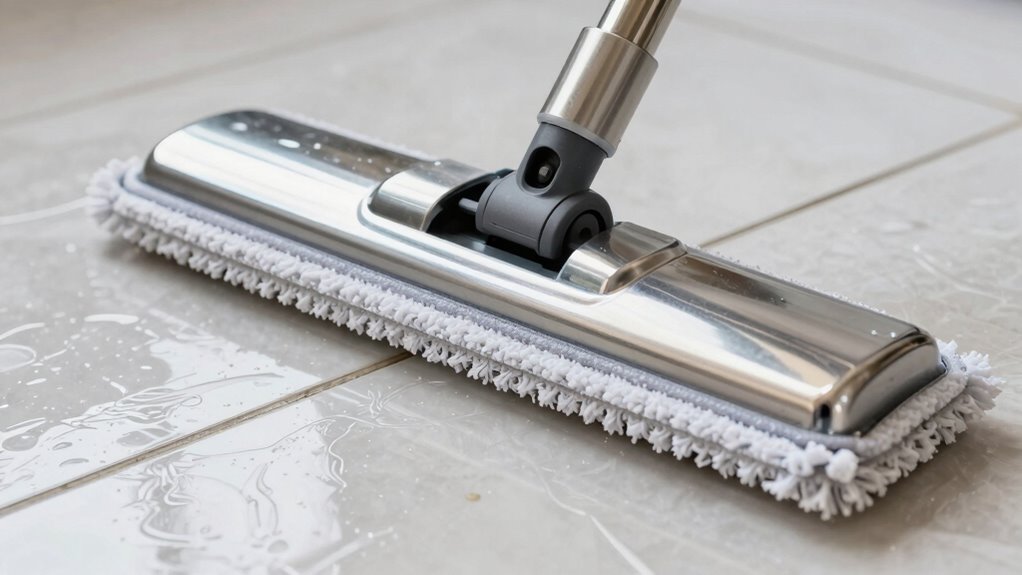

If your steam mop leaves white marks, mineral buildup from hard water is likely the cause. When minerals like calcium and magnesium evaporate during cleaning, they leave deposits on your floors, making them look dull and streaky. To prevent this, use distilled water and regularly descale your mop. Proper care can reduce buildup and keep your floors shiny. Keep going, and you’ll discover more tips to avoid and fix these deposits effectively.
Key Takeaways
- Mineral buildup from hard water causes white streaks on floors after steam mopping.
- Using distilled or demineralized water minimizes mineral deposits and prevents white marks.
- Regularly descaling and maintaining the steam mop reduces mineral residue transfer to floors.
- Properly cleaning and drying floors after mopping helps prevent streak formation.
- Routine filter maintenance and water quality management extend device lifespan and keep floors streak-free.
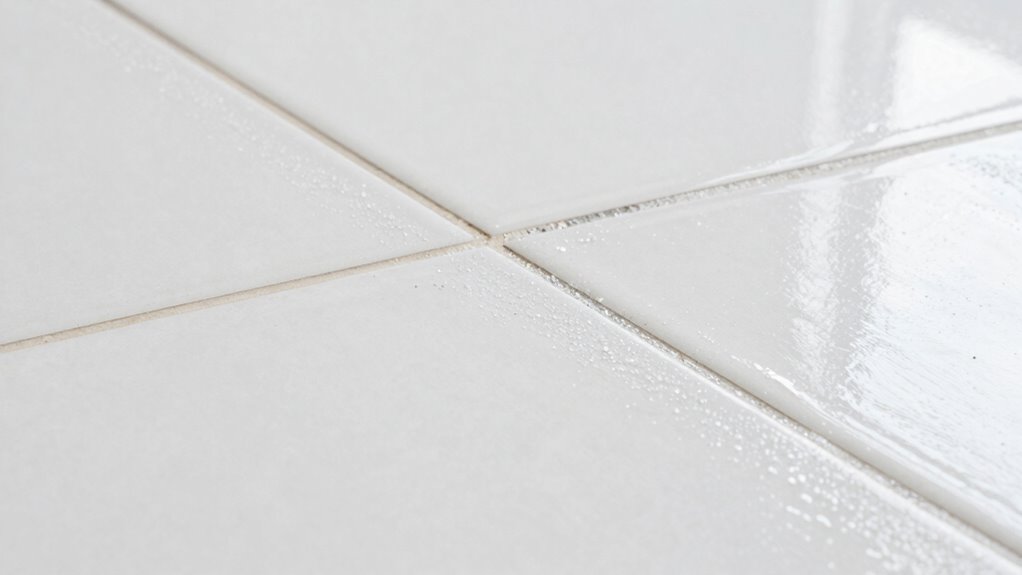
Have you ever noticed those stubborn white marks left behind after using your steam mop? If so, you’re not alone. Many people encounter this issue, and it’s usually caused by mineral buildup from hard water. These white streaks can make your floors look dull and dirty, even after a thorough cleaning. Luckily, understanding how to prevent and remove these marks involves simple cleaning tips and maintenance techniques that you can easily incorporate into your routine.
Mineral buildup from hard water causes stubborn white marks on your floors.
First, it’s essential to recognize that mineral deposits are the primary culprit behind these white marks. When you use tap water with high mineral content, minerals like calcium and magnesium dissolve and get left behind on your floors as the water evaporates. Over time, this buildup creates those unsightly streaks. To prevent this, the best cleaning tips include using distilled or demineralized water in your steam mop. Doing so considerably reduces mineral deposits and keeps your floors looking clean and streak-free. Additionally, always empty and rinse the water tank after each use to prevent residual minerals from settling and hardening inside.
Maintenance techniques are equally important for avoiding white marks. Regularly descale or clean your steam mop according to the manufacturer’s instructions. Most models have descaling procedures or recommend using vinegar or specialized descaling solutions. These help dissolve mineral deposits inside the appliance, reducing the chances of mineral residue transferring to your floors. When cleaning, make sure to check and replace any filters as needed; clogged filters can trap minerals and cause uneven steam distribution, which can lead to streaks. Also, periodically wipe down the mop’s soleplate with a damp cloth to remove any mineral deposits that may have accumulated during use. Using the correct cleaning solutions also helps prevent mineral buildup from damaging your device and affecting performance.
Another practical maintenance tip is to test a small area before cleaning a large section of your floor. This way, you can observe if any white marks appear and adjust your water source or technique accordingly. If you notice streaks forming, switch to distilled water and ensure your mop is properly maintained. When you finish mopping, allow your floors to air dry, and avoid walking on them immediately to prevent smudges or streaks from forming.
Incorporating these simple cleaning tips and maintenance techniques into your routine can make a noticeable difference. Not only will your floors look better, but you’ll also prolong the lifespan of your steam mop by preventing mineral buildup inside the device. With a little extra care, you can keep those stubborn white marks at bay and enjoy the shiny, streak-free floors you desire. Proper filter maintenance and water quality management are key to achieving optimal results.

Steam & Go Demineralized Water for Steam Mop – Clean Ocean Scent, 128 fl oz (1 gal) | Scented Floor Cleaner Solution, Ready-to-Use, Compatible with Any Steam Cleaner
PREVENTS LIMESCALE BUILDUP: Our formula stops mineral deposits before they clog your steam mop and reduce performance. It…
As an affiliate, we earn on qualifying purchases.
As an affiliate, we earn on qualifying purchases.
Frequently Asked Questions
Can Hard Water Cause More Mineral Buildup?
Yes, hard water can cause more mineral buildup. When you use hard water in your steam mop, the minerals like calcium and magnesium don’t evaporate completely during steaming. Instead, they settle on surfaces, creating mineral accumulation and white marks. Over time, this buildup can clog your mop’s nozzles and reduce its efficiency. To prevent this, consider using distilled or softened water, which has fewer minerals.
How Often Should I Descale My Steam Mop?
Imagine your steam mop working tirelessly, steam rising like a gentle fog. To keep it performing at its best, you should descale it every 2-3 months, especially if you use hard water. Water softening can extend this interval, but regular descaling ensures mineral buildup doesn’t cloud your cleaning. Keep an eye on white marks; if they appear frequently, increase your descaling frequency to maintain ideal steam and spotless floors.
Are There Specific Cleaning Products to Prevent White Marks?
Yes, you should use cleaning solutions specifically designed for mineral removal to prevent white marks. Preventative measures include using distilled water in your steam mop and applying descaling solutions regularly. These cleaning solutions help dissolve mineral deposits before they cause buildup. By following these steps, you keep your steam mop functioning effectively and avoid those pesky white marks on your floors. Regular maintenance guarantees your cleaning stays spotless and streak-free.
Does Using Filtered Water Reduce Mineral Deposits?
Using filtered water definitely helps reduce mineral deposits, making your steam mop cleaner and more efficient. It filters out minerals like calcium and magnesium, which cause white marks and buildup. When you switch to filtered water, you’re preventing mineral deposits from accumulating on your floors and mop. This simple step keeps your cleaning streaks clear, your equipment in top shape, and your home shining without those pesky white marks.
Can Mineral Buildup Damage My Steam Mop Over Time?
Yes, mineral buildup can damage your steam mop over time by clogging the steam vents and reducing efficiency. Poor water quality management accelerates this process, shortening your steam mop’s lifespan. To prevent damage, use filtered water and regularly descale your device. This maintenance helps keep your steam mop functioning properly longer, saving you money and ensuring effective cleaning without white marks or mineral deposits.

Steam & Go Demineralized Water for Steam Mop – Eucalyptus Mint Scent, 32 oz | Scented Floor Cleaner Solution, Ready-to-Use, Compatible with Any Steam Cleaner
PREVENTS LIMESCALE BUILDUP: Our formula stops mineral deposits before they clog your steam mop and reduce performance. It…
As an affiliate, we earn on qualifying purchases.
As an affiliate, we earn on qualifying purchases.
Conclusion
If you notice white marks after using your steam mop, mineral buildup is likely the culprit. Regularly descaling your device can reduce these marks by up to 80%, keeping your floors spotless and shiny. Remember, maintaining your steam mop not only improves cleaning results but also extends its lifespan. So, stay on top of maintenance, and enjoy gleaming floors—it’s worth the effort! Keep your cleaning routine simple and effective for the best results.

6 Pack 1940 for Bissell Steam Mop Pads for Bissell PowerFresh Steam Mop 1806 1544 1440 2075A 2685A 1940W 19404 Series, Model 19402 19408 1940a 1940f 1940q 1940t B0006 B0017, Part #5938#203-2633
【COMPATIBLE MODELS】: Our 1940 1806 mop pads are compatible with Bissell Powerfresh Steam Mop 1940 1440 1544 1806…
As an affiliate, we earn on qualifying purchases.
As an affiliate, we earn on qualifying purchases.

6 Pack Steam Mop Replacement Pads Compatible with Shark Steam Mops S1000/S1000A/S1000C/S1000WM/S1001C, Floor Steamer Pads Washable, Reusable Microfiber Cleaner Pads
1.Steam mop replacement pad size 12.4"x6.7" – Compatible with Shark Steam Mop S1000 Series (S1000/S1000A/S1000C/S1000WM/S1001C).
As an affiliate, we earn on qualifying purchases.
As an affiliate, we earn on qualifying purchases.