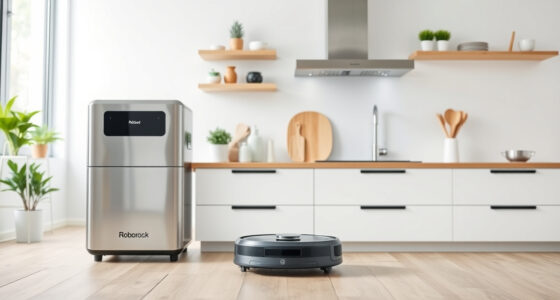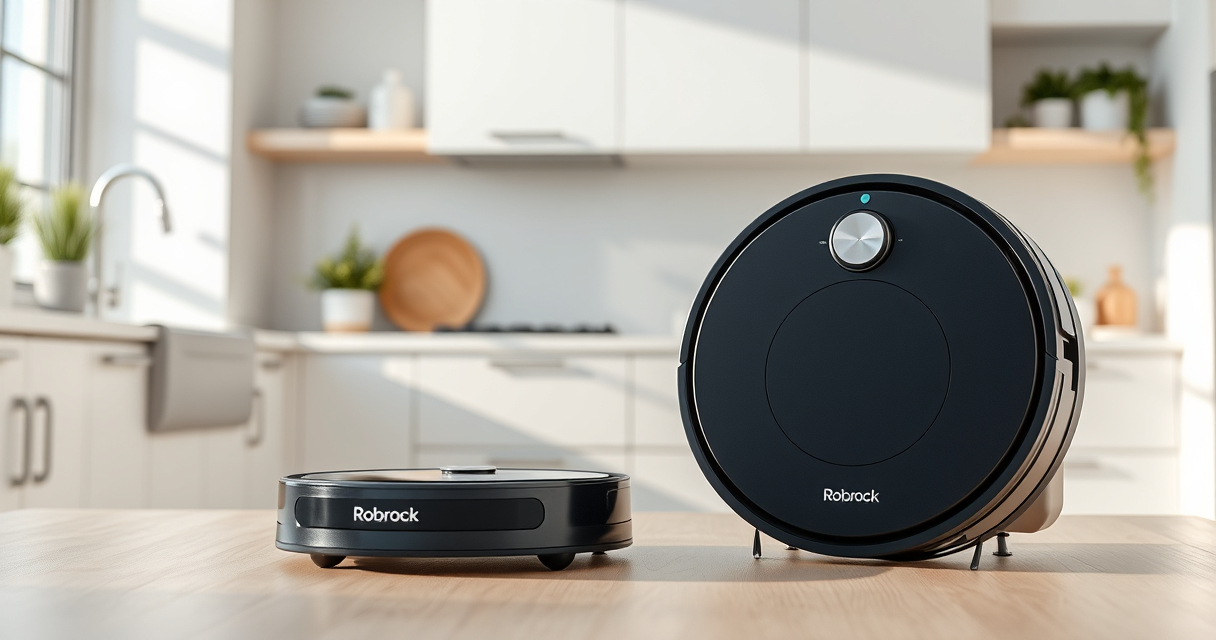
Maintaining your Roborock Q Revo is essential to ensure optimal performance and longevity. Regular cleaning of its dustbin, filters, and mop pads prevents clogs and buildup, keeping your home spotless. Follow this straightforward, step-by-step guide to keep your robot vacuum in top shape.

Get cleaning gear delivered free — and shop member deals
- Fast, free delivery on millions of items
- Access to Prime Big Deal Days deals on October 6–7
- Prime Video, Amazon Music and more included
Safety and accuracy are key—use gentle tools, avoid moisture on electrical components, and follow manufacturer recommendations for replacement parts.
Key Takeaways
| Regular maintenance | Prevents clogs and ensures efficient cleaning. |
| Use proper tools | Soft cloths and brushes avoid damage. |
| Replace filters/mop pads | Keeps suction and mopping performance optimal. |
| Avoid water on electronics | Prevent electrical damage. |
| Check for blockages | Maintain smooth airflow and suction. |
Step 1: Power Off and Remove the Robot
- Turn off your Roborock Q Revo via the app or by pressing the power button.
- Carefully lift the robot from the charging dock or cleaning surface.
Step 2: Empty and Clean the Dustbin
- Open the dustbin compartment and remove the dustbin.
- Empty the dustbin into a trash bin.
- Wipe the interior with a dry cloth or soft brush to remove residual debris.
Step 3: Clean or Replace the Filters
- Remove the True HEPA washable filter from the dustbin.
- Rinse the filter gently with water—do not use soap or detergents.
- Allow the filter to air-dry completely before reinstalling, typically 24 hours.
Step 4: Check and Clear Blockages
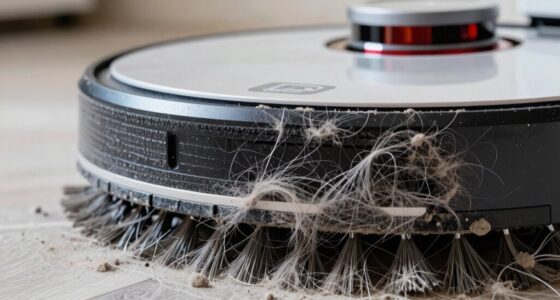
- Inspect the main brush, side brushes, and air pathways for tangled hair or debris.
- Use a soft brush or cloth to clean these parts gently.
- Remove any obstructions to maintain optimal suction and navigation.
Step 5: Clean Mop Pads and Reassemble
- Remove the mop pads and wash them with warm water and mild detergent.
- Allow them to dry completely before reattaching.
- Reinstall all components securely and restart your robot for testing.
The Products in This Guide

roborock Q7 M5+ Robot Vacuum and Mop
- ✔ Dust Capacity: 2.7L
- ✔ Max Suction: 10000Pa
- ✔ Run Time: Up to 9 weeks

4 Pack Washable Filter
- ✔ Filter Material: HEPA
- ✔ Washable: Yes
- ✔ Compatibility: Multiple models
roborock Q7 M5+ Robot Vacuum and Mop
The Roborock Q7 M5+ Robot Vacuum and Mop offers powerful cleaning with up to 7-9 weeks of self-emptying, a 10000Pa suction, and an anti-tangle design, making it a reliable choice for pet owners and deep cleaning needs.
Pros:
- Powerful 10000Pa suction
- Long self-emptying cycle
- Anti-tangle system
- App control
Cons:
- Requires initial setup
- Mopping pads need regular washing
Best for: Pet owners and homes with heavy debris
Not ideal for: Light cleaning or small apartments
Bottom line: A high-performance robot ideal for pet homes and deep cleans.
4 Pack Washable Filter
This 4-pack of washable filters ensures your Roborock stays effective over time, reducing the need for frequent replacements while maintaining high filtration standards.
Pros:
- Cost-effective
- Easy to wash
- Maintains suction
- Compatible with multiple models
Cons:
- Filters need regular washing
- Not OEM but effective
Best for: Long-term filter maintenance
Not ideal for: Single-use filter needs
Bottom line: A cost-effective way to keep filters clean and effective.
Frequently Asked Questions
How often should I clean the dustbin?
It is recommended to empty the dustbin after every cleaning cycle or when full to ensure optimal suction and cleaning efficiency.
Can I wash the filters?
Yes, the True HEPA filters are washable. Rinse gently with water, then let them air dry completely before reinstalling.
What should I do if the robot’s suction decreases?
Check for blockages in the brushes and air pathways, clean the filters, and ensure the dustbin is emptied regularly.
Can I use water on the electronics?
No, avoid getting water on electronic parts. Use a dry cloth to clean accessible areas and ensure components are dry before reassembling.
Keep Your Roborock Q Revo Running Like New
Regular cleaning and maintenance are key to maximizing your Roborock Q Revo’s lifespan and performance. Follow these simple steps to keep your robot vacuum operating efficiently, ensuring your home stays clean with minimal effort. Proper care also helps avoid costly repairs and replacements, making your investment last longer.
Affiliate disclosure: As an Amazon Associate we earn from qualifying purchases. Prices and availability are accurate as of the time of publishing.
Fall Picks
fall essentials
As an affiliate, we earn on qualifying purchases.