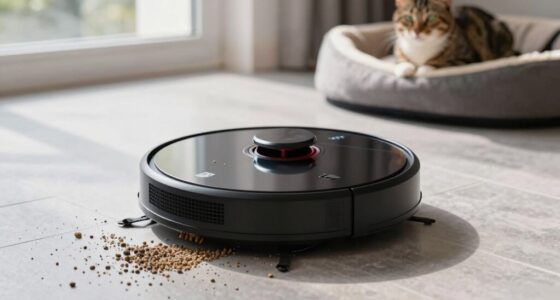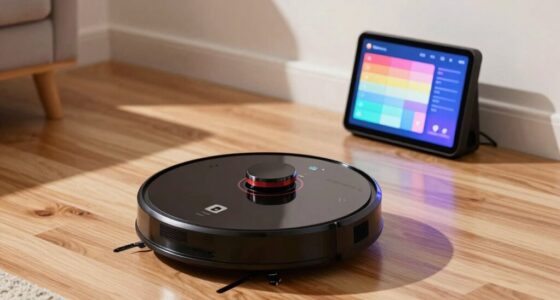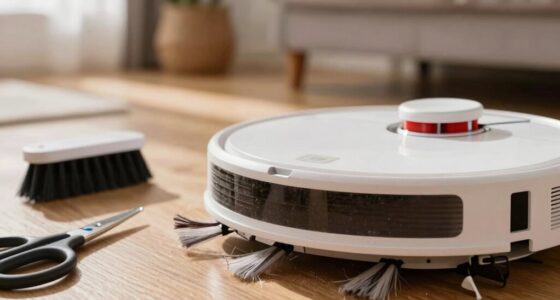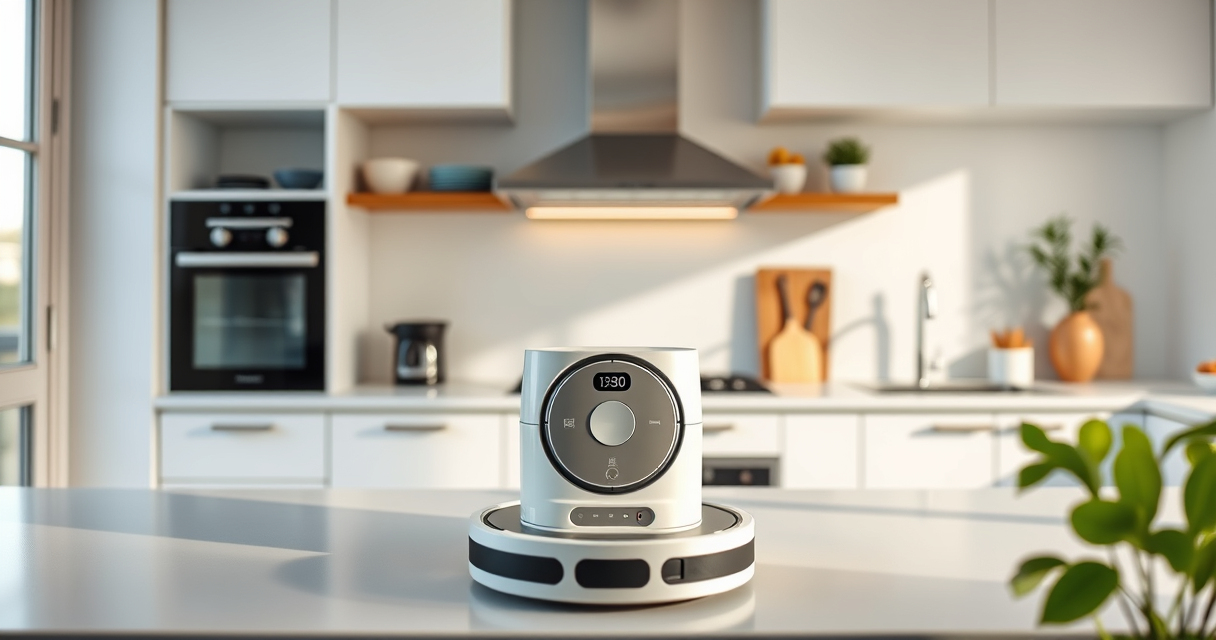
Getting your new Roborock Q7 M5+ robot vacuum and mop ready for use is a straightforward process, but it’s important to follow each step carefully to ensure optimal performance and safety. This guide walks you through the essential steps from unboxing to initial setup, including configuring the app and performing your first cleaning cycle.

Get cleaning gear delivered free with Prime
- Fast, free delivery on millions of items
- Prime Video, Amazon Music and more included
- Member-only deals all year
Whether you’re a first-time robot vacuum user or upgrading from a previous model, these clear, practical instructions will help you get the most out of your device while avoiding common pitfalls.
Key Takeaways
| Ease of Setup | Follow simple step-by-step instructions for a smooth setup. |
| App Control | Configure and control your vacuum via the Roborock app. |
| Initial Testing | Run a test cleaning to ensure proper operation. |
| Maintenance Tips | Learn how to maintain your vacuum for long-lasting performance. |
Unboxing and Preparing Your Roborock Q7 M5+
- Carefully remove the Roborock Q7 M5+ from its box, ensuring all accessories are included: charging dock, power adapter, and any additional brushes or filters.
- Inspect the device for any shipping damage or missing parts.
- Place the charging dock on a flat, open surface against a wall, at least 1 foot away from obstacles and 4 feet in front of it to ensure unobstructed docking.
Charging and Initial Power-Up
- Connect the charging dock to a power outlet using the provided power adapter.
- Align the Roborock Q7 M5+ with the dock and gently place it on the charging station, ensuring the charging contacts align properly.
- Wait until the device indicates it’s fully charged, which typically takes a few hours. The device’s status LED will confirm when ready.
Downloading and Setting Up the App
- Download the Roborock app from your device’s app store. It’s compatible with both iOS and Android.
- Create or log into your account, then follow prompts to connect your device via Wi-Fi.
- Ensure your smartphone is connected to a 2.4 GHz Wi-Fi network for optimal connectivity.
Connecting Your Vacuum to Wi-Fi and App
- Open the Roborock app and select “Add Device” or the ‘+’ icon.
- Follow in-app instructions to put your Q7 M5+ into pairing mode, usually by pressing the power button until the indicator flashes.
- Select your Wi-Fi network and enter the password as prompted.
- Wait for the device to connect; once successful, you can name your device and customize settings.
Configuring Basic Settings and Performing a Test Run
- Set your preferred cleaning modes, schedules, and no-go zones within the app.
- Attach the dust bag and mop pad securely before the first run.
- Initiate a test cleaning from the app to verify operation, paying attention to the navigation and suction performance.
Tips, Warnings, and Maintenance
- Regularly empty the self-emptying dust bag (up to 7-9 weeks between emptying) to prevent overflows.
- Clean the dual anti-tangle system and brushes weekly to maintain optimal suction and prevent hair tangles.
- Use compatible filters and mop pads to ensure effective cleaning and longevity.
- Keep the charging contacts clean and unobstructed for reliable docking.
- Always supervise initial runs to ensure the device navigates your space safely and correctly.
The Products in This Guide

roborock Q7 M5+ Robot Vacuum and Mop
- ✔ Weight: 7.6 lbs
- ✔ Dimensions: 13.8 x 13.8 x 3.9 inches
- ✔ Charging Time: Approximately 4 hours

4 Pack Washable Filter
- ✔ Weight: Approx. 2 oz
- ✔ Dimensions: Standard HEPA size
- ✔ Material: HEPA filter media
roborock Q7 M5+ Robot Vacuum and Mop
The Roborock Q7 M5+ offers powerful suction of up to 10000Pa, a dual anti-tangle system, and a self-emptying dust bag that lasts up to 9 weeks. Its PreciSense LiDAR navigation ensures precise mapping for thorough cleaning, making it ideal for pet owners and busy households.
Pros:
- Up to 9-week self-emptying
- Powerful 10000Pa suction
- Advanced LiDAR navigation
- Dual anti-tangle system for pet hair
Cons:
- Requires Wi-Fi setup
- May need occasional filter replacement
- Initial setup can be time-consuming
Best for: Pet owners, busy families, and those seeking long-term maintenance-free cleaning.
Not ideal for: Users without Wi-Fi or those preferring manual vacuuming.
Bottom line: A powerful, long-lasting robot vacuum that’s ideal for pet-friendly, large homes.
4 Pack Washable Filter
These washable HEPA filters are compatible with multiple Roborock models, including the Q7 Max and Q5 Pro. They provide effective filtration and can be reused after washing, helping you save on replacement costs while maintaining cleaning efficiency.
Pros:
- Reusable and washable
- Compatible with many models
- Effective HEPA filtration
- Cost-effective over time
Cons:
- Need regular washing
- Not OEM, so fit may vary
- Replacement every few months recommended
Best for: Users seeking economical, eco-friendly filters for frequent cleaning.
Not ideal for: Users preferring OEM parts or with very specific filtration needs.
Bottom line: Effective, reusable filters that help maintain your vacuum’s performance affordably.
Frequently Asked Questions
How often should I replace the dust bag in the self-emptying station?
The dust bag can last up to 7-9 weeks depending on usage. Check periodically and replace when full or if you notice reduced performance.
Can I use the Roborock app to schedule cleaning times?
Yes, once connected via Wi-Fi, you can easily schedule and customize cleaning routines through the app.
What should I do if the vacuum is not docking properly?
Ensure the charging contacts are clean and unobstructed. Restart the device and try docking again. Check Wi-Fi connectivity if issues persist.
Is it safe to leave the robot vacuum unsupervised?
Yes, the Roborock Q7 M5+ is designed for safe operation, but it’s best to supervise initial runs and keep an eye on navigation in cluttered areas.
How do I maintain the brushes and filters?
Regularly remove hair and debris from the brushes and wash or replace filters as needed according to the manufacturer’s instructions to keep cleaning effective.
Getting Your Roborock Q7 M5+ Ready for Daily Cleaning
With these simple setup steps, your Roborock Q7 M5+ will be ready to tackle dirt, pet hair, and debris efficiently. Proper initial configuration and routine maintenance ensure it operates safely and at peak performance, giving you more time to enjoy a clean home.
Remember to keep the app updated and regularly check for filter and brush maintenance to extend your vacuum’s lifespan. Happy cleaning!
Affiliate disclosure: As an Amazon Associate we earn from qualifying purchases. Prices and availability are accurate as of the time of publishing.
Fall Picks
fall essentials
As an affiliate, we earn on qualifying purchases.