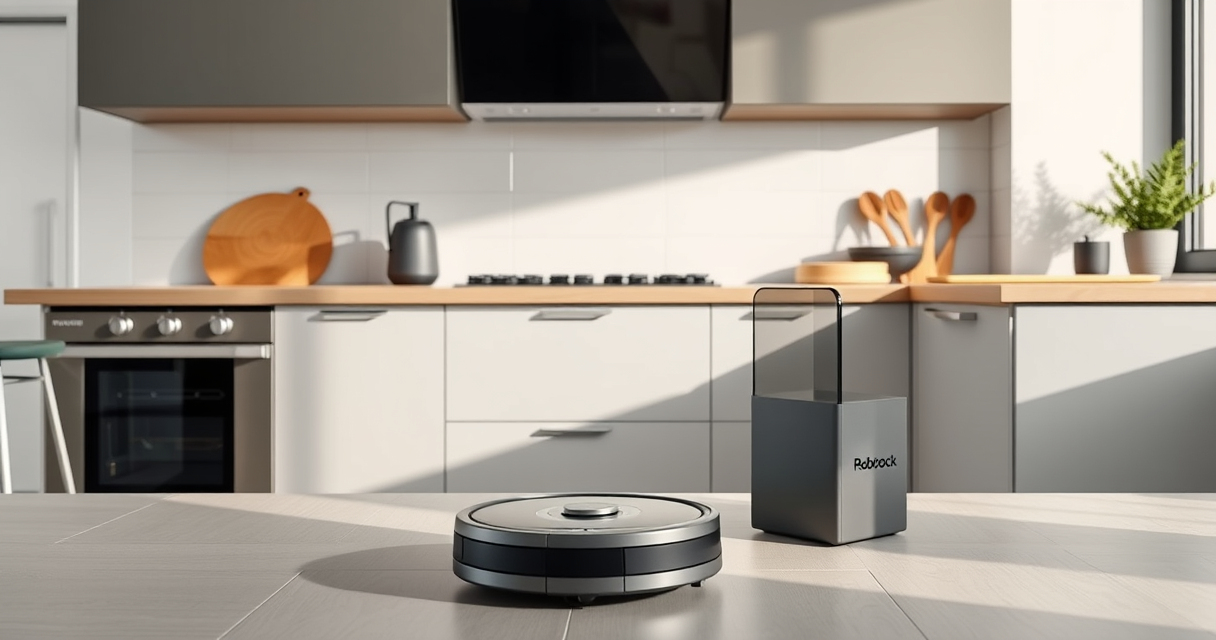

Maintaining your Roborock robot vacuum is essential for keeping it running efficiently and prolonging its lifespan. Proper cleaning, timely filter replacements, and troubleshooting common issues can prevent costly repairs and ensure your home stays spotless.

Get cleaning gear delivered free with Prime
- Fast, free delivery on millions of items
- Prime Video, Amazon Music and more included
- Member-only deals all year
In this guide, you’ll find clear, easy-to-follow steps for regular maintenance, troubleshooting tips, and recommendations for compatible accessories to enhance your cleaning experience.
Key Takeaways
| Regular cleaning extends lifespan | Clean brushes, sensors, and wheels periodically. |
| Filter replacement boosts efficiency | Use washable filters for consistent suction. |
| Battery care is crucial | Avoid letting the battery fully discharge regularly. |
| Troubleshoot common issues | Address navigation or suction problems promptly. |
Cleaning the Main Brush and Anti-Tangle System
- Turn off and unplug the robot vacuum before cleaning.
- Remove the main brush from the bottom of the device following the manufacturer’s instructions.
- Use a cleaning tool or your fingers to remove hair and debris tangled in the dual anti-tangle system.
- Wash the brush with water if needed, and dry thoroughly before reinstalling.
- Ensure the brush is securely attached to prevent operational noise or malfunction.
Maintaining Sensors and Navigation Components
- Gently wipe sensors and LiDAR with a soft, dry cloth to prevent dust buildup that can impair navigation.
- Avoid using harsh chemicals or water on electronic components.
- Check for obstructions around the sensors and clean the area regularly.
Replacing and Washing Filters
- Remove the dustbin from the vacuum and take out the filter.
- If washable, rinse the filter with water and let it air dry completely before reinserting.
- For disposable filters, replace with a compatible washable filter pack, such as the 4 Pack Washable Filter.
- Replace filters every 2-3 months or more often if you have pets or allergies.
Troubleshooting Common Issues
- Suction loss: Check for tangled hair or debris in the brush and clean thoroughly.
- Navigation errors: Clean sensors and ensure the LiDAR is unobstructed.
- Battery problems: If charging is irregular, inspect the charging dock and power connections.
Tips and Warnings
- Always turn off the vacuum before cleaning or replacing parts to avoid injury.
- Use only compatible accessories, like the recommended washable filters or mop pads, to prevent damage.
- Regularly check for firmware updates via the app to ensure optimal performance.
- Avoid using harsh chemicals near electronic parts or sensors.
The Products in This Guide

roborock Q7 M5+ Robot Vacuum and Mop
- ✔ Self-Emptying: Yes
- ✔ Pet Hair System: Dual Anti-Tangle
- ✔ Cleaning Cycles: Up to 7-9 weeks

4 Pack Washable Filter
- ✔ Filter Material: HEPA
- ✔ Washable: Yes
- ✔ Pack: 4
roborock Q7 M5+ Robot Vacuum and Mop
The Roborock Q7 M5+ Robot Vacuum and Mop offers up to 7-9 weeks of self-emptying capability, high suction power, and advanced navigation. It’s designed for pet owners and busy households seeking low-maintenance cleaning.
Pros:
- Long self-emptying cycle
- Strong 10000Pa suction
- Effective pet hair handling
- Precise navigation
Cons:
- Heavier unit to lift
- Requires periodic filter cleaning
- App setup may be complex for beginners
Best for: Pet owners and large homes requiring extended cleaning cycles
Not ideal for: Users seeking a lightweight or budget-friendly option
Bottom line: A powerful, long-lasting robot vacuum ideal for pet-heavy households.
4 Pack Washable Filter
This 4-pack of washable filters ensures your Roborock Q-series maintains optimal suction and filtration. Easy to replace and clean, they are a cost-effective solution for continuous performance.
Pros:
- Cost-efficient
- Easy to clean
- Maintains suction power
- Compatible with multiple models
Cons:
- Must be washed regularly
- Not OEM but effective
- Replacement needed every 2-3 months
Best for: Maintaining peak filtration and suction regularly
Not ideal for: Users preferring OEM-specific filters
Bottom line: Reliable, washable filters to keep suction at peak performance.
Frequently Asked Questions
How often should I clean the brushes?
You should clean the main brush and anti-tangle system every 1-2 weeks, especially if you have pets, to prevent hair build-up and maintain suction efficiency.
Can I use any filters with my Roborock?
It’s best to use filters compatible with your model. The recommended washable filters are compatible with various Q and Max series models and ensure optimal filtration.
What should I do if my vacuum’s navigation is faulty?
Gently clean the sensors and LiDAR with a soft cloth, removing any dust or obstruction. Ensure there are no objects blocking the navigation path.
How do I troubleshoot low suction?
Check for tangled hair or debris in the brushes and clean thoroughly. Also, inspect the filter and replace if necessary to restore full suction power.
Keep Your Roborock Running Like New
Regular maintenance and quick troubleshooting are key to getting the most out of your Roborock vacuum. By following these steps and tips, you’ll ensure your device performs optimally for years to come, keeping your home clean with minimal effort.
Affiliate disclosure: As an Amazon Associate we earn from qualifying purchases. Prices and availability are accurate as of the time of publishing.
Columbus Day / Indigenous Peoples' Day Picks
long weekend sales
As an affiliate, we earn on qualifying purchases.