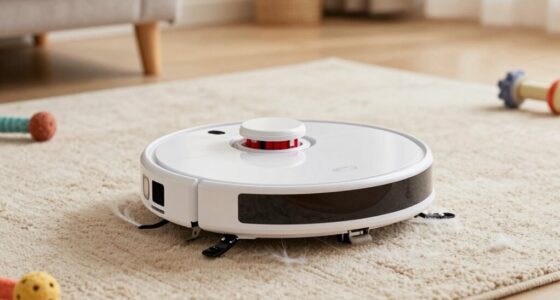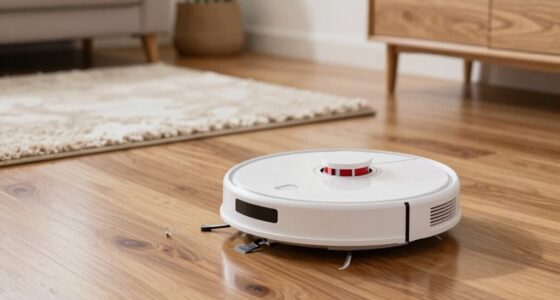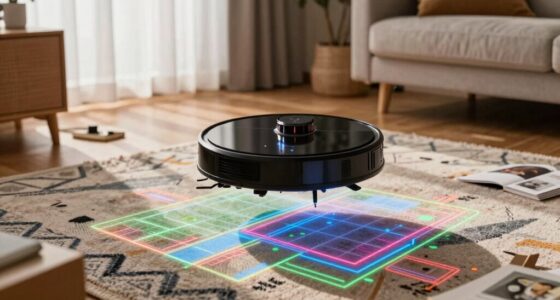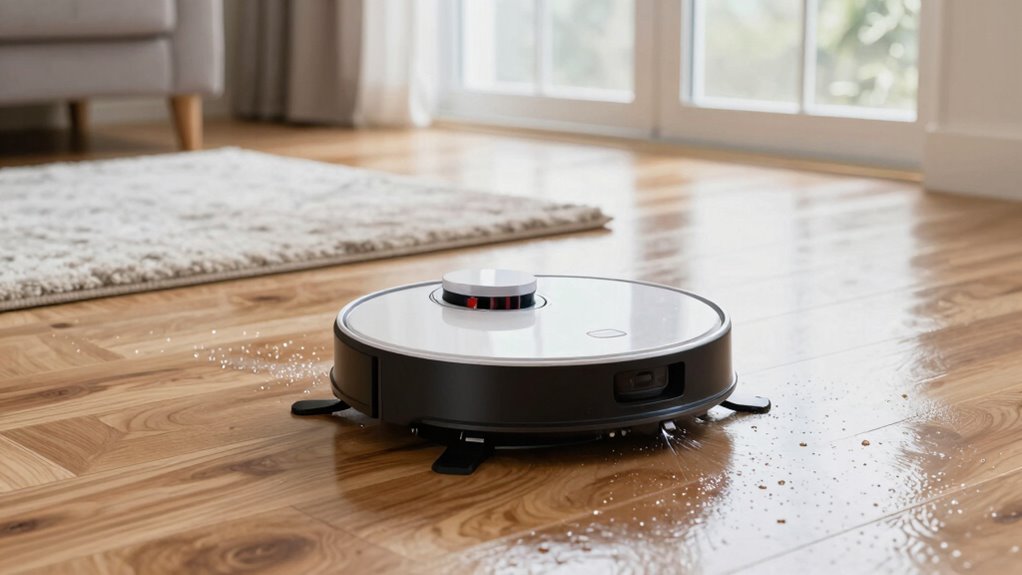
To prevent your robot mop from overwatering floors, make certain it’s equipped with water flow management features like adjustable settings and sensors. Regularly check and clean the water tank and sensors to maintain accurate detection and prevent leaks. Proper calibration helps the robot dispense just the right amount of water for your floor type. If you follow these steps, you’ll get effective cleaning without puddles. Keep exploring for more tips to optimize your robot’s water control.
Key Takeaways
- Regularly check and clean water sensors to ensure accurate water level detection.
- Calibrate the water sensors periodically to prevent false readings that cause overwatering.
- Adjust water flow settings based on floor type to avoid excess moisture.
- Maintain the water tank by cleaning it and removing any blockages or debris.
- Monitor and troubleshoot the sensor system promptly if overwatering or puddles occur.

Managing water flow in robot mops is vital for effective cleaning and preventing messes. When your robot is designed to handle water efficiently, it can clean your floors without leaving them overly wet or streaked. One key feature that helps achieve this balance is automatic refilling, which allows your robot to replenish water as needed without constant supervision. This feature is especially useful during longer cleaning sessions, guaranteeing your robot always has enough water to do its job without overloading the floor. To make this process seamless, many robot mops come equipped with a water sensor. The water sensor detects the current water level in the tank and signals the robot to stop refilling when the tank is full or to begin refilling if the water runs low. This smart technology prevents overfilling, which can lead to excess water on your floors, and underfilling, which can compromise cleaning performance. With a water sensor, you don’t have to worry about constantly checking or adjusting the water levels manually; your robot takes care of it automatically, maintaining the right amount of water for effective mopping. Proper calibration of water sensors is essential for optimal performance and avoiding issues like overwatering or dryness.
To maximize the benefits of automatic refilling and water sensors, you should regularly inspect the water tank for any blockages or leaks. Keeping the tank clean guarantees sensors function correctly, preventing false readings that could cause overwatering or dryness. When setting up your robot, always make sure the water sensor is properly calibrated and free of debris. Proper calibration guarantees the sensor accurately detects water levels, which is vital for preventing floors from becoming overly wet. Additionally, some robot mops allow you to customize water flow settings, giving you more control over how much water is dispensed during cleaning. Adjust these settings according to your floor type—less water for hardwood and more for tile or vinyl—helping avoid excess moisture that can damage sensitive surfaces.
Furthermore, understanding how your robot’s automatic refilling system works helps you troubleshoot issues more effectively. If your robot is overwatering, check the water sensor for dirt or damage. If it’s underperforming, the sensor might need recalibration or replacement. Consistent maintenance of these components guarantees your robot operates smoothly and prevents common problems like streaks or puddles. In the end, a well-managed water flow, supported by automatic refilling and a reliable water sensor, guarantees thorough cleaning without the mess. It saves you time and effort while protecting your floors from damage caused by excess water. By staying attentive to these features and maintaining your robot’s water system, you’ll enjoy cleaner floors with minimal fuss, knowing your robot is smart enough to handle water precisely where and when it’s needed.
Frequently Asked Questions
Can I Use Any Type of Water in My Robot Mop?
You should use clean, preferably distilled or filtered water in your robot mop to guarantee ideal water quality. Tap water with minerals can cause buildup or clogging. Always check your mop’s instructions for recommended water types. Refill the tank as needed, but avoid overfilling to prevent leaks. Using the right water and maintaining proper refill frequency helps prevent overwet floors and keeps your robot functioning smoothly.
How Often Should I Refill the Water Tank?
Don’t let your robot mop run on empty; it’s better to be safe than sorry. You should refill the water tank when it’s about a quarter full, depending on your refill schedule and water tank capacity. Typically, check after every few cleaning sessions or when the tank indicator shows low. Keeping an eye on the water level guarantees your floors stay dry and your robot functions smoothly—think of it as giving it a little drink of water.
Does Water Control Vary Between Different Robot Mop Brands?
Yes, water control varies between different robot mop brands due to their unique water control mechanisms. When doing a brand comparison, you’ll notice some brands offer precise water flow adjustments, while others rely on automatic sensors. These differences impact how much water is dispensed during mopping, helping you prevent overwet floors. To find the best fit, consider your specific needs and look for models with customizable water control features for ideal results.
Can I Add Cleaning Solutions to the Water?
You shouldn’t add cleaning solutions to your robot mop’s water unless the manufacturer specifies compatibility. Check the cleaning solution compatibility to avoid damaging your device. If permitted, follow water mixture ratios carefully to prevent over-wetting your floors. Too much cleaning solution can cause buildup or streaks, so always stick to recommended amounts. This way, you keep your floors clean without risking damage or excess moisture.
What Signs Indicate My Robot Mop Is Overwatering?
If your robot mop is overwatering, you’ll notice water leakage around the device or damp patches on your floor. Sometimes, mop sensor issues cause it to misjudge when to stop releasing water, leading to excess moisture. You might also see the mop running longer than usual or water pooling. These signs indicate overwatering, so check the sensors and verify they’re clean and functioning properly to prevent damage.
Conclusion
So, you finally master water control and keep your floors just damp enough—only to realize your robot mop’s spotless shine somehow attracts more dirt. Irony strikes again! You carefully manage the spray, only to find the floors stay just wet enough for a slip. But hey, at least now you’re an expert in preventing overwet floors—you just wish the floors stayed dry long enough to enjoy it. Sometimes, perfection is just a slippery slope.