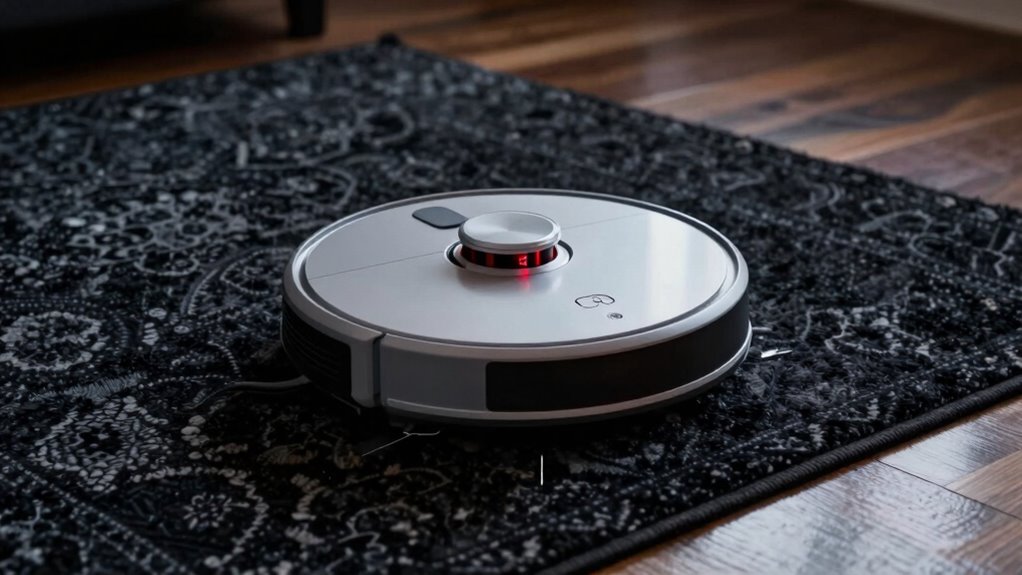
Robot vacuums avoid dark rugs because their sensors mistake low-reflective surfaces for drop-offs or obstacles, causing false alarms that stop cleaning. Cliff sensors, designed to prevent falls, can get triggered by dark colors, leading to unnecessary pauses. To fix this, you can calibrate or adjust your vacuum’s sensors, clean them regularly, or use models with better detection tech. Stay tuned for tips on how to improve your robot’s dark surface handling without fuss.
Key Takeaways
- Dark rugs absorb light, causing sensors to misread them as drop-offs or obstacles, triggering avoidance behavior.
- Cliff sensors may falsely detect dark surfaces as edges due to low reflection, leading to false alarms.
- Regular calibration and sensor cleaning improve detection accuracy and reduce false cliff triggers on dark rugs.
- Upgrading to advanced sensors or AI calibration enhances the vacuum’s ability to distinguish dark rugs from hazards.
- Testing and adjusting sensor sensitivity help prevent the vacuum from unnecessarily avoiding dark rugs.

Shark AV2501S AI Ultra Robot Vacuum, with Matrix Clean, Home Mapping, 30-Day Capacity HEPA Bagless Self Empty Base, Perfect for Pet Hair, Wifi, Dark Grey
- Powerful Suction: Effective on all floor types
- Matrix Clean Navigation: Ensures thorough, grid-based cleaning
- Self-Emptying Base: Holds up to 30 days of debris
As an affiliate, we earn on qualifying purchases.
As an affiliate, we earn on qualifying purchases.
Why Do Robot Vacuums Avoid Dark Rugs?
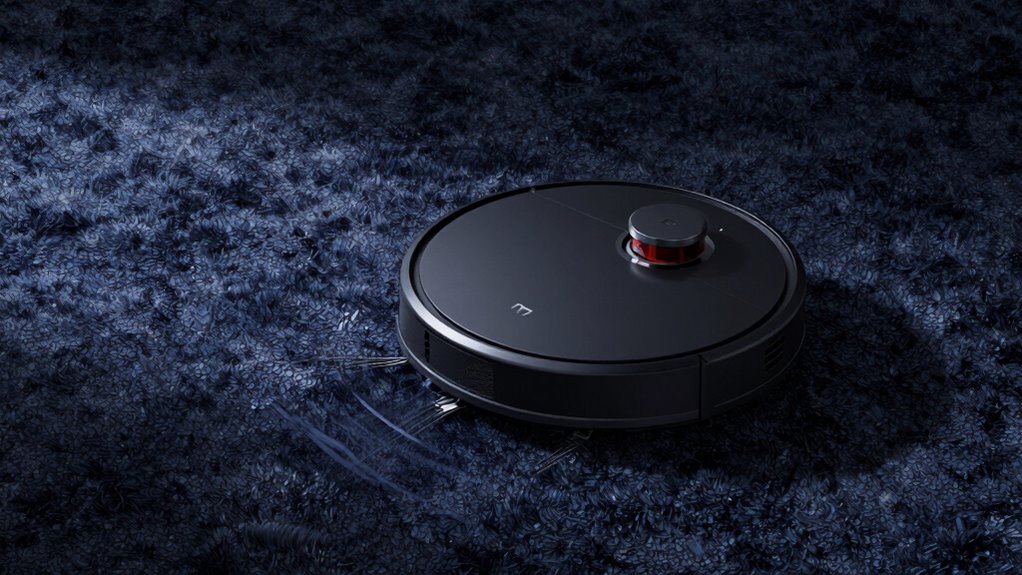
Have you ever wondered why your robot vacuum seems to avoid certain rugs? It all comes down to surface detection and sensor calibration. Your vacuum uses sensors to recognize different surfaces, helping it decide where to clean and where to avoid. Dark rugs often confuse these sensors because they absorb more light, making the surface appear different than lighter flooring. If the sensors aren’t properly calibrated, the vacuum might mistakenly interpret the dark rug as a drop-off or obstacle. Regularly adjusting your sensors ensures they accurately detect surfaces, preventing unnecessary avoidance. Some models might need you to clean or modify sensors for better accuracy. When sensors are properly calibrated, your robot will better recognize dark rugs, cleaning them thoroughly without unnecessary hesitation.

Goodsby Replacement Cliff Drop Infrared Side Sensors for Shark IQ Robot Vacuums RV1001AE RV912S RV913S RV1000S QR1000SG AV1002AE AV1010AE AV911S QR1000SB UR1000SR UR1005AE RV1101ARUS UR1105ARUS
- Compatibility: Fits specific Shark IQ Robot models
- Model Check Reminder: Verify your vacuum model before ordering
- Compatibility Notice: Not compatible with 7xx, 8xx, 20xx series
As an affiliate, we earn on qualifying purchases.
As an affiliate, we earn on qualifying purchases.
How Do Cliff Sensors Cause False Alarms on Dark Surfaces?
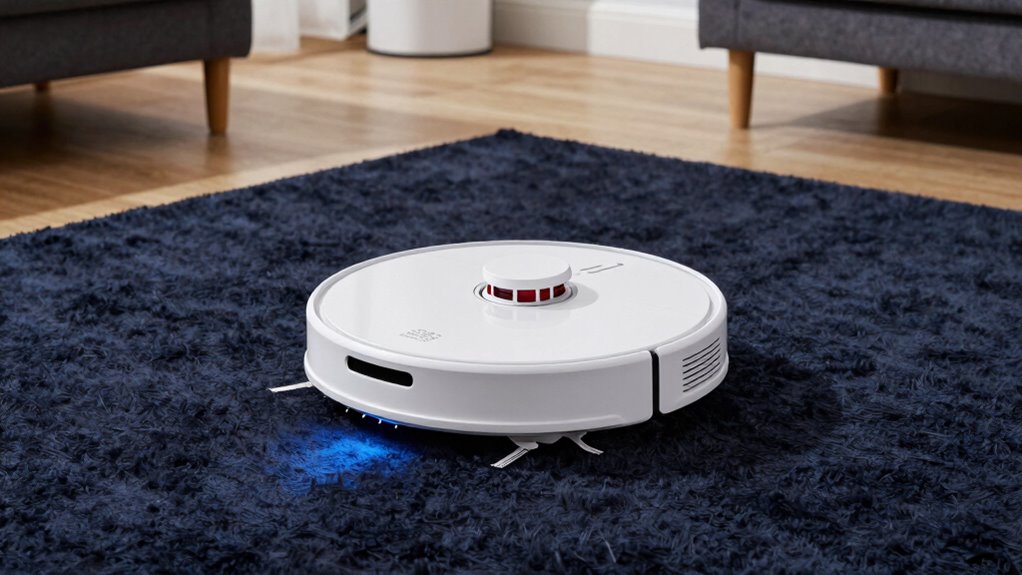
Cliff sensors in robot vacuums are designed to detect edges and prevent falls, but on dark surfaces, they can sometimes trigger false alarms. This happens because the sensors rely on light reflection or interruption to identify drop-offs. When the surface is very dark, the sensors may misinterpret the low reflection as a cliff, leading to a false trigger. Proper sensor calibration can help reduce these errors, but many vacuums aren’t optimized for dark surfaces out of the box. As a result, the vacuum may stop or change direction unnecessarily. This false alarm isn’t a sign of a real drop-off but a sensor misread. Understanding the sensor technology behind cliff detection can aid in choosing models better suited for dark or low-reflectivity surfaces. Additionally, some vacuums incorporate advanced detection methods that improve accuracy on challenging surfaces. Employing sensor calibration techniques can further enhance the device’s ability to distinguish between true drops and false signals, leading to more reliable navigation. Adjusting the sensors or their calibration can improve accuracy and prevent these false triggers, helping your vacuum navigate more smoothly.

roborock Q10 S5+ Robot Vacuum and Mop, 10,000Pa Suction
- Long-Lasting Self-Emptying Station: 70 days of maintenance-free cleaning
- Powerful 10,000Pa Suction: Lifts pet hair and debris easily
- Anti-Tangle Brush System: Reduces hair tangling for smoother operation
As an affiliate, we earn on qualifying purchases.
As an affiliate, we earn on qualifying purchases.
How to Adjust Your Robot Vacuum to Handle Dark Rugs
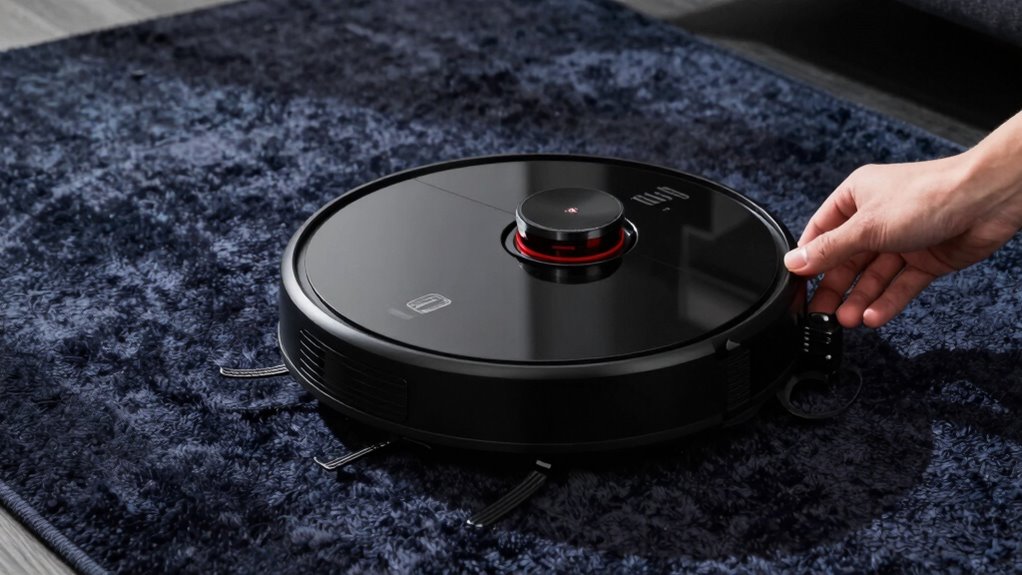
To get your robot vacuum to clean dark rugs effectively, start by enabling manual adjustments or using your app settings. These options let you customize the cleaning area and sensor sensitivity to prevent false alarms. Be sure to test how your vacuum responds to dark surfaces to fine-tune its performance. Additionally, understanding smart home technology features can help you optimize your device’s integration and control. Familiarizing yourself with sensor calibration options can further improve its ability to distinguish between dark rugs and other obstacles. Regularly updating your vacuum’s firmware can also enhance its navigation accuracy and obstacle detection capabilities, ensuring more reliable performance across various flooring types. Incorporating body sensor adjustments specific to your device can help prevent false triggers caused by dark surfaces. Exploring advanced obstacle detection settings can also contribute to better handling of tricky surfaces.
Enable Manual Adjustments
Dark rugs can pose a challenge for robot vacuums because their sensors often struggle to distinguish them from the floor, causing the device to hesitate or avoid cleaning altogether. To improve performance, you can enable manual adjustments, like sensor calibration, which helps your vacuum recognize dark surfaces better. Adjusting the sensor sensitivity ensures the robot accurately detects different textures and colors, reducing false cliff detections. Use the table below to understand key settings:
| Adjustment Type | Effect |
|---|---|
| Sensor Calibration | Fine-tunes sensor responses to surface variations |
| Surface Recognition Mode | Improves identification of dark rugs and floors |
| Sensitivity Settings | Balances obstacle detection with dark surface handling |
| Testing and Fine-tuning | Ensures excellent cleaning without false avoidance |
Use Robotic App Settings
Using your robot vacuum’s mobile app is the most convenient way to adjust settings for handling dark rugs. Many apps allow you to calibrate sensors, ensuring the vacuum better recognizes dark surfaces and avoids false cliff detections. Check if the app offers options to modify sensor sensitivity or calibration, and follow prompts to fine-tune these settings. Adjusting sensor calibration can help your vacuum better differentiate between dark rugs and drop-offs. Additionally, you can modify your cleaning schedules to avoid running during times when dark rugs might confuse the sensors, such as in low light or after dark. Regular updates and maintenance via the app can also optimize performance, reducing the chances of the vacuum misinterpreting dark surfaces as drops.
Test Dark Surface Response
Before relying on adjustments, it’s important to test how your robot vacuum responds to dark surfaces. Dark surface testing helps you see if the sensors are misinterpreting your rug as a cliff or obstacle. To do this, place your vacuum on the dark rug and observe its behavior. If it hesitates, stops, or avoids the area, sensor calibration might be needed. Many models allow you to recalibrate the sensors through the app or manual settings. Adjustments could involve cleaning the sensors, updating firmware, or tweaking sensitivity levels. Conducting dark surface testing ensures your robot recognizes dark rugs correctly, preventing unnecessary pauses or avoidance. Proper sensor calibration can help you troubleshoot and improve your vacuum’s performance more effectively. Additionally, understanding Free Floating technology can provide insights into how your vacuum navigates complex surfaces and helps in fine-tuning its response. Modern vacuums with advanced navigation often include options to optimize performance on dark surfaces, making calibration even more precise. Performing these tests can also reveal whether your vacuum’s obstacle detection needs adjustment to better handle challenging surfaces.

Robot Vacuum Cleaning Kit, Cleaning Tool with Brush, Cloth, Hair Cutter
- Complete Cleaning Kit: Includes brushes, tools, cloth, and hair cutter
- Effective Hair and Dust Removal: Brushes designed to clean hair, dust, sand, mud
- Specialized Brush Functions: Hook brush for hair, soft brush for detail, nylon brush for surface, long brush for dust box
As an affiliate, we earn on qualifying purchases.
As an affiliate, we earn on qualifying purchases.
Easy Tips to Prevent Your Robot Vacuum From Avoiding Dark Surfaces
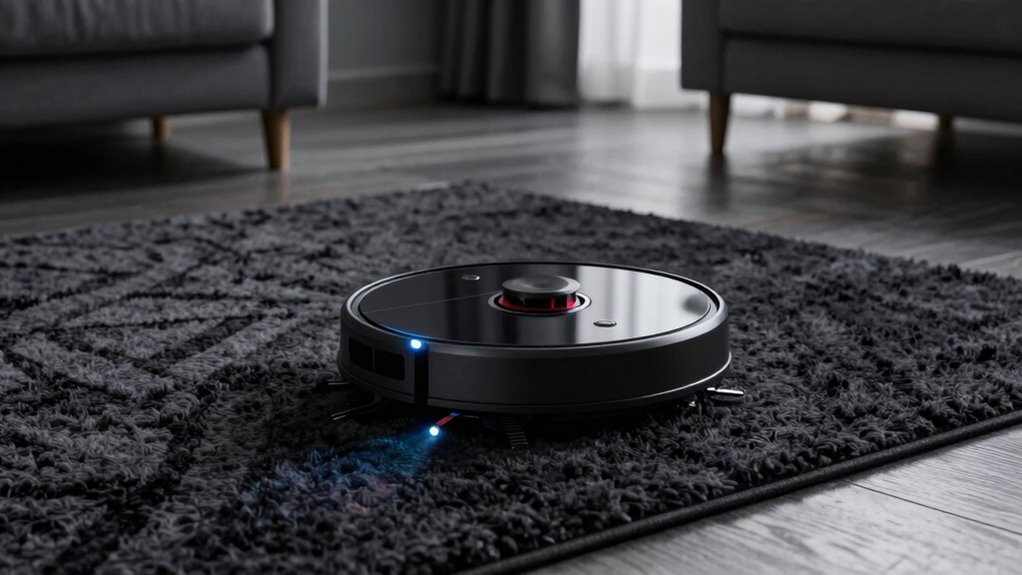
To prevent your robot vacuum from avoiding dark surfaces, start by adjusting its cleaning settings or using models with advanced sensors. Many robot vacuum myths suggest they can’t handle dark rugs, but proper setup makes a difference. To improve dark rug cleaning and avoid sensor misreads, consider these tips:
- Calibrate sensors regularly to reduce false triggers
- Use the manufacturer’s app to tweak cleaning zones
- Keep dark surfaces clean and free of debris
- Opt for models with adjustable cliff sensors
- Test different cleaning patterns to see what works best
- Incorporate proper ventilation to help sensors function more accurately and prevent false detections. Additionally, selecting robot vacuums with enhanced sensors can significantly improve navigation on dark surfaces, especially when paired with sensor calibration tools to fine-tune performance.
What Features Help Robots Clean Dark Surfaces Better?
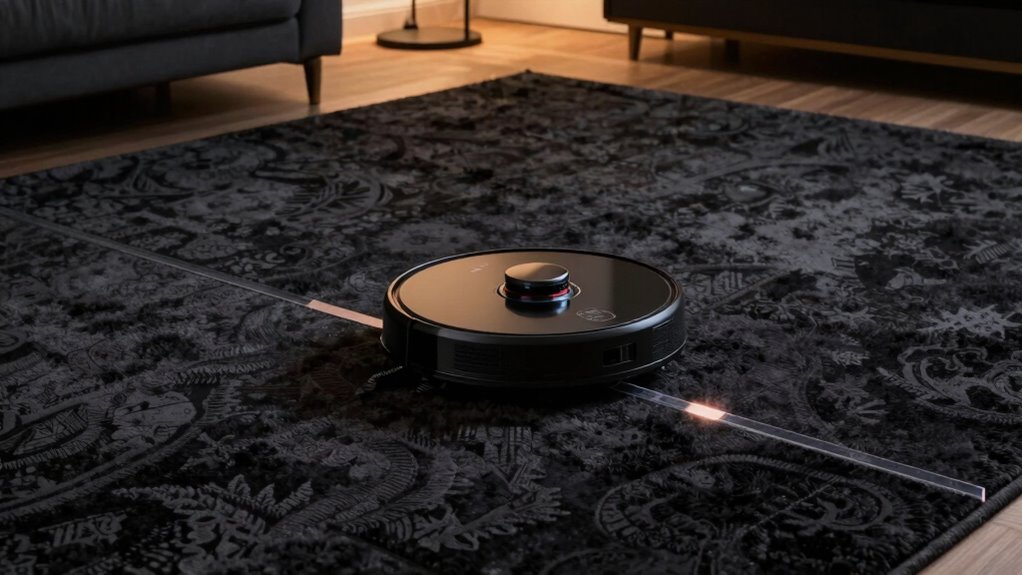
To improve your robot vacuum’s ability to clean dark surfaces, look for models with advanced optical sensors. These sensors help the vacuum better distinguish dark rugs from other areas, reducing missed spots. Enhanced surface detection features make cleaning more efficient on tricky dark surfaces. Additionally, some models incorporate automatic calibration to adapt to different flooring types, improving overall performance. Incorporating sensor accuracy can further enhance the vacuum’s ability to navigate and clean dark or reflective surfaces more effectively. Furthermore, software algorithms can assist in refining the vacuum’s response to subtle surface variations, leading to more precise cleaning results. Using improved sensor technology can significantly minimize the ‘cliff sensor’ errors and ensure thorough cleaning across all surface types. Upgrading to models with advanced optical sensors can also help prevent false triggers caused by reflective or uneven dark surfaces.
Advanced Optical Sensors
Advanced optical sensors play a crucial role in helping robot vacuums effectively clean dark surfaces. They enhance the robot’s ability to distinguish between different floor types by improving surface detection algorithms. Features like precise robot sensor calibration ensure sensors interpret reflections accurately, even on dark or shiny surfaces. These sensors can adapt to varying lighting conditions, reducing false detections. Additionally, improvements include:
- Higher resolution sensors for detailed surface analysis
- Multi-angle sensing for exhaustive floor mapping
- Faster response times to changing surface textures
- AI-powered calibration for better dark surface recognition
- Integrated ambient light sensors to adjust sensitivity
- Sensor calibration techniques further optimize sensor performance for challenging surfaces. Employing advanced surface detection methods also helps the robot better identify dark rugs and avoid the cliff sensor panic, ensuring a more thorough and reliable clean. Incorporating automotive repair insights into sensor design can inspire innovative approaches to enhance durability and performance in various environments.
Enhanced Surface Detection
Enhanced surface detection features markedly improve a robot vacuum’s ability to clean dark surfaces effectively. These features rely on sensor calibration to fine-tune how sensors interpret different surfaces, especially those with low surface contrast. By calibrating sensors properly, the vacuum can better distinguish dark rugs from the floor, reducing false cliff detections. Advanced algorithms analyze surface contrast more accurately, enabling the robot to adapt its cleaning strategy. Some models use multiple sensors or combine optical and infrared data to improve detection. This combination helps the vacuum recognize dark surfaces without misidentifying them as drop-offs. Additionally, proper calibration of sensor sensitivity allows for more precise surface recognition. As a result, your robot can clean dark rugs more thoroughly, avoiding unnecessary pauses or stops caused by misinterpreted surface contrast.
When Is It Time to Upgrade Your Robot Vacuum for Dark Surface Cleaning?
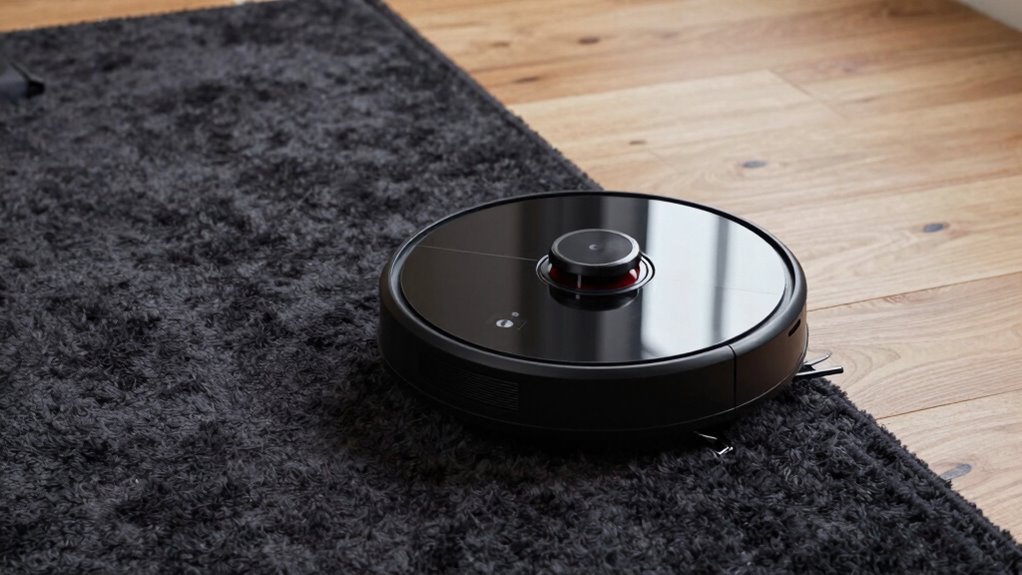
If your robot vacuum struggles to clean dark rugs effectively, it might be time to contemplate an upgrade. Signs include decreased cleaning performance on dark surfaces, frequent battery replacements, or increased noise during operation. Additionally, consider upgrading if your vacuum’s battery lifespan has shortened, making it unable to clean thoroughly in one charge. High noise levels can also indicate an aging motor or outdated technology. An upgrade is worthwhile when you notice:
- Reduced cleaning on dark surfaces
- Shorter battery life per charge
- Excessive noise during operation
- Frequent need for repairs
- Outdated navigation sensors
Choosing a newer model designed for dark surface detection can improve cleaning efficiency and reduce frustration. Upgrading ensures your vacuum keeps up with your cleaning needs without constant maintenance.
Frequently Asked Questions
Can You Disable Cliff Sensors to Improve Dark Rug Cleaning?
You can disable cliff sensors to improve dark rug cleaning, but it’s not always recommended. Instead, try recalibrating your vacuum’s sensors or adjusting rug detection settings if available. Disabling sensors may cause your robot to fall or get stuck, risking damage. Check your vacuum’s manual for specific instructions on sensor calibration, and consider using boundary strips or mats to prevent issues without turning off essential safety features.
Are There Specific Robot Vacuum Brands Better at Handling Dark Surfaces?
You’ll find that brands like iRobot and Roborock excel at handling dark surfaces because they use advanced sensor calibration and smarter navigation algorithms. Think of these vacuums as skilled hikers who adapt to tricky terrain, avoiding cliffs and pitfalls. They recognize dark rugs as navigational challenges and adjust accordingly, ensuring better cleaning performance on dark surfaces. Choosing these brands helps you avoid the frustration of missed spots or false cliff detections.
How Does Carpet Color Affect Robot Vacuum Navigation?
Carpet color impacts your robot vacuum’s navigation because high color contrast can confuse its sensors, making it avoid dark or shiny carpets. To improve performance, verify your vacuum’s sensors are well calibrated, accommodating different carpet shades. You might also consider models with advanced sensors designed to handle various colors better. Regularly cleaning sensors and updating firmware can further reduce navigation issues caused by carpet color differences.
Do Dark Rugs Impact the Lifespan of Robot Vacuum Sensors?
Dark rugs don’t substantially impact the lifespan of your robot vacuum sensors, but they can cause sensor degradation over time. This happens because surface detection struggles with darker colors, making sensors work harder and wear out faster. To protect your vacuum, regularly clean sensors and consider using light-colored rugs or mats. This helps maintain sensor accuracy and prolongs their effective life, ensuring your device keeps cleaning efficiently.
What Maintenance Steps Can Improve Dark Surface Cleaning Performance?
You can improve dark surface cleaning by regularly calibrating your robot vacuum’s sensors, which helps with surface detection. Keep sensors clean by gently wiping them with a soft cloth to prevent dust buildup. Update the vacuum’s firmware if available, as updates often enhance sensor accuracy. Additionally, avoid placing reflective or overly dark surfaces near sensors, and follow your manufacturer’s maintenance guidelines to optimize cleaning performance on dark surfaces.
Conclusion
Don’t let dark rugs keep your robot vacuum from doing its job. With simple adjustments and smart features, you can guarantee your vacuum cleans all surfaces confidently, no matter the color. Even if it seems tricky at first, upgrading or tweaking settings makes a big difference. Imagine coming home to a spotless floor, without constantly supervising. It’s easy to enjoy the convenience—your dark rugs won’t stand in the way of a perfectly clean home.