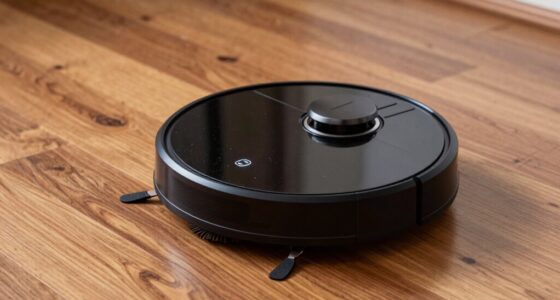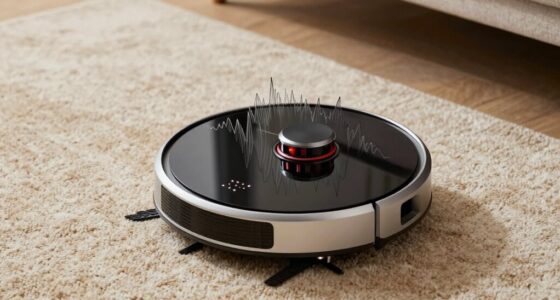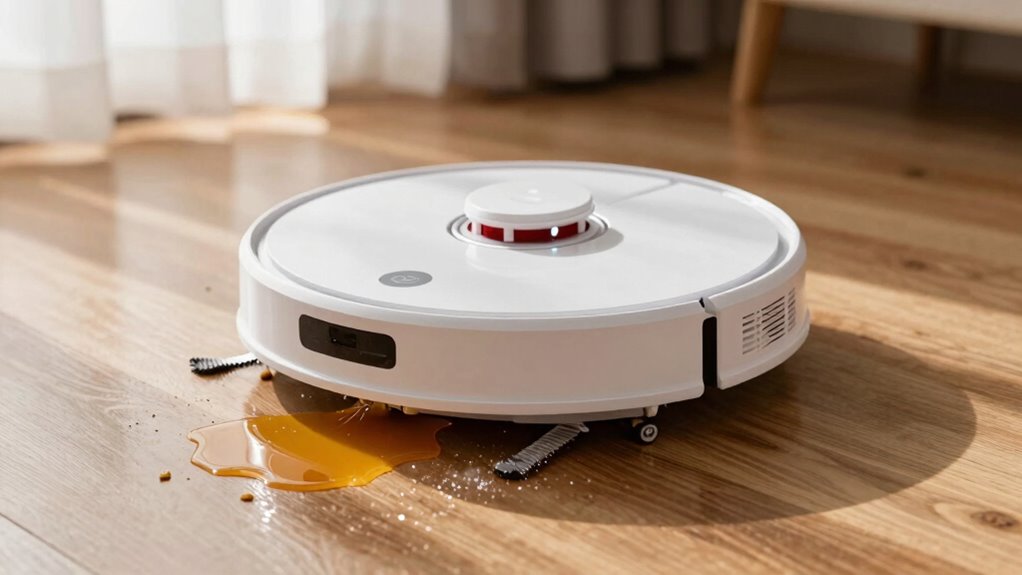

Your robot often re-cleans the same spot because sensors can get dirty, misaligned, or blocked by dust or debris, causing it to think areas are still dirty. Clutter or reflective surfaces may also confuse sensors, leading to unnecessary passes. Outdated firmware or software glitches might be another reason. Regularly cleaning sensors, removing obstacles, and updating the device can improve its performance. If you want to uncover more tips, keep exploring these common causes.
Key Takeaways
- Faulty or dirty sensors may falsely detect unclean areas, prompting repeated cleaning of the same spot.
- Sensor misalignment or damage can cause inaccurate readings, leading the robot to revisit the same area.
- Obstructions or clutter near sensors impair navigation, making the robot think the spot still needs cleaning.
- Outdated firmware or software bugs can cause repetitive cleaning cycles; updating can fix this.
- Inconsistent cleaning schedules or improper mapping can confuse the robot, resulting in re-cleaning the same location.
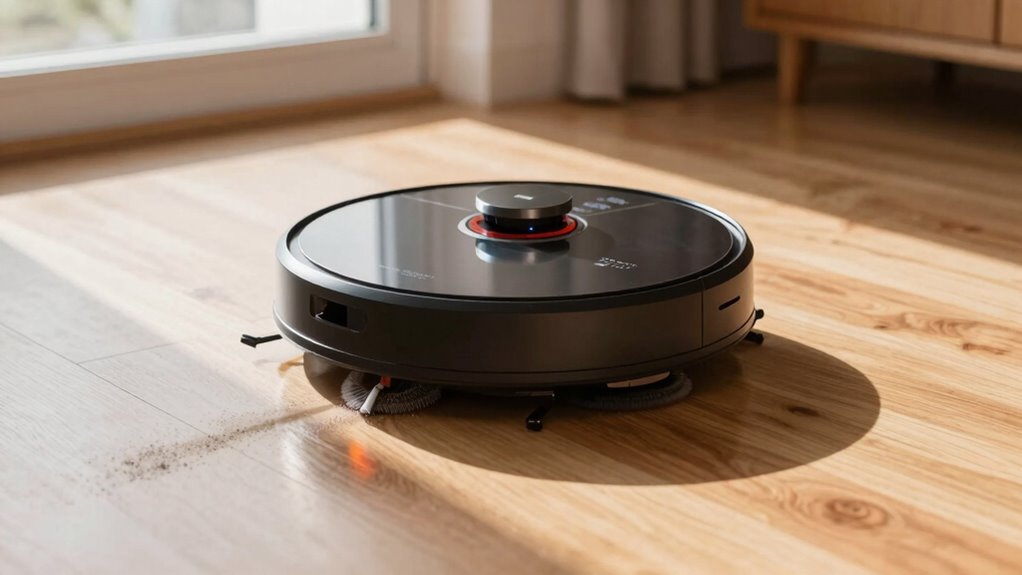
If your robot vacuum keeps re-cleaning the same spot, it’s likely due to sensor or navigation issues that prevent it from recognizing the area as already clean. These robot sensor issues can cause the device to believe certain spots are still dirty, prompting it to revisit the same area repeatedly. To fix this, you need to understand how your robot’s sensors work and verify they’re functioning properly. Dust, hair, or debris can clog sensors, causing misreads, so regular cleaning of the sensors is essential. Additionally, some sensors may become misaligned or damaged over time, leading to faulty readings. Checking and wiping down sensor areas with a soft cloth can improve their accuracy. If the sensors are visibly damaged or dirty, replacing them might be necessary to restore proper navigation. Proper sensor maintenance is crucial for smart home gym equipment that relies on connected technology for optimal performance. Your cleaning schedule also plays an essential role. If you run your robot too frequently or at inconsistent times, it might struggle with mapping your space accurately. For example, running it immediately after a thorough clean or during busy hours can interfere with its ability to create or update a reliable map. Setting a consistent cleaning schedule allows your robot to build a better understanding of your home’s layout, reducing the chances of it re-cleaning the same spot unnecessarily. Many models have app settings where you can adjust the frequency of cleaning sessions and review the cleaning history. If your robot is constantly revisiting the same area, consider spacing out cleaning times or scheduling specific sessions to allow the device to complete its task without interruption or confusion. Additionally, utilizing navigation mapping features can help improve overall coverage and efficiency. Another factor related to sensor issues is the placement of furniture, rugs, or obstacles that may interfere with sensor signals. Sometimes, reflective surfaces or low-hanging objects can confuse the sensors, making them think the space hasn’t been cleaned. Clearing clutter, especially around sensor zones, can improve navigation and help your robot recognize which spots have already been covered. If your robot is still stuck in a loop or keeps re-cleaning the same spot despite cleaning and scheduling adjustments, resetting the device or updating its firmware might help. Firmware updates often include improvements to sensor performance and navigation algorithms.
Frequently Asked Questions
Can Changing the Robot’s Schedule Reduce Re-Cleaning?
Changing your robot’s schedule can definitely reduce re-cleaning. By making schedule adjustments, you control the cleaning frequency, preventing the robot from repeatedly revisiting the same spots. If your robot cleans too often, it might keep re-cleaning areas already done. Adjust the timing to allow dirt buildup or high-traffic zones to be cleaned less frequently, ensuring efficient cleaning without unnecessary re-cleaning.
Does Carpet Type Affect Robot Cleaning Patterns?
Carpet material markedly influences your robot’s cleaning pattern, with studies showing that areas with plush carpets see 30% more re-cleaning. Thicker carpets, like shag or high-pile, tend to trap dirt and debris, prompting your robot to revisit the same spot repeatedly. Area rugs, especially those with dense fibers, can also cause your robot to re-clean frequently because they require more thorough coverage to pick up embedded dirt.
How Often Should I Replace the Robot’s Brushes?
You should replace your robot’s brushes every 3 to 6 months, depending on usage and brush maintenance. Regularly check for wear and debris, and clean the brushes weekly to keep them functioning as efficiently as possible. If you notice decreased cleaning performance or frayed bristles, it’s time for replacement. Proper maintenance ensures your robot cleans effectively, reducing re-cleaning cycles and keeping your floors spotless.
Can Virtual Walls Prevent Re-Cleaning Specific Areas?
Yes, virtual barriers can prevent re-cleaning specific areas by creating designated cleaning zones. You simply set up virtual walls through your robot’s app, blocking off spaces you don’t want cleaned repeatedly. This way, your robot will avoid those zones, saving you time and energy. Virtual barriers are an effective way to control your robot’s cleaning pattern and prevent it from unnecessarily going over the same spots.
Is There a Way to Update the Robot’s Navigation System?
Yes, you can update your robot’s navigation system through software upgrades. Check your manufacturer’s app or website for navigation updates or firmware downloads. Installing these updates improves the robot’s mapping and obstacle detection, reducing unnecessary re-cleaning. Make sure your device is connected to Wi-Fi and follow the instructions carefully. Regular updates keep your robot’s navigation accurate and efficient, ensuring it cleans your space effectively without repeatedly revisiting the same spots.
Conclusion
So, next time your robot keeps re-cleaning the same spot, remember it might be trying to improve its accuracy—studies show that some models can struggle with navigation, re-cleaning up to 30% of the same area. While it might seem annoying, this repetition actually helps make certain your floors are thoroughly cleaned. As robots become smarter, you’ll see fewer of these quirks, making your cleaning routine even smoother and more efficient.