If your Dyson V15 Detect™ Origin Cordless Vacuum is losing power quickly or the battery isn’t lasting as long as it used to, you’re not alone. Battery performance decline is common over time, but with proper troubleshooting and maintenance, you can restore much of its original run time.
In this guide, we’ll walk you through safe, effective steps to diagnose and fix battery-related issues, helping you get back to deep cleaning without interruptions.
Key Takeaways
| Battery lifespan | Battery capacity diminishes over time, affecting run time. |
| Proper maintenance | Regular cleaning and filter replacement improve performance. |
| Check for software updates | Firmware updates can optimize battery management. |
| Avoid excessive heat exposure | Heat can degrade the battery faster. |
| Replace aging battery | A worn-out battery may need replacement for full performance. |

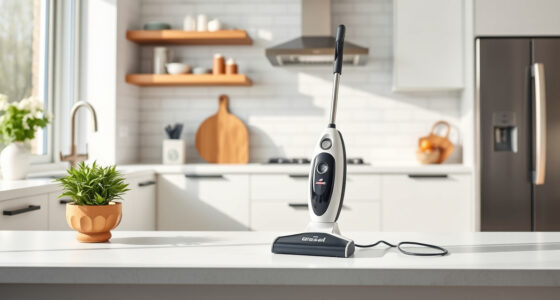
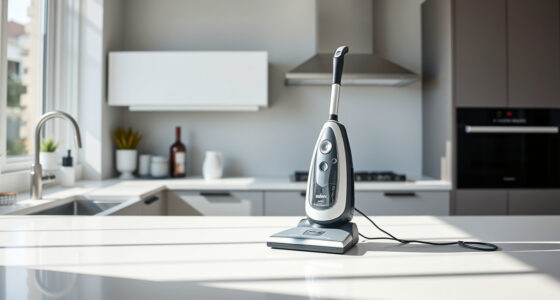
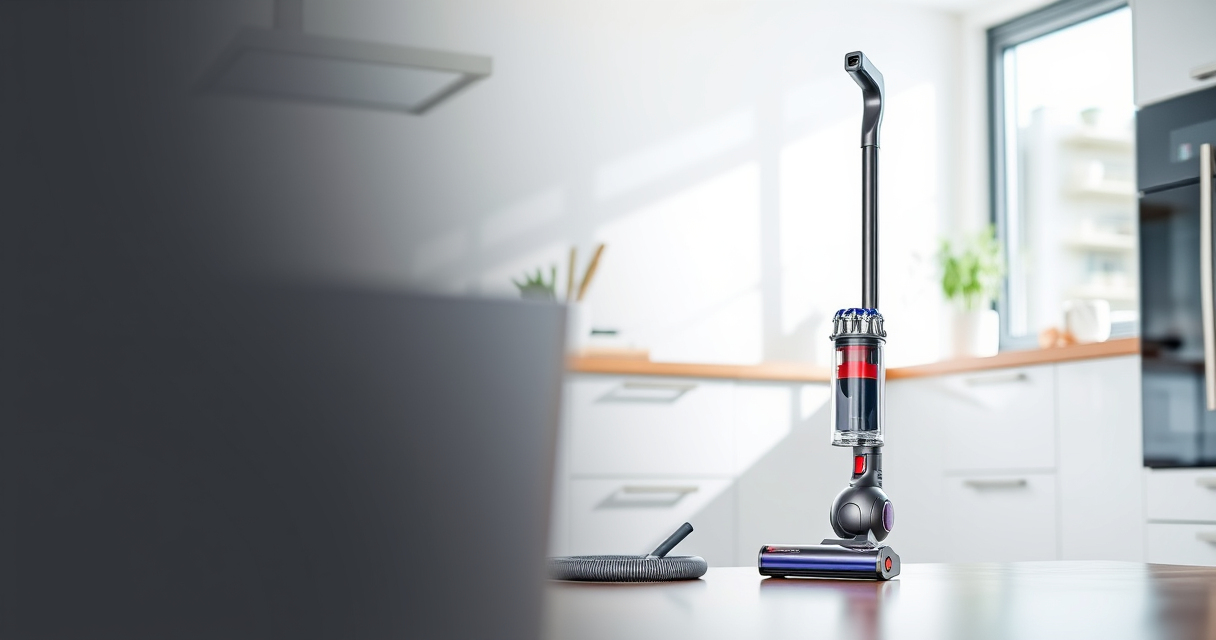
Dyson V15 Detect™ Origin Cordless Vacuum
- Deep cleaning with intelligent detection: Reveals invisible dust for thorough cleaning
- Enhanced power and runtime: 100% more power, 60-minute battery life
- Energy-efficient power trigger: Uses power only when needed
As an affiliate, we earn on qualifying purchases.
Step 1: Confirm the Battery Is the Issue
- Ensure your vacuum is fully charged. Connect it to the charger and wait at least 3 hours.
- Check if the LCD screen displays the remaining run time accurately.
- If the vacuum still dies quickly despite a full charge, proceed to inspect the battery and filters.

LANMU Crevice Tool Vacuum Attachments Compatible with Dyson V15 V12 V11 V10 V9 V8 V7 Gen5 Outsize Vacuum Cleaner, Narrow Nozzel Replacement Parts for Hard-to-Reach Space
- Wide Compatibility: Compatible with various Dyson models
- Slim and Flexible Design: Narrow nozzle for tight spaces
- Versatile Applications: Ideal for furniture, car, and appliance cleaning
As an affiliate, we earn on qualifying purchases.
Step 2: Clean and Maintain Filters
- Remove the pre-filters and filters from your Dyson V15. Rinse them under cool water.
- Allow filters to air dry completely before reinstalling—this can take 24 hours.
- Clean the cyclone and air pathways to prevent airflow restrictions.
Step 3: Check Firmware and Software
Connect your Dyson to the Dyson Link app (if supported) or check for firmware updates via the LCD screen. Updates can improve battery management and overall performance.
Step 4: Replace the Battery (if necessary)
- Turn off and unplug your vacuum. Remove the battery following the manufacturer’s instructions.
- Inspect the battery for swelling or corrosion. If it shows signs of damage, replace it.
- Order a compatible replacement if needed, and install it carefully.
Tips & Warnings
- Always use genuine Dyson parts or recommended accessories for replacement.
- Charge the vacuum in a cool, dry place—avoid extreme temperatures.
- Do not attempt to open or repair the battery yourself if you’re not qualified; risk of electric shock or fire.
The Products in This Guide

Dyson V15 Detect™ Origin Cordless Vacuum
- ✔ Battery Type: Lithium-ion
- ✔ Charge Time: Approximately 3 hours
- ✔ Warranty: 2 years

LANMU Crevice Tool Vacuum Attachments Compatible
- ✔ Material: Plastic
- ✔ Length: Extended
- ✔ Color: Black and grey
Dyson V15 Detect™ Origin Cordless Vacuum
The Dyson V15 Detect™ Origin offers deep cleaning with advanced features like particle detection and intelligent power management. However, its battery performance can decline over time, requiring troubleshooting or replacement to maintain optimal run time.
Pros:
- Powerful suction
- Smart LCD display
- Long 60-minute runtime
- Versatile cleaning heads
Cons:
- Battery may degrade over time
- Requires regular filter maintenance
- Potentially costly battery replacements
Best for: Homeowners seeking deep, efficient cleaning with intelligent features
Not ideal for: Users needing extended continuous run times without battery replacement
Bottom line: Regular maintenance and timely replacement can help keep your Dyson V15 performing at its best.
LANMU Crevice Tool Vacuum Attachments Compatible
The LANMU Crevice Tool Vacuum Attachments offers a narrow, flexible nozzle that fits well with Dyson V15 models, making it easier to clean in tight corners and tricky spots, which helps maintain overall vacuum efficiency.
Pros:
- Compatible with multiple Dyson models
- Narrow and flexible design
- Easy to attach and use
- Great for cars and furniture
Cons:
- Additional attachment needed
- May not fit older models
- Limited use outside crevices
Best for: Targeted cleaning in small, hard-to-reach spaces
Not ideal for: For general cleaning or large debris
Bottom line: A versatile attachment that helps target dust and debris in tight spots, improving overall cleaning efficiency.
Frequently Asked Questions
How do I know if my battery needs to be replaced?
If your vacuum’s run time has significantly decreased despite a full charge, or it stops working before reaching 20 minutes, the battery may be worn out and require replacement.
Can I upgrade my Dyson V15 battery?
Yes, compatible replacement batteries are available, but ensure you select one designed for your model and follow safety instructions during installation.
How often should I clean or replace filters?
It’s recommended to rinse the filters every 1-3 months and replace them every 6-12 months, depending on usage and condition.
Is it safe to open the battery compartment myself?
No, tampering with the battery can be dangerous. If you suspect battery failure, contact Dyson support or a certified repair technician.
Keep Your Dyson V15 in Peak Condition
Regular maintenance, such as cleaning filters, checking for firmware updates, and replacing aging batteries, can significantly extend your vacuum’s performance. By following these troubleshooting steps, you can ensure your Dyson V15 Detect™ Origin continues to deliver powerful, efficient cleaning for years to come.
Affiliate disclosure: As an Amazon Associate we earn from qualifying purchases. Prices and availability are accurate as of the time of publishing.