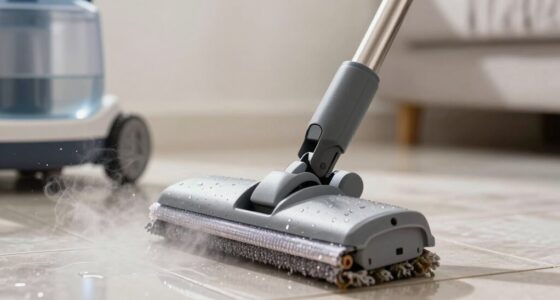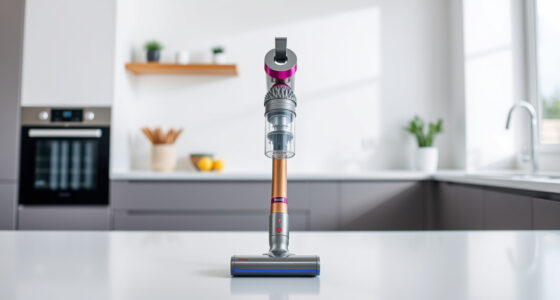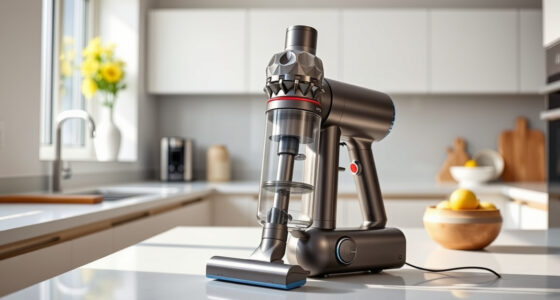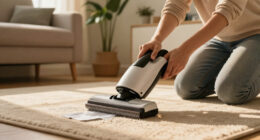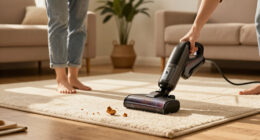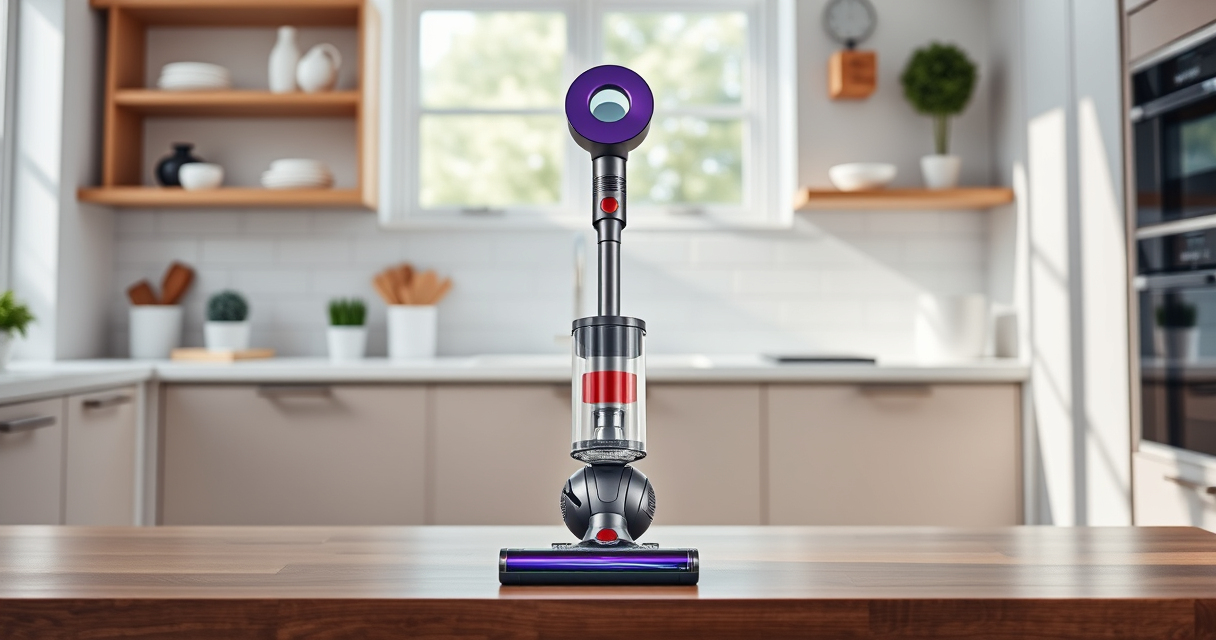
If your Dyson V15 Detect™ cordless vacuum isn’t maintaining suction, it can be frustrating and hinder your cleaning efforts. Often, the issue stems from clogs, dirty filters, or a full bin. This guide provides clear, step-by-step instructions to diagnose and fix common suction problems safely and effectively.

Get cleaning gear delivered free with Prime
- Fast, free delivery on millions of items
- Prime Video, Amazon Music and more included
- Member-only deals all year
Before starting, ensure your vacuum is turned off and unplugged if applicable. Regular maintenance can prevent many suction issues and keep your vacuum working like new.
Key Takeaways
| Check for blockages | Clogs in the wand, cleaner head, or hose reduce suction. |
| Clean or replace filters | Dirty filters restrict airflow and diminish power. |
| Empty the bin | A full bin can cause loss of suction and performance. |
| Inspect the brush bar | Hair or debris wrapped around the brush can block airflow. |
| Examine the seals and connections | Loose or damaged seals cause leaks and suction loss. |
Step 1: Check and Clear Blockages
- Detach the wand, cleaner head, and hose from the main body.
- Inspect each part for visible debris or hair obstructing airflow.
- Use a long, flexible brush or a straightened coat hanger to gently remove any blockages.
- Reassemble and test the vacuum for improved suction.
Step 2: Clean or Replace Filters
- Remove the pre-filter and main filter from the vacuum according to the user manual.
- Rinse the filters under cold water until clear. Do not use soap or brushes.
- Let the filters air dry completely, ideally 24 hours, before reinstalling.
- If filters are damaged or very dirty after cleaning, replace them with new ones (e.g., 3Pack Pre Filters for Dyson).
Step 3: Empty the Bin
Press the bin release button to detach it from the vacuum. Empty all debris into a trash bin. Tap gently to remove residual dirt.
Ensure the bin is securely reattached before testing the suction again.
Step 4: Inspect the Brush Bar and Seals
- Check the Digital Motorbar cleaner head for tangled hair or debris around the brush.
- Remove any obstructions carefully with scissors or a brush.
- Inspect seals and connections for damage or looseness.
- Secure all parts tightly and replace any worn seals if needed.
Additional Tips and Warnings
- Always ensure the vacuum is unplugged before performing maintenance.
- Regularly check and clean filters to maintain optimal suction.
- Avoid forcing tools into tight spots to prevent damage.
- Replace filters as recommended (every 2-3 months) for best performance.
The Products in This Guide

Dyson V15 Detect™ Origin Cordless Vacuum
- ✔ Run Time: Up to 60 min
- ✔ Weight: 6.8 lbs
- ✔ Battery Type: Lithium-ion

LANMU Crevice Tool Vacuum Attachments Compatible
- ✔ Compatibility: Dyson V15, V12, V11
- ✔ Material: Plastic
- ✔ Length: Extended
Dyson V15 Detect™ Origin Cordless Vacuum
The Dyson V15 Detect™ Origin Cordless Vacuum offers advanced features like laser dust detection and intelligent power adjustment. Its design makes troubleshooting suction issues straightforward, and regular maintenance keeps it performing at peak levels.
Pros:
- Powerful suction with 100% more power
- Intelligent debris detection
- Long 60-minute runtime
- Multiple cleaning heads for different surfaces
Cons:
- High price point
- Filters require regular cleaning or replacement
- Battery may degrade over time
Best for: Whole-home cleaning, especially with pet hair or fine dust
Not ideal for: Heavy-duty commercial use or very large spaces
Bottom line: The Dyson V15 Detect™ Origin is a powerful, intelligent vacuum that benefits from proper maintenance and troubleshooting.
LANMU Crevice Tool Vacuum Attachments Compatible
The LANMU Crevice Tool Vacuum Attachments help you reach tight spots and corners, making it easier to clear blockages and debris from hard-to-reach areas of your Dyson vacuum.
Pros:
- Narrow nozzle for precision
- Flexible and slim design
- Compatible with many Dyson models
- Easy to attach and remove
Cons:
- Attachment may not fit non-Dyson models
- Requires manual cleaning of debris
Best for: Cleaning corners, edges, and tight spaces
Not ideal for: Large debris or deep cleaning tasks
Bottom line: A handy tool to tackle those tricky spots your vacuum can’t reach alone.
Frequently Asked Questions
Why does my Dyson vacuum lose suction?
Common reasons include blockages, dirty filters, a full bin, or a damaged seal. Following the troubleshooting steps can often resolve these issues.
How often should I clean or replace filters?
Filters should be cleaned every 2-3 months, or more often if you have pets or heavy usage. Replace filters if they become damaged or excessively dirty.
Can I use any filters with my Dyson?
Use only filters recommended by Dyson or compatible replacements to ensure optimal performance and avoid damage.
What safety precautions should I take during maintenance?
Always turn off and unplug your vacuum before cleaning or replacing parts. Handle filters and attachments carefully to avoid damage.
Keep Your Dyson Performing at Its Best
Regular maintenance and troubleshooting can resolve most suction issues on your Dyson V15 Detect™. By checking for blockages, cleaning filters, and inspecting parts, you ensure your vacuum remains powerful and efficient. Proper care not only extends its lifespan but also keeps your home thoroughly clean.
Affiliate disclosure: As an Amazon Associate we earn from qualifying purchases. Prices and availability are accurate as of the time of publishing.
Halloween Picks
halloween
As an affiliate, we earn on qualifying purchases.