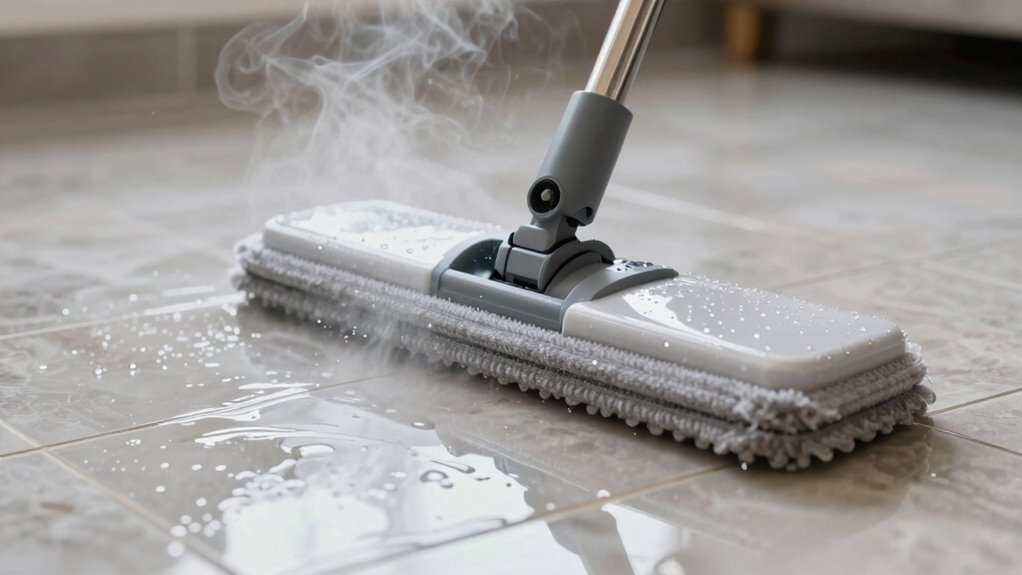

If your steam mop spits water, it usually means there’s too much water in the system, or a blockage like mineral buildup or cracks in the reservoir. Avoid overfilling and check for leaks or clogs in vents and nozzles. Cleaning or replacing pads and using distilled water can help prevent this issue. For more tips on fixing and maintaining your steam mop, keep exploring the solutions below.

Get cleaning gear delivered free with Prime
- Fast, free delivery on millions of items
- Prime Video, Amazon Music and more included
- Member-only deals all year
Key Takeaways
- Excess water in the reservoir or overfilling can cause spitting; drain excess to prevent overflow.
- Cracks or leaks in the water tank may lead to water escaping and spitting during use.
- Mineral buildup in vents or nozzles can block steam flow, resulting in water being released instead.
- Over-saturated microfiber pads or mop heads can retain too much moisture, causing spitting when used.
- Malfunctioning steam control switches or settings can lead to inconsistent steam and water spitting.
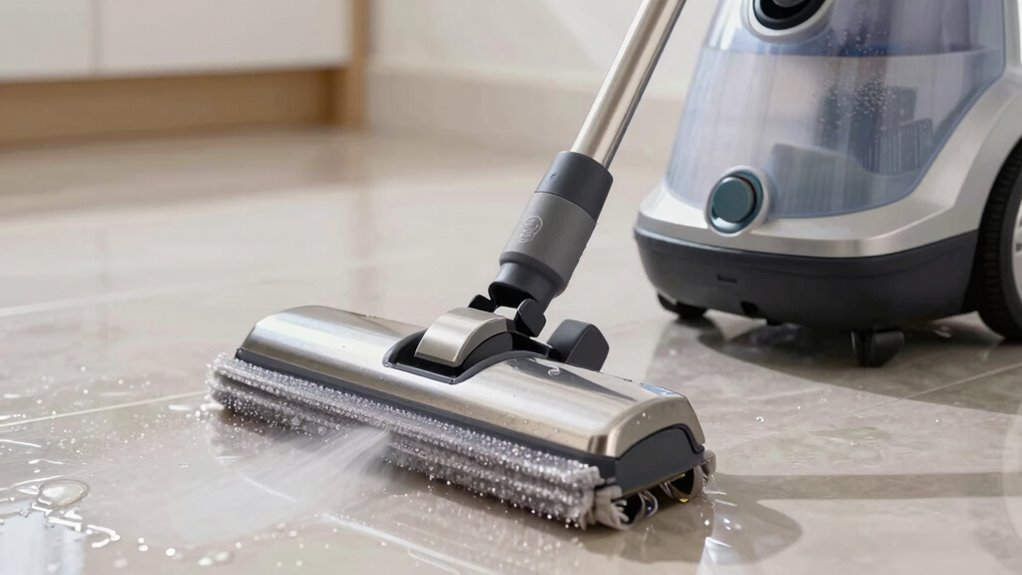
Have you ever noticed your steam mop spitting water instead of cleaning effectively? It can be frustrating because it seems like your device isn’t doing its job, which leads to questions about what’s wrong and how to fix it. Often, this issue is linked to steam mop maintenance or a simple troubleshooting steam mop process. Addressing the problem promptly ensures your steam mop works efficiently and extends its lifespan.
First, it’s important to understand that spitting water usually indicates either excess water in the system or a blockage. If your steam mop is spitting water, it’s likely because the machine is overfilled or the water reservoir isn’t functioning properly. To troubleshoot, start by checking the water level—if it’s too full, drain some water to prevent overflow and ensure proper steam production. Also, examine the water reservoir for any cracks or leaks, because damage here can cause water to escape during use.
Next, inspect the steam vents and nozzles. Clogged vents are a common cause of water spitting. Over time, mineral deposits from hard water can accumulate and block the steam pathways, leading to inconsistent steam flow and water spitting. To fix this, clean the nozzles with a small brush or a pin to clear out any obstructions. Using distilled water instead of tap water can prevent future buildup, making your steam mop maintenance easier and more effective.
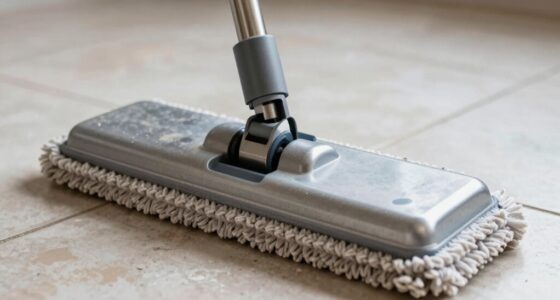
Another aspect to think about is the condition of the microfiber pad or mop head. If the pad is overly saturated or not absorbing water properly, excess moisture can be released as spit-up. Make sure to replace or clean the pads regularly, and avoid pressing down too hard during cleaning, which can force excess water out of the system. Properly maintaining the mop head is part of good troubleshooting steam mop practices.
Finally, check the operation of the steam control settings. Sometimes, a malfunctioning switch or control mechanism can cause uneven steam release or water spitting. If you suspect this, consult the user manual or contact customer support for troubleshooting guidance. If the problem persists despite these simple checks, it might be time for professional repair or replacement parts.
Addressing issues like steam generator maintenance and ensuring your device is in good working order can help prevent water spitting and improve overall cleaning performance.
Products Worth Considering

Ring Alarm 14-Piece Wireless Security System Kit

Shark PowerDetect Corded Stick Vacuum with HEPA Filtration, Purple (HZ4001AMZ)

Roborock H60 Ultra-B Cordless Stick Vacuum Cleaner
As an affiliate, we earn on qualifying purchases.
Frequently Asked Questions
Can I Use Distilled Water in My Steam Mop?
Yes, you can use distilled water in your steam mop. It helps prevent mineral buildup, which can cause your mop to spit water or work less efficiently over time. Using distilled water reduces mineral deposits and keeps your steam mop functioning smoothly. Just fill the tank with distilled water instead of tap water, and you’ll likely see fewer issues and extend your mop’s lifespan.
How Often Should I Descale My Steam Mop?
You should descale your steam mop every 3 to 6 months, depending on your water quality. If you use hard water, descaling more frequently helps prevent mineral buildup that causes spitting water. Regular descaling extends your mop’s lifespan and maintains peak performance. Keep an eye on how often your mop spits or loses steam, and adjust your descaling frequency accordingly to guarantee it stays in top shape.
Is It Safe to Leave Water in the Tank Overnight?
It’s not safe to leave water in your steam mop tank overnight because water evaporation and tank condensation can happen. These processes may lead to mold growth or bacteria buildup, which can damage your device or cause health issues. Always empty the tank after use, especially if you’re not planning to use the mop for a while. This guarantees your steam mop stays clean, safe, and ready for your next cleaning session.
Why Does My Steam Mop Leak Even When Turned Off?
Did you know that over 60% of steam mop users experience leaks? Your steam mop may leak when turned off due to residual pressure or faulty seals. Regular steam mop maintenance helps prevent leaks, ensuring ideal performance. Check for loose connections, clean the seals, and avoid overfilling the tank. Proper leak prevention keeps your device working efficiently and prevents water damage, giving you peace of mind during use.
What Are the Signs of a Faulty Steam Mop Seal?
If you notice water leakage or inconsistent steam, you might have seal damage. Signs include visible cracks or tears in the seal, difficulty maintaining steam pressure, or water dripping from the mop during use. These issues indicate a faulty steam mop seal. You should inspect the seal regularly, replace it if damaged, and guarantee it’s fitted properly to prevent further water leakage and maintain ideal cleaning performance.
Conclusion
So, when your steam mop starts spitting water, don’t see it as a flaw but as a sign to check and clean your device. Think of it as your mop’s way of whispering, “I’m still working hard for you.” Addressing the issue promptly guarantees your floors stay spotless and your mop lasts longer. Remember, a little maintenance now prevents bigger messes later—turn that spitting into a seamless cleaning dance!