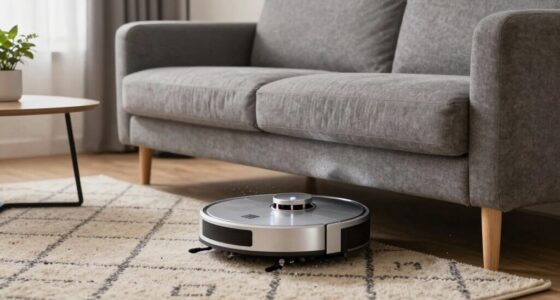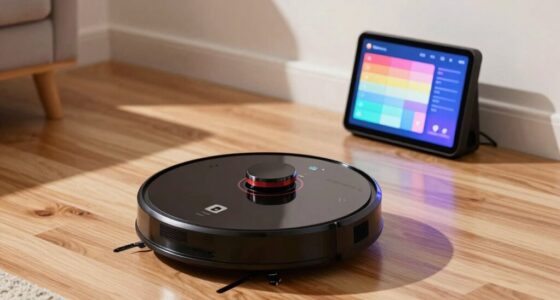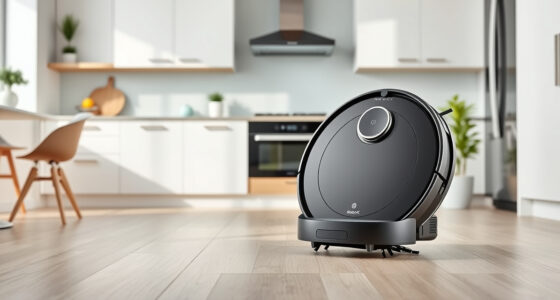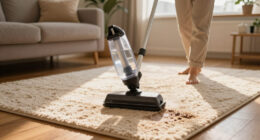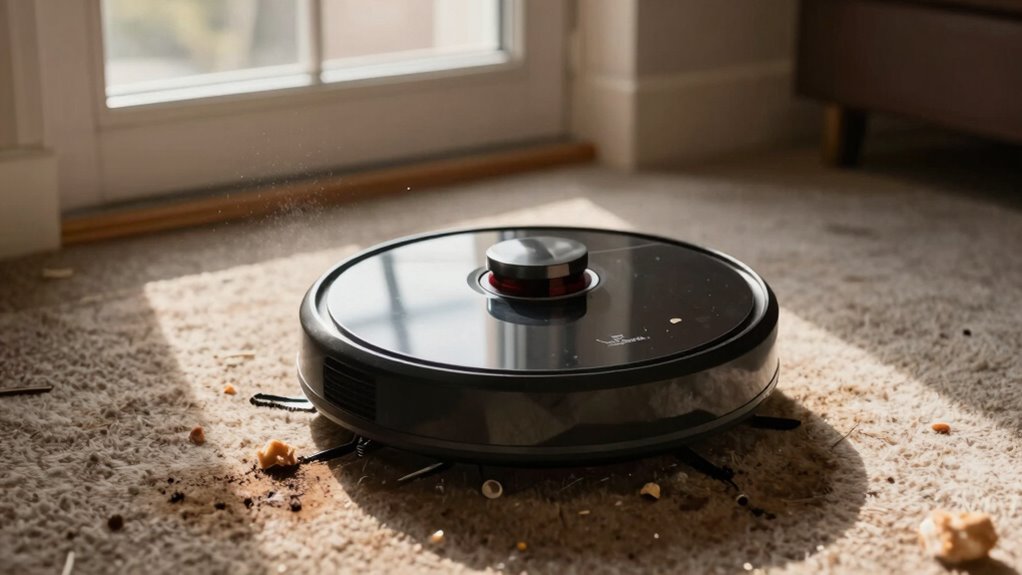
If your robot vacuum keeps revisiting the same dirty zone, it’s likely due to sensor malfunctions, mapping errors, or incorrect mode selections. Dust or pet hair can obstruct sensors, making it misinterpret its surroundings. Additionally, outdated maps from furniture changes can lead to inefficient cleaning patterns. Choosing the right cleaning mode is essential too, as it impacts coverage. By addressing these issues, you’ll enhance your vacuum’s performance and find more ways to improve its cleaning efficiency.

Get cleaning gear delivered free with Prime
- Fast, free delivery on millions of items
- Prime Video, Amazon Music and more included
- Member-only deals all year
Key Takeaways
- Malfunctioning sensors may misinterpret the layout, causing the vacuum to revisit areas unnecessarily.
- Dust or debris obstructing sensors can hinder accurate navigation and mapping.
- Inaccurate mapping due to changes in furniture may lead to flawed cleaning paths.
- Selecting the wrong cleaning mode can result in repeated visits to certain areas.
- Regular software updates and calibrations can improve navigation and reduce repetitive cleaning patterns.
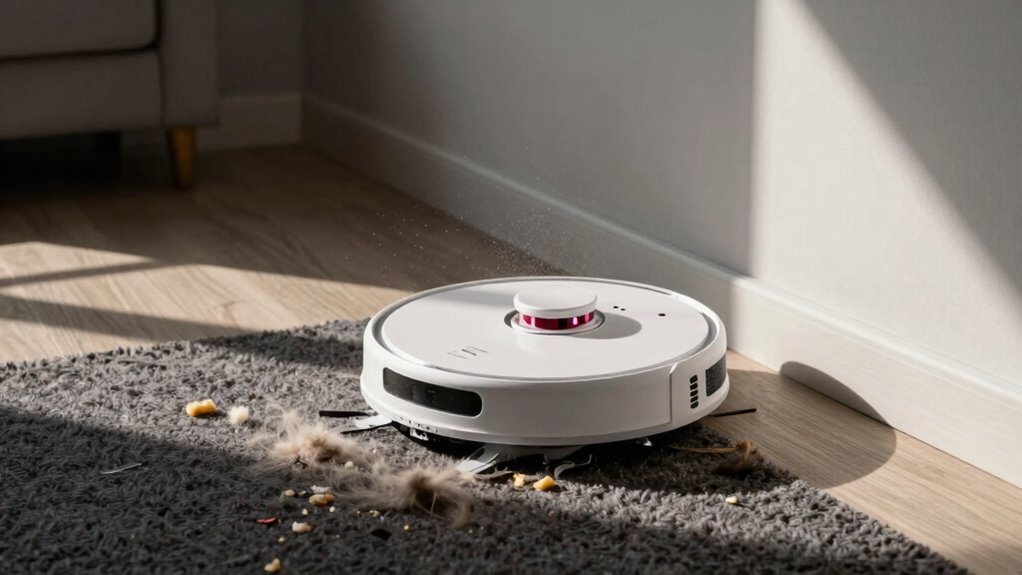
When you rely on a robot vacuum to keep your floors clean, you might run into a few frustrating issues. One common problem is when your vacuum keeps revisiting the same dirty zone, leaving other areas untouched. This can be annoying, especially if you expect it to efficiently handle all the cleaning. Understanding why this happens can help you troubleshoot and improve the situation.
One reason your robot vacuum might be stuck in a loop is due to sensors malfunction. These sensors are essential for detecting obstacles and understanding the layout of your space. If they’re not working properly, your vacuum might misinterpret its surroundings, thinking it’s still in a dirty area when it’s already cleaned it. Dust, dirt, or even pet hair can obstruct the sensors, leading to these errors. Regularly cleaning the sensors can help prevent this issue and guarantee your vacuum operates efficiently.
A malfunctioning sensor can cause your robot vacuum to mistakenly revisit cleaned areas, so regular maintenance is key to efficient operation.
Another culprit could be mapping errors. Most robot vacuums create a map of your home to navigate effectively. If the mapping process isn’t accurate, your vacuum might develop a flawed understanding of where it needs to go. For instance, it could mistakenly identify a clean area as dirty, prompting it to return repeatedly to that spot. Sometimes, if you move furniture or change the layout of a room, the vacuum’s map becomes outdated, causing it to revisit areas unnecessarily. Regularly updating the mapping can help align your vacuum’s understanding with your home’s current layout. Additionally, sensor calibration can improve the accuracy of your vacuum’s navigation. To avoid these issues, some models also allow you to reset the map and start fresh after significant changes in your home. Properly configuring your vacuum’s settings and understanding its navigation system can also reduce these repetitive cleaning patterns. Furthermore, ensuring the software firmware is up to date can address underlying bugs that might cause such navigation problems.
Lastly, consider the cleaning mode you’ve selected. Some modes focus on deep cleaning specific zones, which might lead to repeated visits to those areas. If you’re in a hurry, you may inadvertently select a mode that doesn’t cover your entire space. Make sure to choose the right setting for your cleaning needs.
robot vacuum sensor cleaning kit
As an affiliate, we earn on qualifying purchases.
As an affiliate, we earn on qualifying purchases.
Frequently Asked Questions
Can I Manually Direct My Robot Vacuum to a Specific Area?
Yes, you can manually direct your robot vacuum to a specific area using manual controls. Most models have a targeted cleaning feature that allows you to select zones for focused cleaning. Simply use the app or remote to guide the vacuum to the desired spot. This way, you can guarantee those high-traffic areas get the attention they need, making your cleaning routine more efficient. Just remember to keep an eye on it as it works!
How Often Should I Clean My Robot Vacuum’s Sensors?
You should clean your robot vacuum’s sensors at least once a week to guarantee peak performance. Dust and debris can cause sensor obstructions, leading to navigation issues. If you notice your vacuum struggling or behaving erratically, it’s a sign that you need to increase your sensor cleaning frequency. Regular maintenance helps prevent these problems, so make it a habit to check your sensors often and keep them clear for effective cleaning.
Are There Recommended Floor Types for Optimal Performance?
For peak performance, your robot vacuum thrives on hard floors like tile or hardwood. These surfaces minimize surface challenges and enhance cleaning efficiency. Carpets can slow it down, especially plush ones, so adjust your ideal settings accordingly. It’s like watching a superhero tackle dirt! If you’ve got mixed flooring, make sure your vacuum can handle the changes; that way, you’ll keep your home spotless without any hiccups. Happy cleaning!
What Maintenance Tips Can Improve Navigation Accuracy?
To improve your robot vacuum’s navigation accuracy, regularly perform sensor calibration. This guarantees it accurately detects obstacles and navigates effectively. Keep the sensors clean and free from dust or debris, as this enhances their obstacle recognition capabilities. Additionally, update the vacuum’s software if available, as updates often include navigation improvements. Finally, clear your floors of any clutter, allowing your vacuum to move more freely and efficiently through your space.
Can Furniture Placement Affect My Robot Vacuum’s Cleaning Path?
Yes, your furniture arrangement influences your robot vacuum’s cleaning path. Think of your space as a dance floor; if the furniture is a crowded crowd, your vacuum can stumble and miss spots. Proper obstacle detection relies on clear pathways. When furniture’s strategically placed, your vacuum glides smoothly, ensuring every corner’s cleaned. So, rearranging can create a better flow, letting your robot perform its choreographed routine without interruptions from unexpected obstacles.
As an affiliate, we earn on qualifying purchases.
Conclusion
In the world of robot vacuums, it’s like trying to navigate a maze blindfolded. If your vacuum keeps circling the same dirty spot, don’t fret; it’s just struggling to find its way. Whether it’s a sensor glitch or a mapping issue, these little machines need a bit of guidance. With some troubleshooting, you can help your vacuum uncover every corner of your home, turning that stubborn mess into a distant memory. Happy cleaning!
As an affiliate, we earn on qualifying purchases.
robot vacuum navigation software update
As an affiliate, we earn on qualifying purchases.
As an affiliate, we earn on qualifying purchases.
Columbus Day / Indigenous Peoples' Day Picks
long weekend sales
As an affiliate, we earn on qualifying purchases.