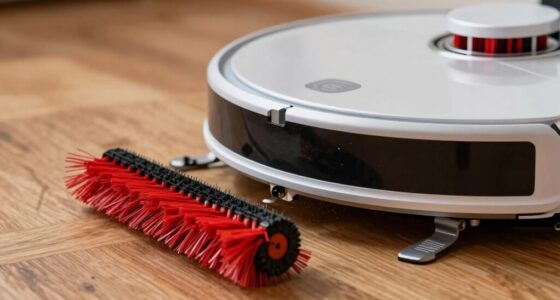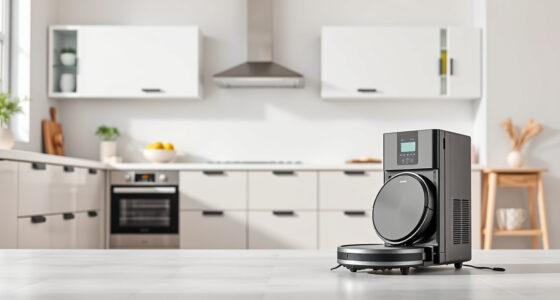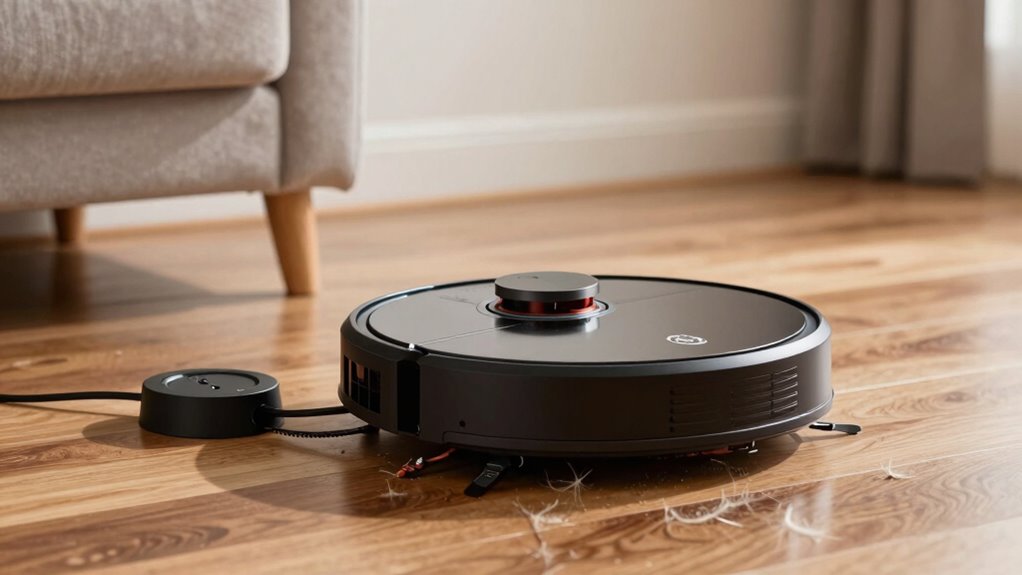

If your robot vacuum is having trouble docking, the main cause is often misalignment or improper placement of the charging station. Make sure the station is against a wall, on a flat surface, and has enough clearance on all sides. Regularly clean the sensors on your robot to guarantee they detect the station accurately. Adjust the station’s position if needed, and keep everything tidy. For more tips on fixing docking issues, keep looking into detailed solutions.

Get cleaning gear delivered free with Prime
- Fast, free delivery on millions of items
- Prime Video, Amazon Music and more included
- Member-only deals all year
Key Takeaways
- Ensure the charging station is placed against a wall with adequate clearance on sides and behind for easy robot access.
- Confirm the station’s charging contacts face the robot directly and are on a flat, stable surface.
- Regularly clean and calibrate sensors to maintain obstacle detection and docking accuracy.
- Adjust the station’s position if the robot struggles to approach or align properly during docking.
- Perform routine maintenance and ensure the robot’s path is clear of obstacles to facilitate smooth docking.
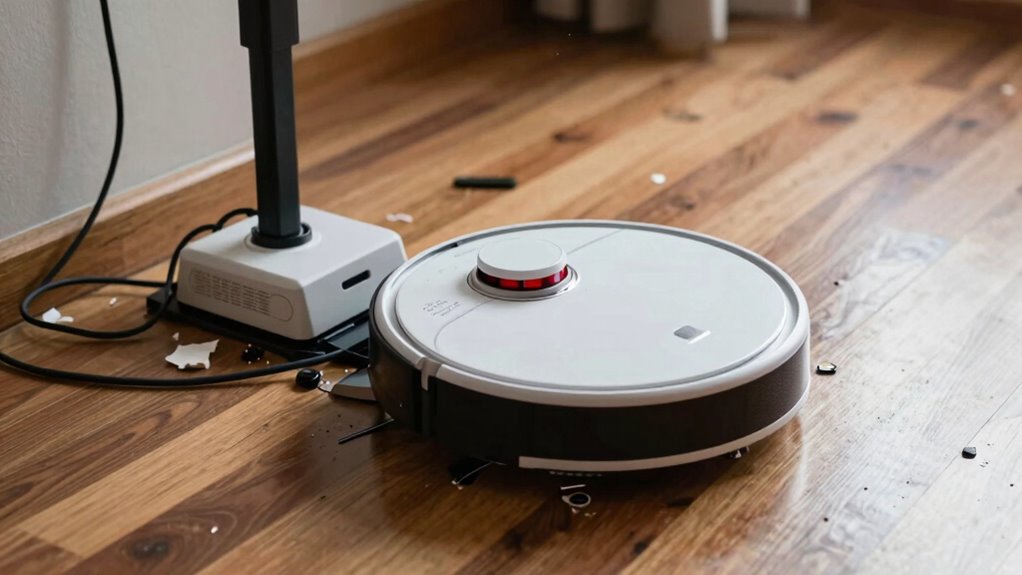
If your robot vacuum struggles to dock properly, it can disrupt your cleaning routine and leave your floors less than spotless. One of the most common causes of docking problems is poor charging station alignment. When the charging station isn’t positioned correctly, your robot may have trouble finding it or aligning itself properly to dock. Make sure the station is placed against a wall in an open area, with at least a few inches of clearance on each side and behind it. The charging contacts should face the robot directly, and the station itself should be on a flat, stable surface. If it’s tilted or uneven, your robot might fail to recognize the station or dock at the right spot. Adjusting the position until the robot can easily approach and connect with the charging contacts can often resolve docking issues rooted in misalignment. Regularly check and clean the sensors to ensure optimal obstacle detection, as sensor calibration and dirt buildup**** can impair navigation and docking success.
Products Worth Considering

Dreame L40 Ultra Gen 2 Robot Vacuum and Mop with 25,000 Pa Suction

Roborock Q7 L5 Robot Vacuum and Mop Combo

iRobot Roomba 105 Combo Robot Vacuum and Mop
As an affiliate, we earn on qualifying purchases.
Frequently Asked Questions
Can I Use My Robot Vacuum Without Docking Stations?
You can use your robot vacuum without a docking station, but it might not be ideal. Without a dock, it won’t automatically recharge, so you’ll need to monitor its battery life and manually charge it when needed. Regular software updates can improve navigation and efficiency, but without a dock, your vacuum may struggle with longer cleaning sessions. For maximum performance, using a docking station is recommended to ensure consistent cleaning and charging.
How Often Should I Replace the Docking Station?
Did you know that a typical docking station lasts around 3 to 5 years? You should replace your docking station when you notice connectivity issues or the robot struggles to find it. On average, check the docking station’s lifespan annually and plan for replacement every 3 to 5 years to guarantee smooth operation. Regularly inspecting and maintaining it extends its life, preventing unexpected docking problems.
Do Docking Problems Affect Cleaning Efficiency?
Docking problems can definitely affect your robot vacuum’s cleaning efficiency. When navigation errors occur or there’s a power connectivity issue with the docking station, your vacuum might miss spots or stop cleaning prematurely. Ensuring the docking station is correctly positioned and your vacuum’s sensors are clean can help. Regularly check for loose cables or obstructions, so your robot maintains strong navigation and power connection, keeping your home spotless.
Are There Compatibility Issues With Different Robot Vacuum Brands?
You might find that brand compatibility can sometimes be a gentle obstacle, especially if your robot vacuum’s model limitations aren’t fully aligned with other brands. While many vacuums are designed to be versatile, certain features or docking stations may not seamlessly connect across different brands. To guarantee smooth operation, check for compatibility details and consider sticking to the same brand for peak performance and fewer docking hiccups.
Can Environmental Factors Cause Docking Failures?
Yes, environmental factors can cause docking failures. Environmental interference, like strong Wi-Fi signals or magnetic fields, may disrupt your vacuum’s navigation. Obstacle obstruction near the charging dock, such as cords or furniture, can block the robot’s path, preventing proper docking. To fix this, clear the area around the dock and minimize interference sources. Keeping the environment clean and free from obstructions helps your robot dock smoothly and avoid issues.
Conclusion
If your robot vacuum keeps struggling to dock, don’t worry—most issues are fixable. Regularly cleaning sensors and ensuring the dock is clear can considerably improve performance. Did you know that over 60% of docking problems are caused by simple obstructions or dirty sensors? By taking these small steps, you’ll keep your vacuum running smoothly and avoid unnecessary frustration. With a little troubleshooting, you’ll have your device docking perfectly in no time!